Restore & colorize your old photos with AI
Sharpen faded faces, remove scratches, upscale and add natural color to black-and-white family photos. Free preview — pay $3.9 via PayPal only if you love it.
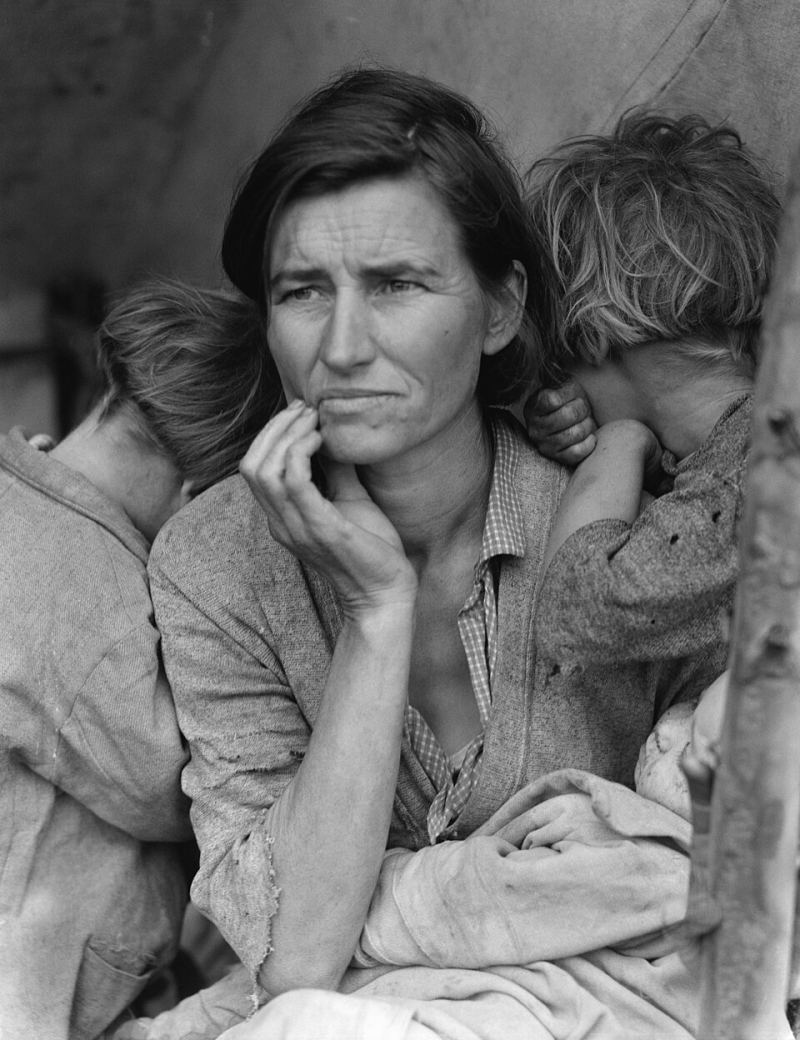
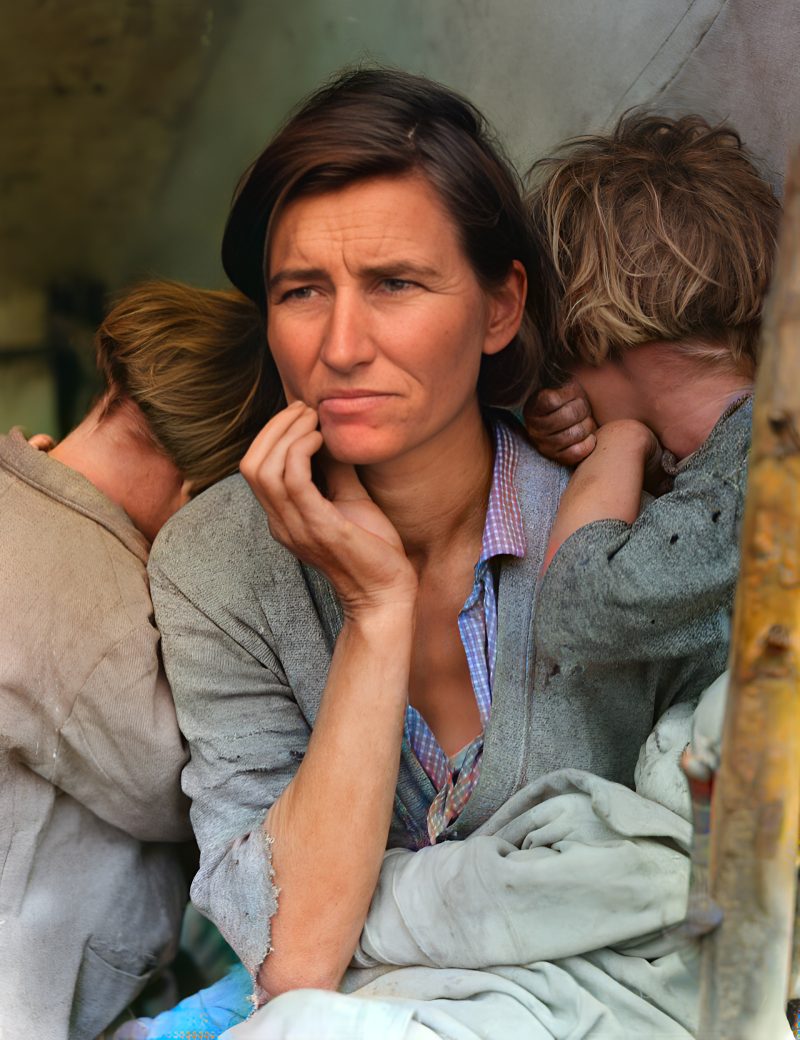
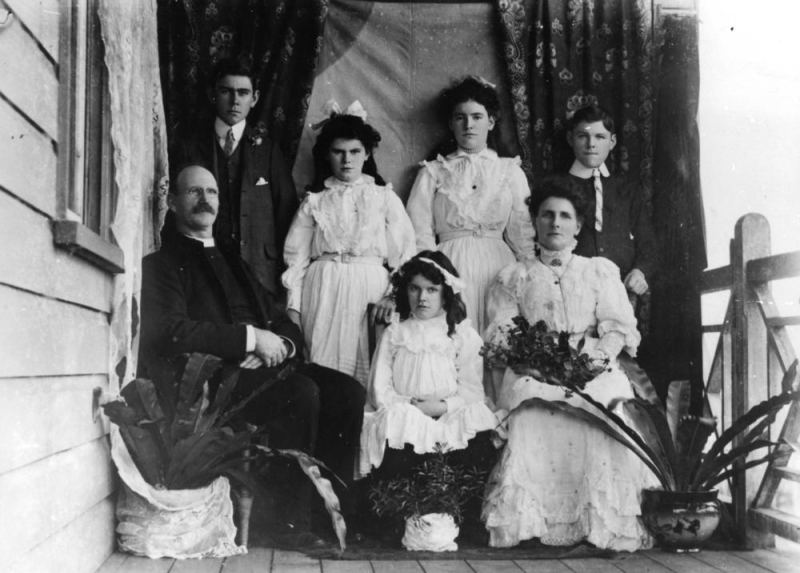
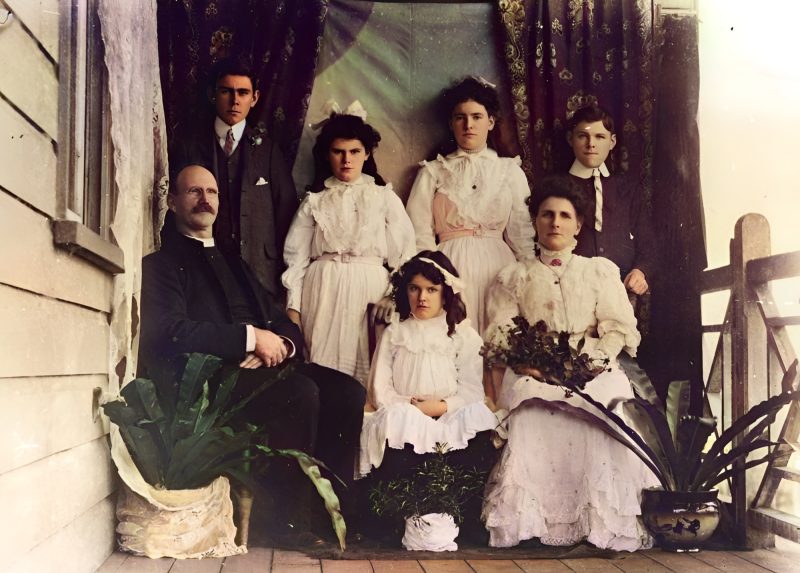
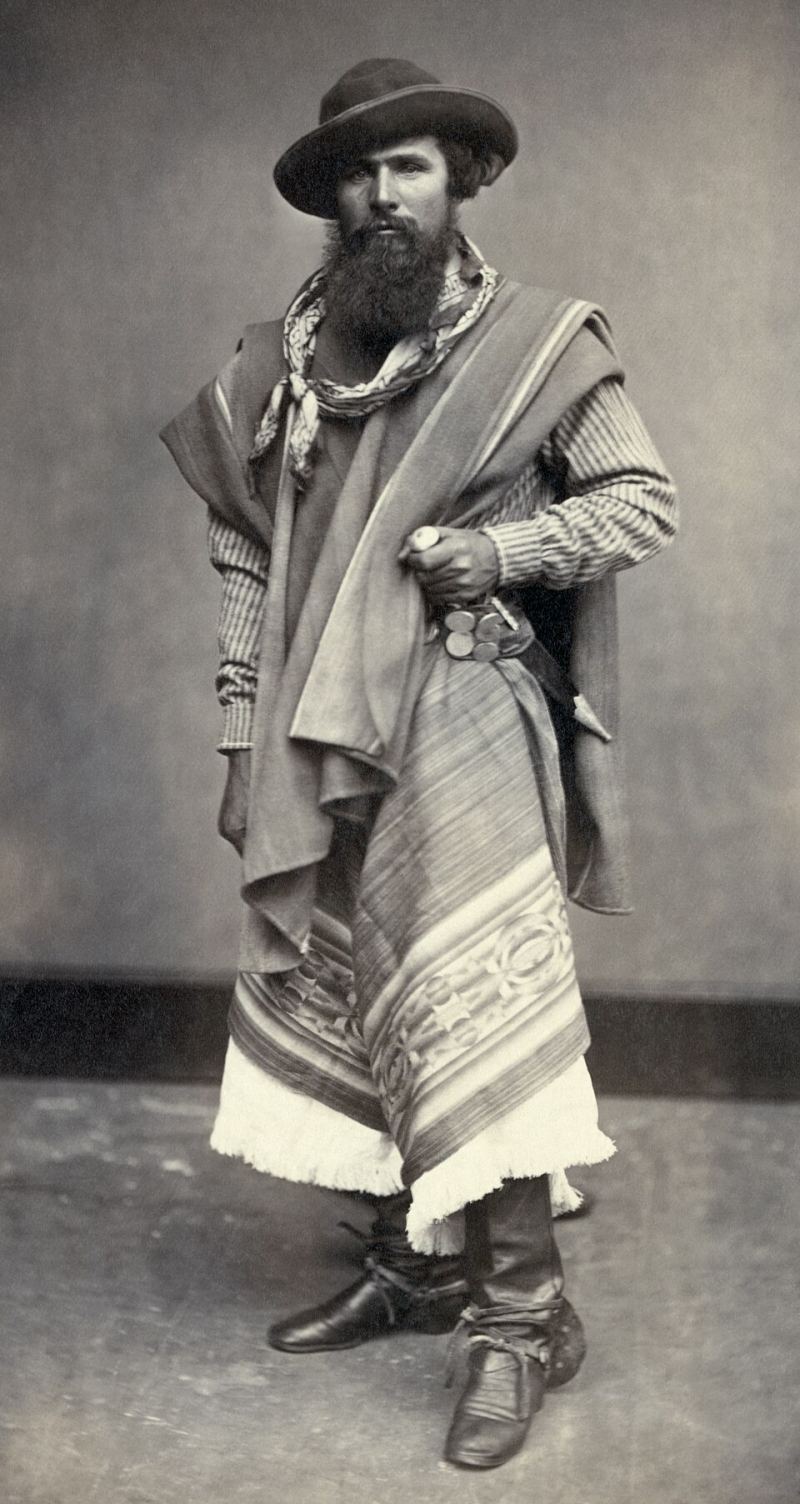
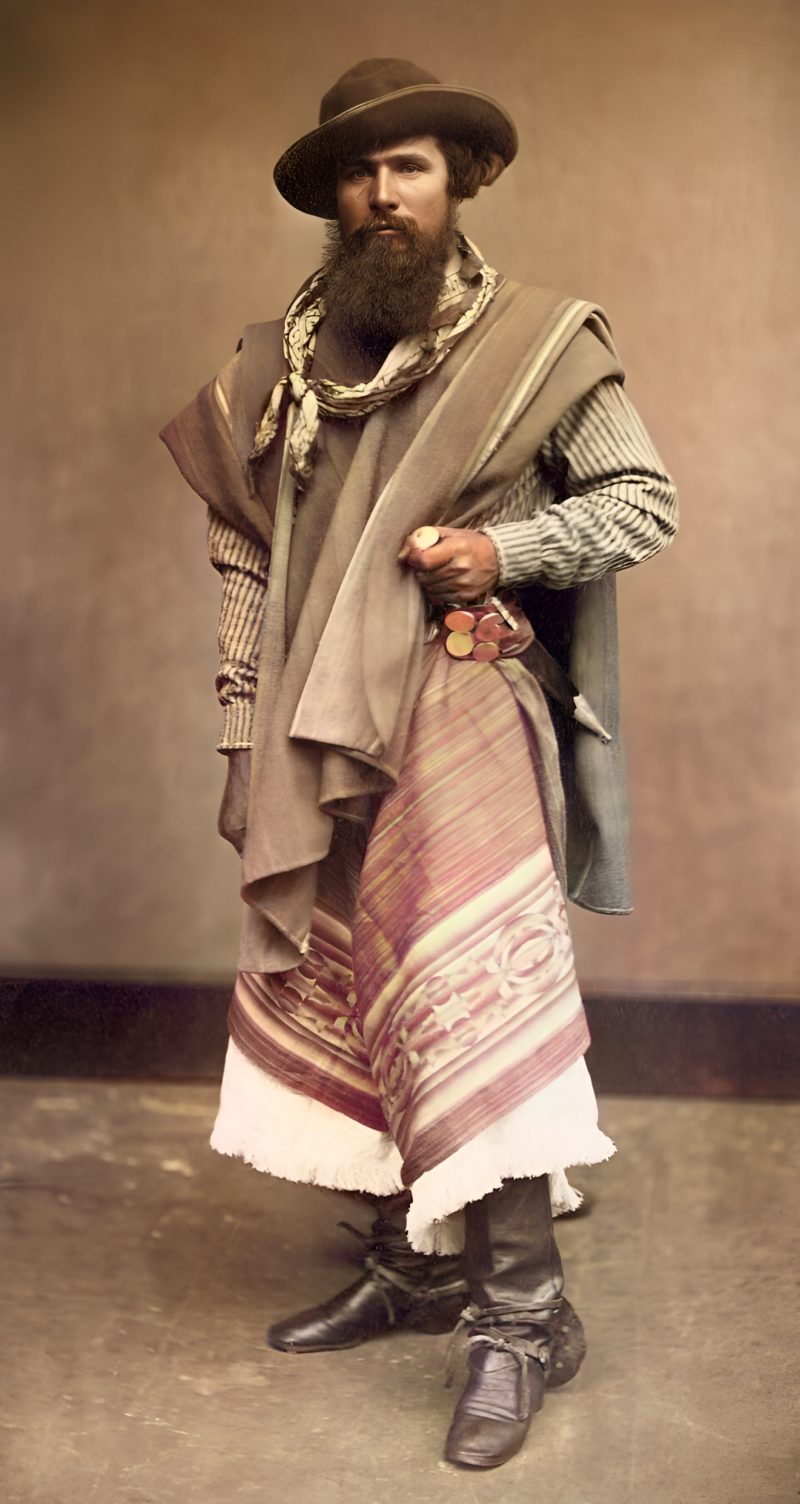
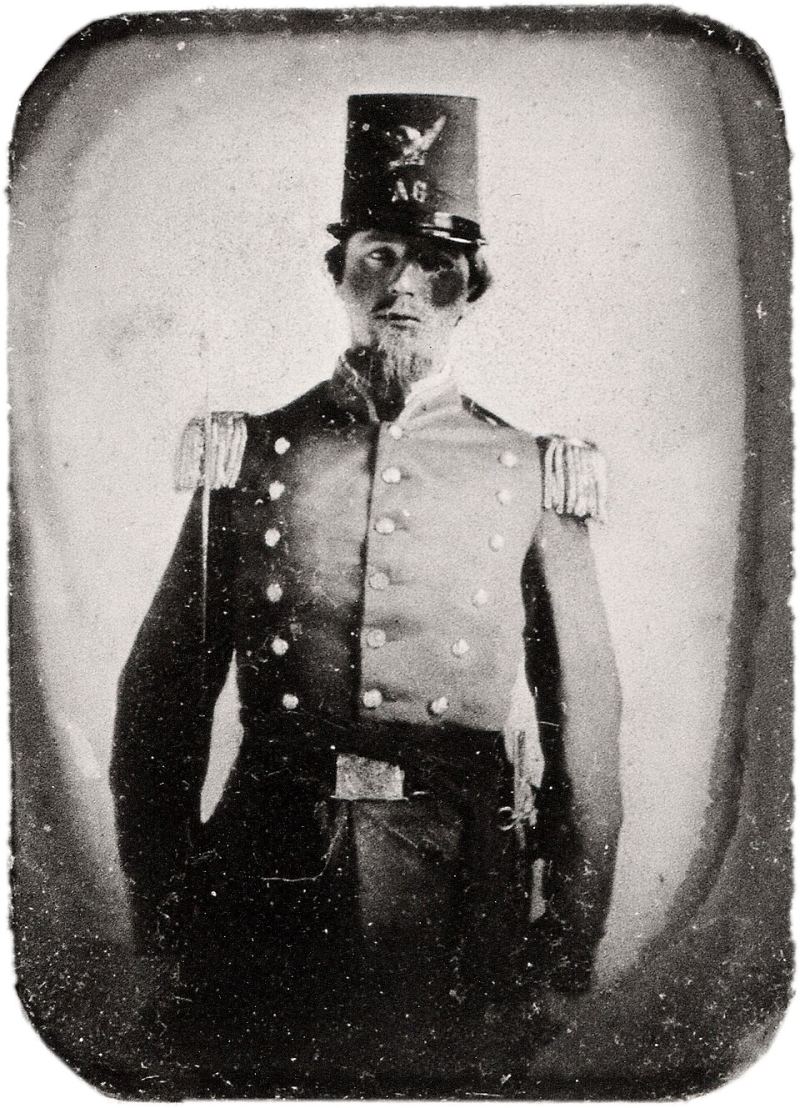
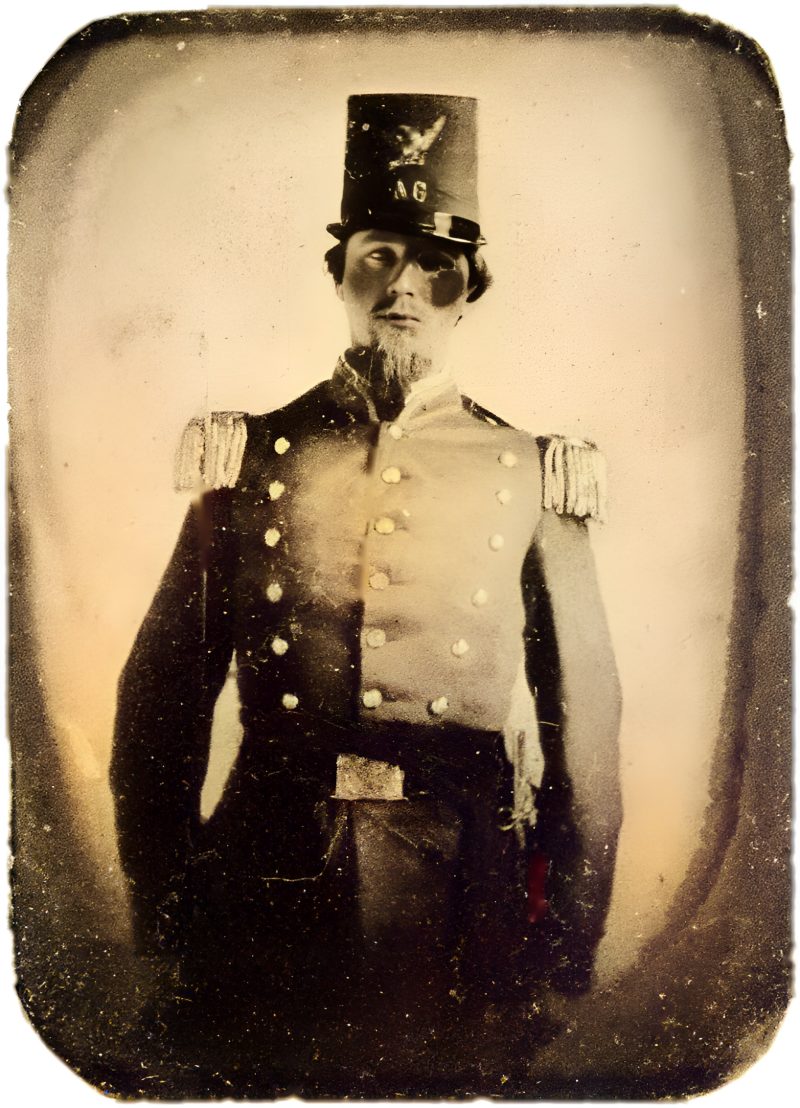
Before & after
Drag the slider. All examples are public-domain photos processed by exactly the same pipeline you get.
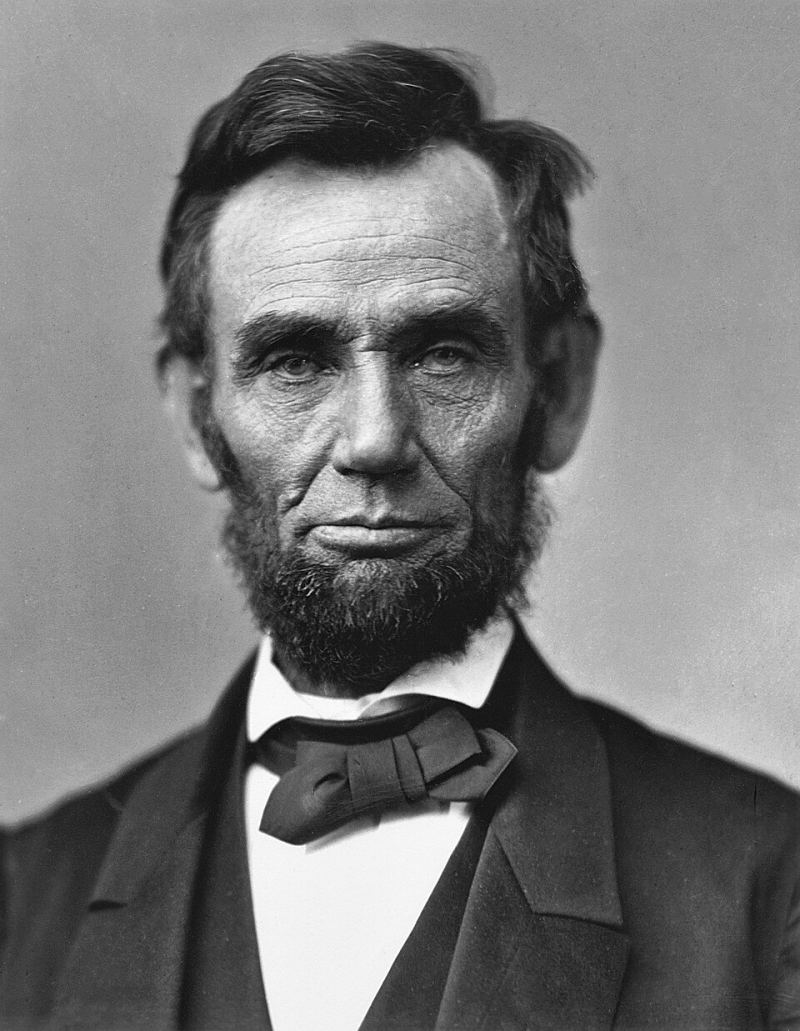
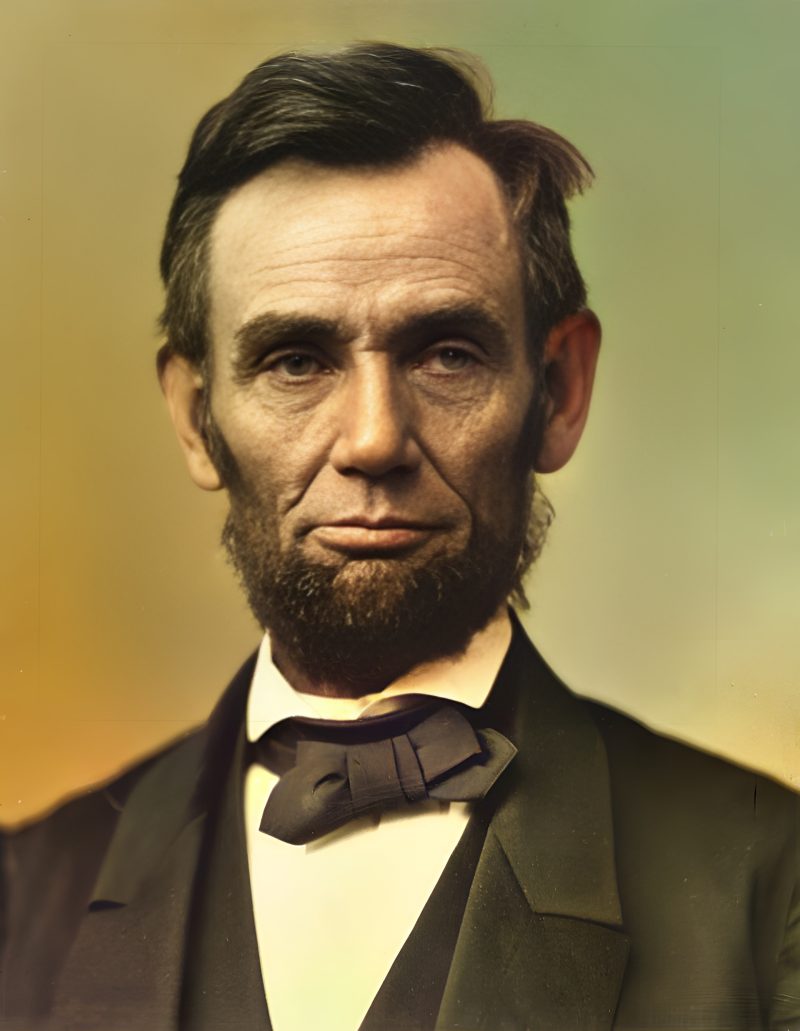
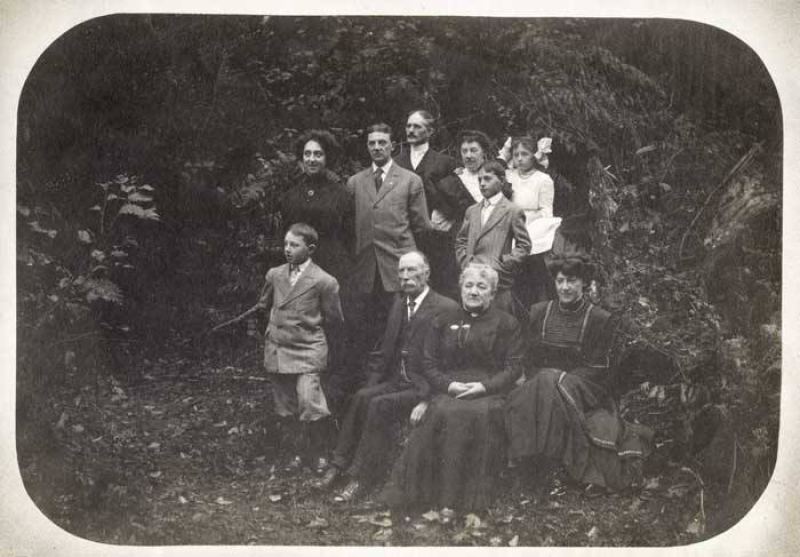
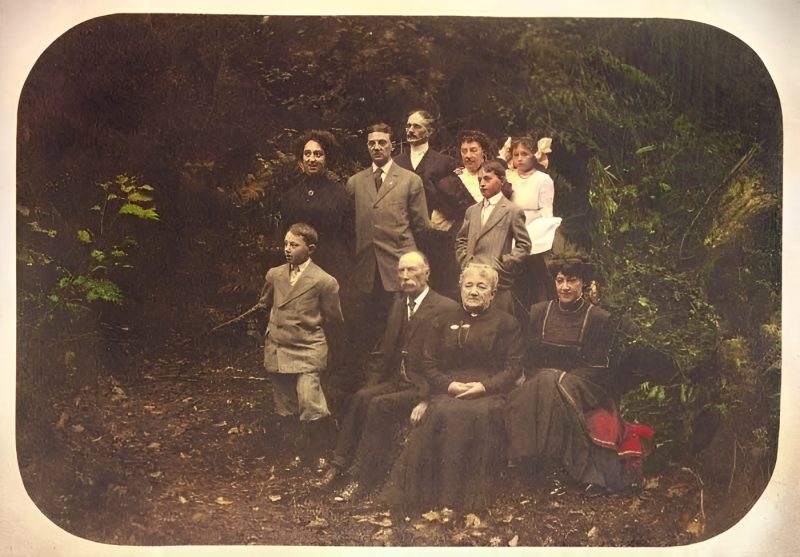
How it works
Simple pricing
Full resolution (2× upscaled), no watermark
Best value · $1.80 per photo
One-time payment via PayPal (card accepted, no account needed in most countries). No subscription. Not happy? Email us within 7 days for a refund.
FAQ
How does it work?
Upload a scan or phone photo of your print. Our AI pipeline sharpens and reconstructs faces, upscales the image 2×, optionally removes scratches and dust, and colorizes black-and-white or sepia photos. You see a free watermarked preview first and pay only if you like it.
How much does it cost?
$3.9 for one photo, $9 for up to five photos in the same order. One-time payment, no subscription.
How do I pay and how fast do I get the full-resolution file?
Pay the exact amount shown on your order page with PayPal (debit/credit card works too). We match your payment by that unique amount. Optionally put your order ID in the PayPal note, then press “I’ve paid — unlock download”. We confirm payments manually and email your download link, usually within a few hours (always within 24 hours).
What happens to my photos? (privacy)
Photos are used only to produce your result. They are never shared, sold, or used to train AI models, and every upload and result is permanently deleted from our server after 7 days. See our privacy note.
Will the AI change how my relatives look?
AI face restoration reconstructs fine detail, and on very small or very damaged faces it can guess. We blend the restored face with the original to keep the likeness. If a face looks “off”, email us and we’ll redo it with a lighter touch or refund you.
Are the colors historically accurate?
No AI can know the real colors of a black-and-white photo; it predicts plausible, natural colors (skin, sky, foliage, fabric). Clothing colors in particular are a best guess.
Which photos work best?
A sharp scan (300–600 dpi) or a straight, glare-free phone photo of the print. Large tears or missing pieces need manual retouching; email us for a custom quote.
Can I get a refund?
Yes. If you are not happy with the result, email [email protected] within 7 days of payment with your order ID.
Guides & comparisons
- AI photo restoration online
- Restore old photos online
- Colorize a black and white photo
- Restore a scratched photo
- Restore a torn photo
- Restore a Polaroid photo
- Restore a childhood photo
- Restore a military / veteran photo
- Restore a film slide / Kodachrome
- Colorize a sepia photo
- Restore a faded wedding photo
- Restore a damaged family photo
- MyHeritage photo restore alternative
- VanceAI Photo Restorer alternative
- Remini for old photos alternative
- Fotor photo enhancer alternative
- Photoshop vs AI restore for old photos
- Restore a water-damaged photo
- Restore a yellowed photo
- Fix a blurry old photo
- Topaz Photo AI alternative for old prints
- Photomyne alternative for old photos
- Restore a creased photo
- Restore a stained photo
- Restore a yearbook photo
- PicWish alternative for old photos
- Restore a vintage photo
- Restore a funeral / memorial photo
- Colorize an old family photo
- Cleanup.pictures alternative for old photos
- Colorize an old wedding photo
- Restore a grandmother photo
- Restore a film negative
- HitPaw Photo Enhancer alternative for old photos
- Restore a grandfather photo
- Restore a baby photo
- Restore a cracked photo
- AVCLabs Photo Enhancer alternative for old photos
- Restore a mother photo
- Restore a father photo
- Restore a WWII / WW2 photo
- Restore a tintype / ferrotype photo
- Restore a school / class portrait photo
- Restore a pet / dog / cat photo
- GIMP alternative for old photos
- Canva alternative for old photos