Restore old photos online
Bring faded, blurry old family photos back to life. AI sharpens faces, removes noise and upscales 2x. Free watermarked preview, pay via PayPal only if you like it.
How to restore an old photo online in 3 steps
- Digitize the print. Use a flatbed scanner at 300–600 dpi, or photograph the print flat, in daylight, without glare or flash.
- Upload it above. Our AI detects every face, reconstructs eyes, skin and hair detail (GFPGAN), and upscales the whole photo 2× with Real-ESRGAN to remove blur and JPEG noise.
- Check the free preview, then pay $3.9 to download the full-resolution file.
What AI photo restoration can (and can't) fix
Works great: faded or blurry faces, low-resolution scans, grain and noise, small scratches and dust, black-and-white or sepia photos you want in color.
Needs a human retoucher: large tears, missing corners, heavy water damage, or faces that are almost completely gone. Email us for a quote.
Tips for the best result
- Remove the photo from the album sleeve or frame glass before scanning.
- Crop away the album page, but keep the whole photo.
- Upload the largest file you have — don't screenshot it.
Examples
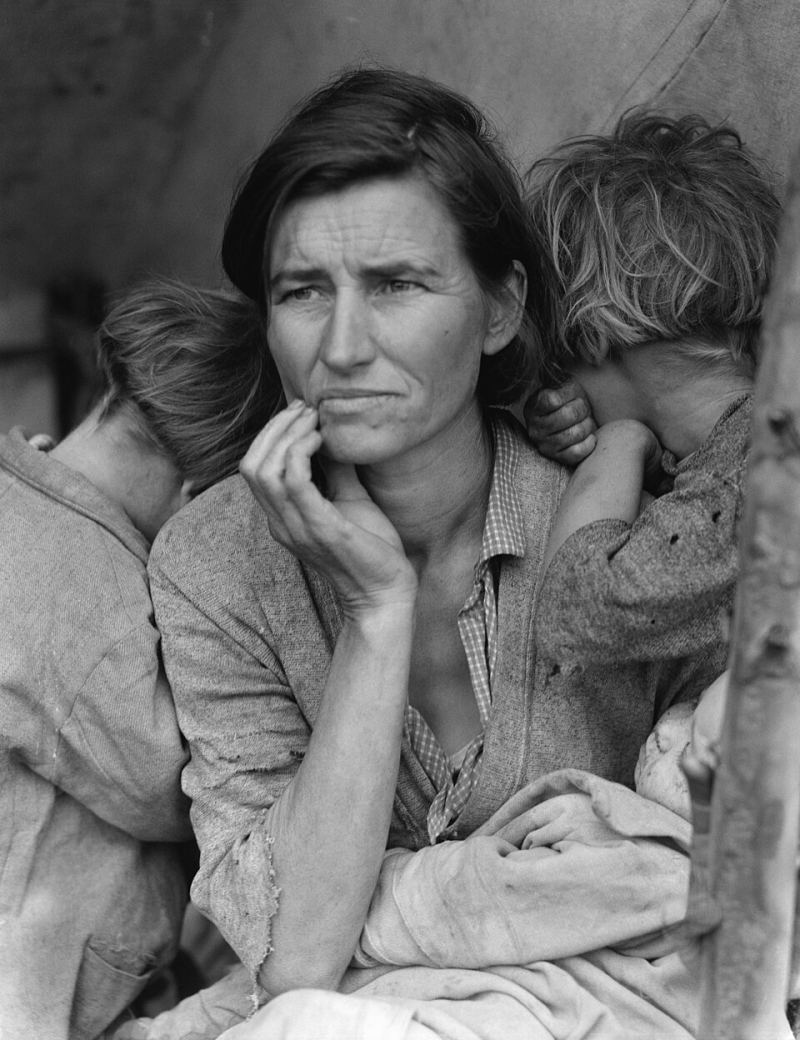
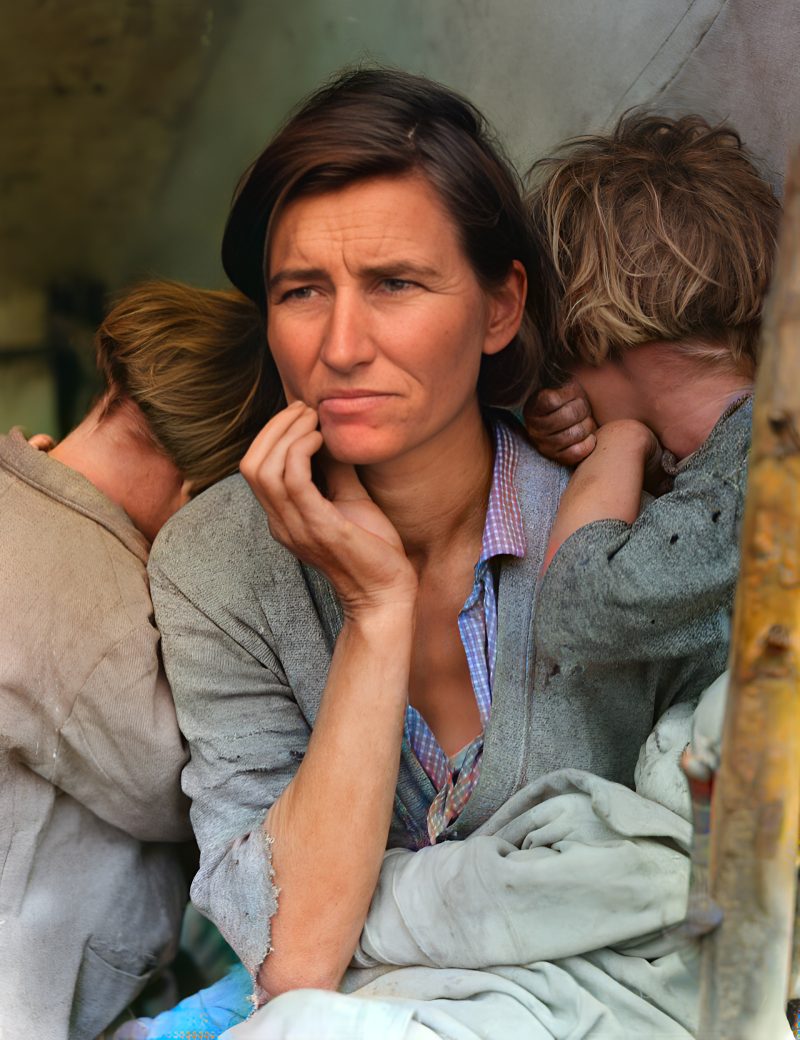
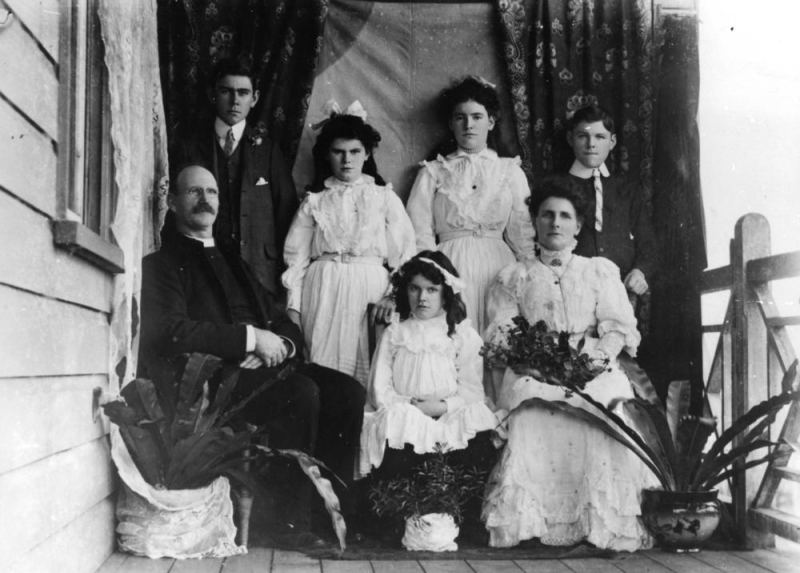
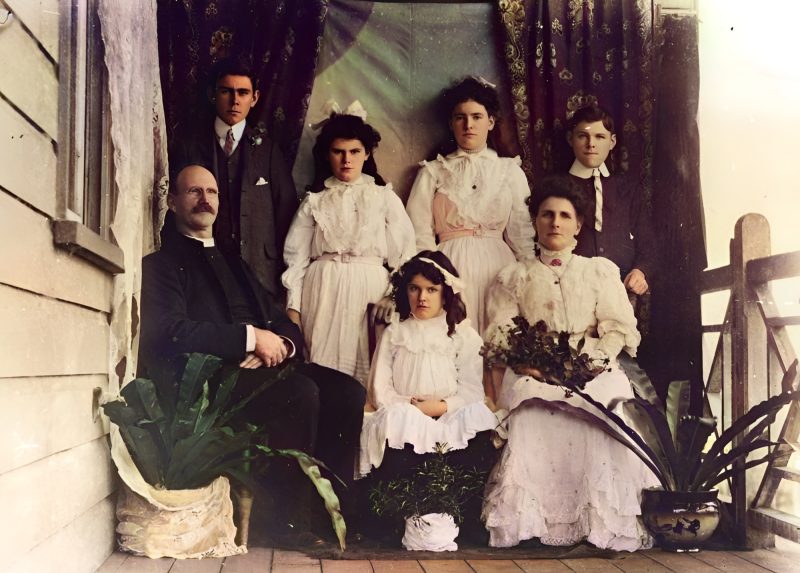
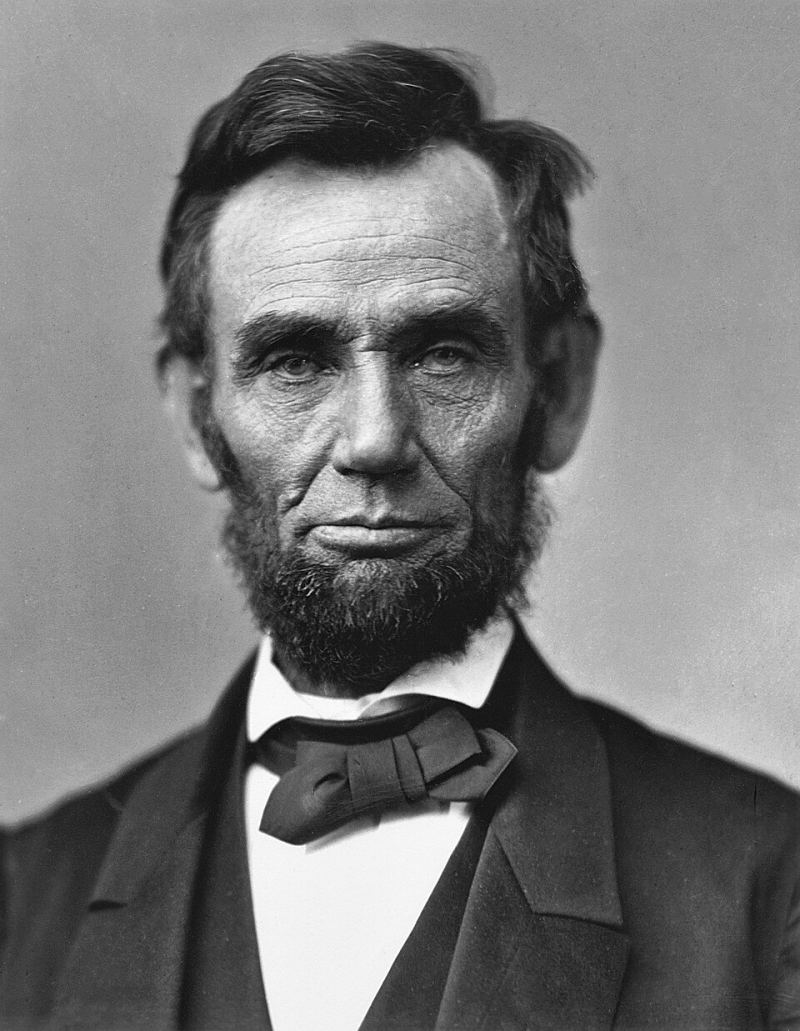
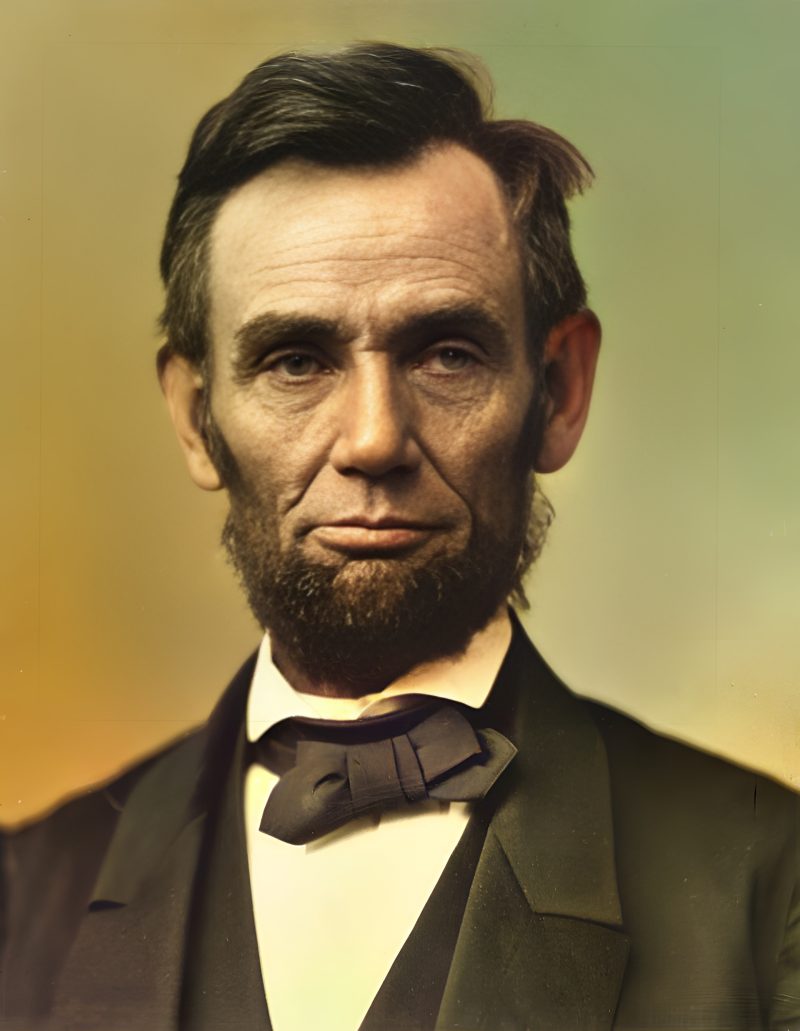
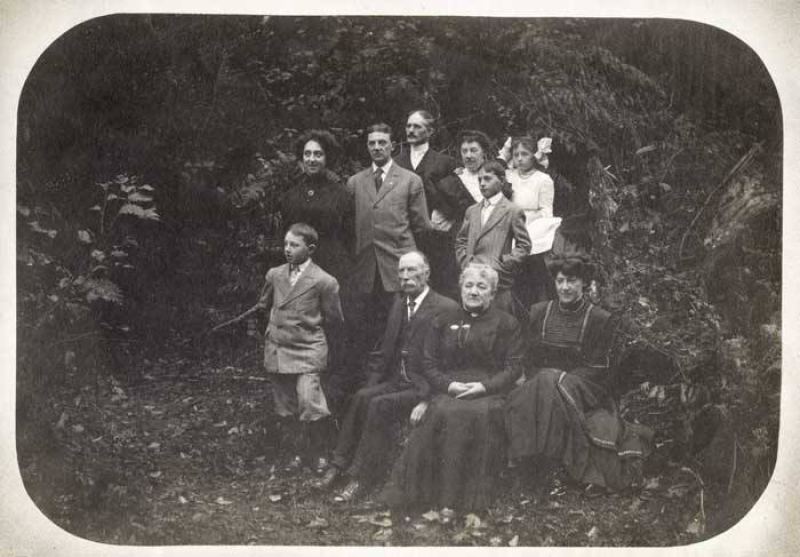
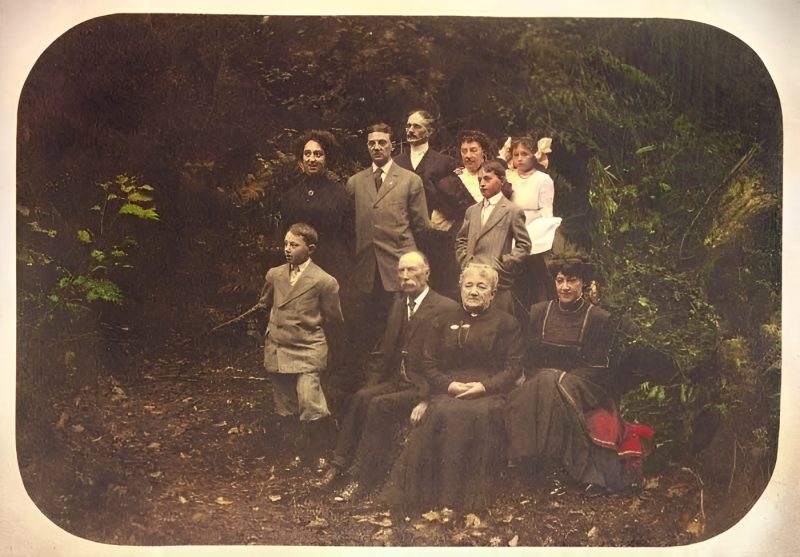
Pricing
Full resolution (2× upscaled), no watermark
Best value · $1.80 per photo
One-time payment via PayPal (card accepted, no account needed in most countries). No subscription. Not happy? Email us within 7 days for a refund.
FAQ
How fast is a free preview?
Most photos finish in about one minute on our CPU pipeline. You see a watermarked preview before any payment.
How do I pay?
After the preview, pay the exact unique amount shown on the order page with PayPal (card works in most countries). We match by that amount and release the full-resolution file.
Will my photos be kept forever?
No. Uploads and results are deleted after 7 days. They are never used to train AI models.
More answers on the full FAQ.
More guides
- Home – upload & free preview
- AI photo restoration online
- Restore old photos
- Restore torn photo · Polaroid · Childhood photo
- Military photo · Film slide · Colorize sepia
- Water-damaged · Yellowed · Blurry old photo
- Creased · Stained · Yearbook photo
- Vintage · Funeral / memorial · Colorize old family photo
- Colorize old wedding · Grandmother photo · Film negative
- Grandfather photo · Baby photo · Cracked photo
- Mother photo · Father photo · WWII photo
- Tintype photo · School photo · Pet photo
- Colorize black & white
- vs MyHeritage · vs VanceAI · vs Remini · vs Fotor · vs Photoshop · vs Topaz · vs Photomyne · vs PicWish · vs Cleanup.pictures · vs HitPaw · vs AVCLabs · vs GIMP · vs Canva