Restore a stained photo (coffee, foxing, spots)
Fix coffee rings, foxing and spot stains on old prints with AI tone recovery and face sharpening. Not for flood damage. Free watermarked preview; PayPal only if you keep the full-resolution file.
Restore a stained photo (coffee, foxing, spots)
Coffee rings, foxing (brown age spots), sticky album residue, and light mold blooms leave blotches on otherwise salvageable prints. Searching restore stained photo or fix coffee stained photo usually means: even the tone, pull faces out of the blotch, and avoid a plastic “AI skin” look. (For flood / soak damage, use the water-damaged photo guide instead.)
Upload a flat, even-lit scan — avoid phone flash hotspots on glossy stains. Leave Color off if the print still has real color under the stain; Auto colorize only for true B&W or sepia. Scratch cleanup helps when residue looks like dust. You get a free watermarked preview first; PayPal unlocks the full-resolution file only if you keep it ($3.9 / $9 for five).
What this pipeline is good at
- Light coffee / tea rings and uneven yellow-brown spotting
- Foxing and album-page transfer on mid-century color and B&W prints
- Soft faces under stain haze — face restore + ~2× upscale
Honest limits
- Stains that ate the emulsion or left opaque black mold are missing data — try the free preview; if a face is gone, ask for a human quote.
- We improve contrast and local tone; we do not promise forensic stain chemistry or museum-grade bleaching.
- Heavy water flood, stuck pages, or mud: see restore water-damaged photo — different failure mode.
Privacy
Uploads and results delete after 7 days and are never used for training. Contact: [email protected].
See also
Examples


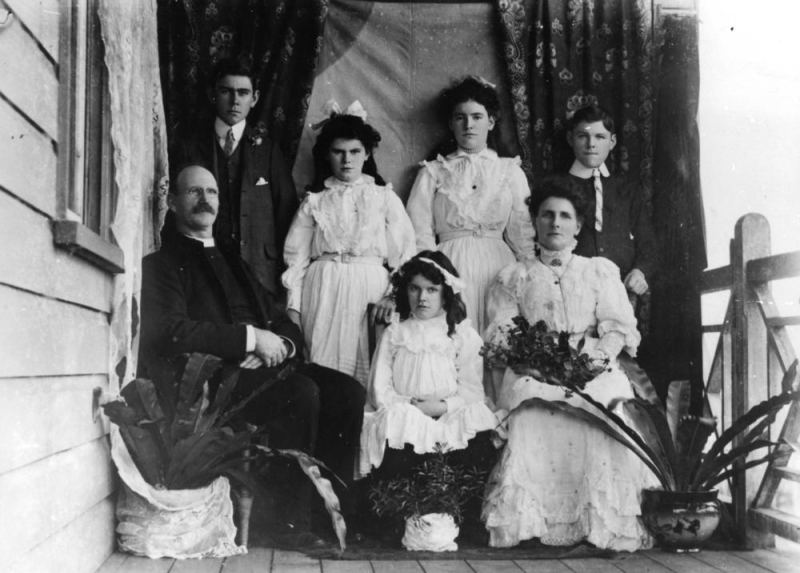
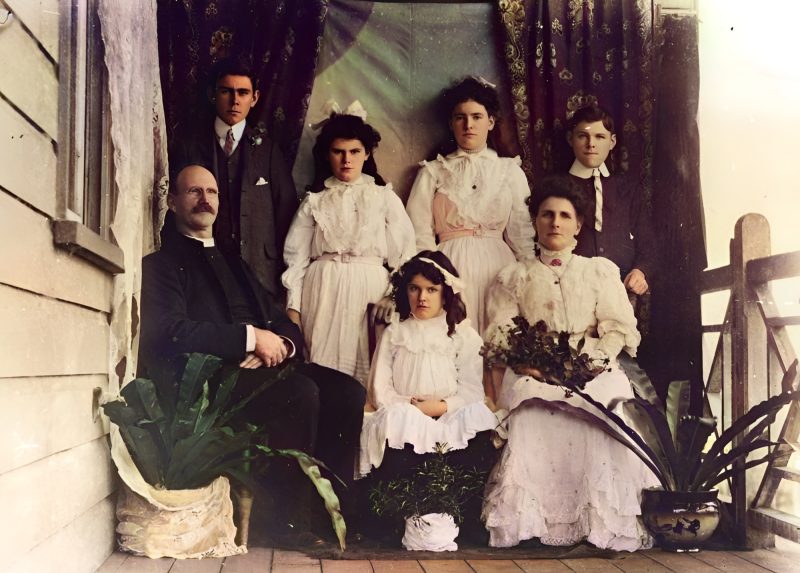
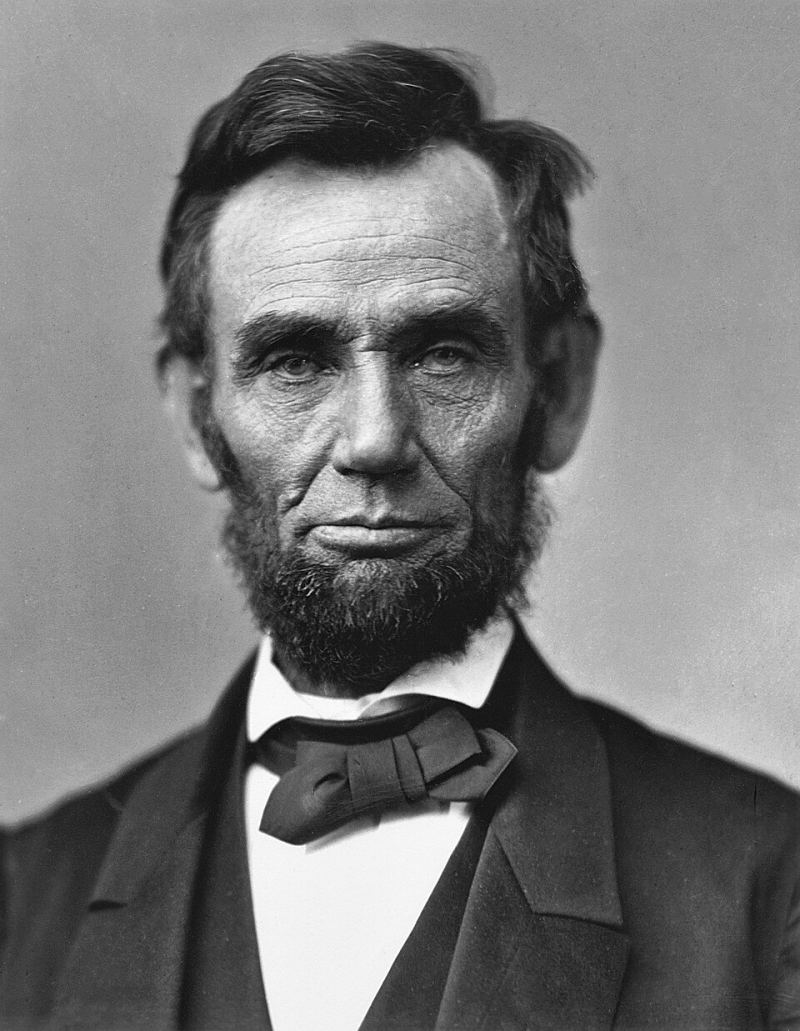
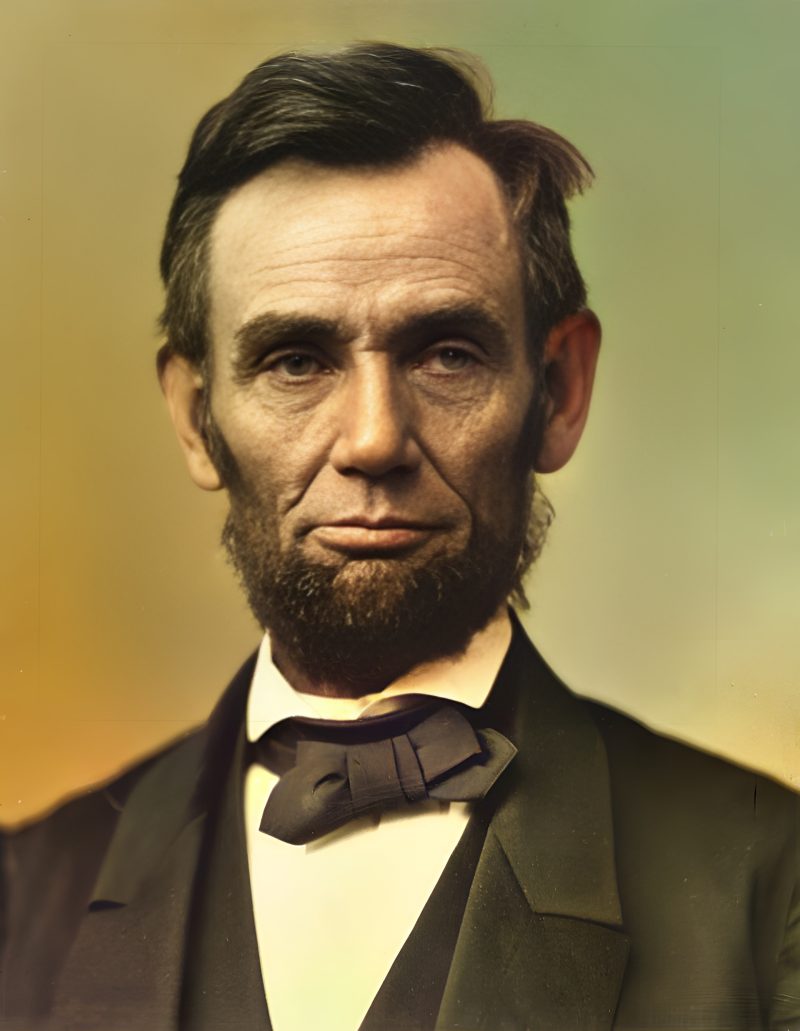
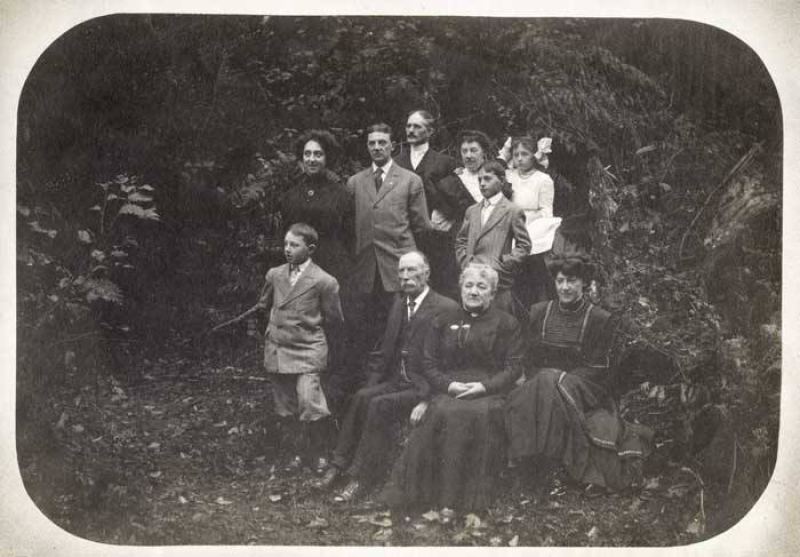
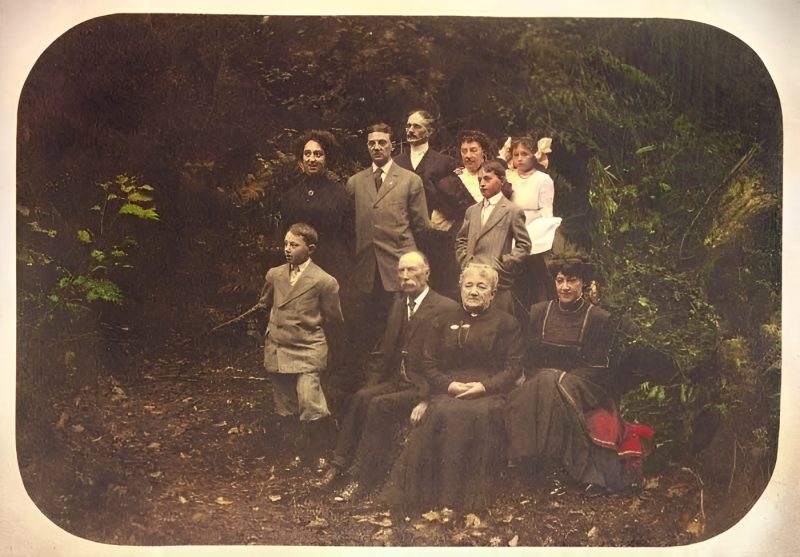
Pricing
Full resolution (2× upscaled), no watermark
Best value · $1.80 per photo
One-time payment via PayPal (card accepted, no account needed in most countries). No subscription. Not happy? Email us within 7 days for a refund.
FAQ
Is this for water-flooded photos too?
No — use the water-damaged photo guide for soak/flood. This page is for coffee, foxing, residue and light spot stains.
Can AI remove opaque black mold?
Usually not. Light blotches often improve; opaque mold that ate the emulsion is missing data. Try the free preview.
Enhance or colorize under a stain?
Usually enhance (Color off) if real color remains under the blotch. Auto colorize only for true B&W or sepia.
When is PayPal charged?
Never before the free preview. You pay the exact unique amount only if you want the unwatermarked file.
How much?
$3.9 per photo after preview, or $9 for five.
More answers on the full FAQ.
More guides
- Home – upload & free preview
- AI photo restoration online
- Restore old photos
- Restore torn photo · Polaroid · Childhood photo
- Military photo · Film slide · Colorize sepia
- Water-damaged · Yellowed · Blurry old photo
- Creased · Stained · Yearbook photo
- Vintage · Funeral / memorial · Colorize old family photo
- Colorize old wedding · Grandmother photo · Film negative
- Grandfather photo · Baby photo · Cracked photo
- Mother photo · Father photo · WWII photo
- Tintype photo · School photo · Pet photo
- Colorize black & white
- vs MyHeritage · vs VanceAI · vs Remini · vs Fotor · vs Photoshop · vs Topaz · vs Photomyne · vs PicWish · vs Cleanup.pictures · vs HitPaw · vs AVCLabs · vs GIMP · vs Canva