Restore a torn photo online
Honest guide: AI helps hairline creases and edge fray on torn photos; missing pieces need a retoucher. Free watermarked preview; PayPal only if the preview is worth keeping.
Can AI restore a torn photo?
People search “restore torn photo” for two very different problems: thin crease lines and edge fray vs a piece missing or a wide rip across a face. Our AI pipeline helps the first class — and we will tell you honestly when you need a human retoucher for the second.
Upload above with “Remove scratches, dust & spots” ticked. You get a free watermarked preview in about a minute. Pay via PayPal ($3.9 one / $9 for five) only if the preview is worth keeping.
What AI can improve on a torn print
- Hairline creases that look like scratches after scanning
- Dust and fiber along a fold
- Soft faces and fade on the intact areas of the print
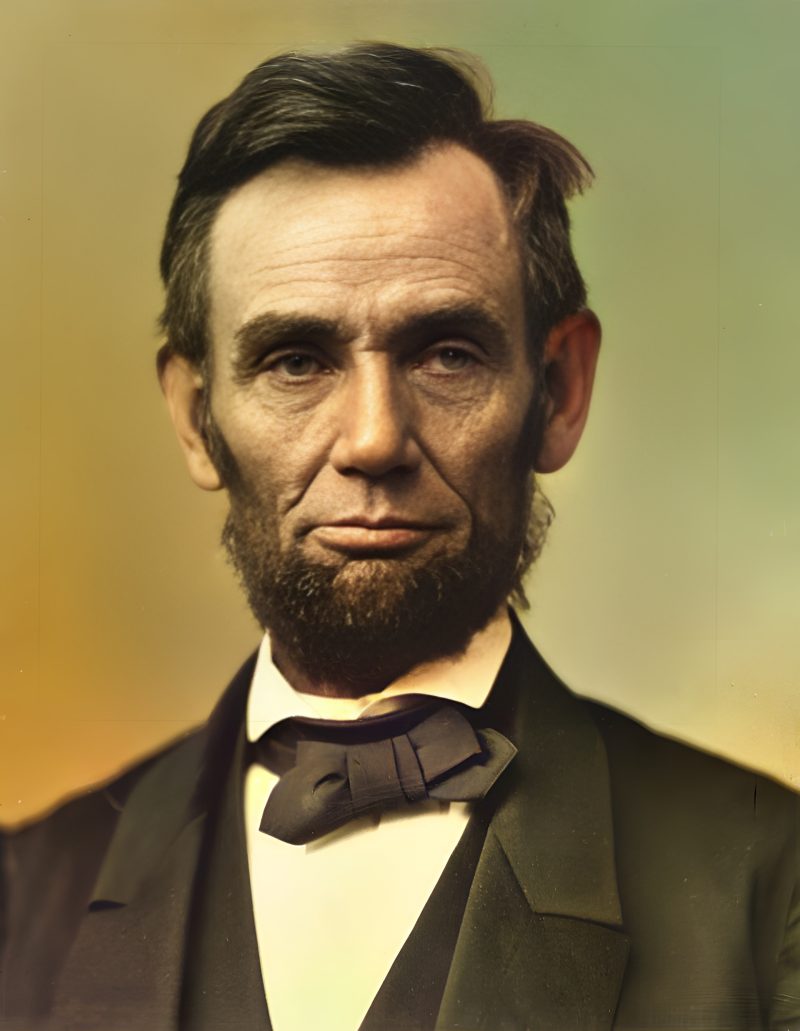
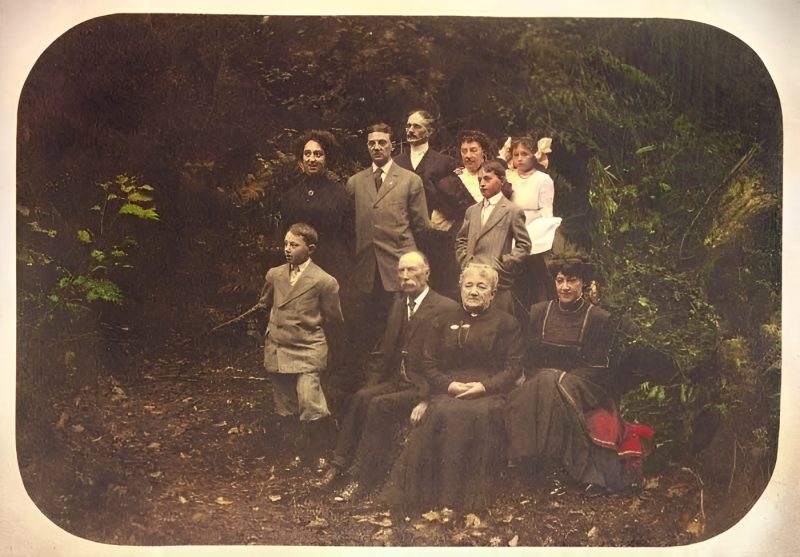
- Optional colorize if the photo is black-and-white or sepia
What needs Photoshop / a retoucher
- Missing corners or emulsion flakes with no pixels left
- A rip that splits a face in two with a gap
- Heavy water damage that erased texture
Email [email protected] with the scan for a fixed-price quote when the free preview shows the tear is still the main problem. Compare workflows on Photoshop vs AI restore.
Scan tips for torn photos
Lay the pieces flat under a sheet of clear glass or in a sleeve; scan at the highest optical resolution you can; do not tape across faces with opaque tape before scanning. Blow dust off first so the AI does not treat lint as damage.
See also
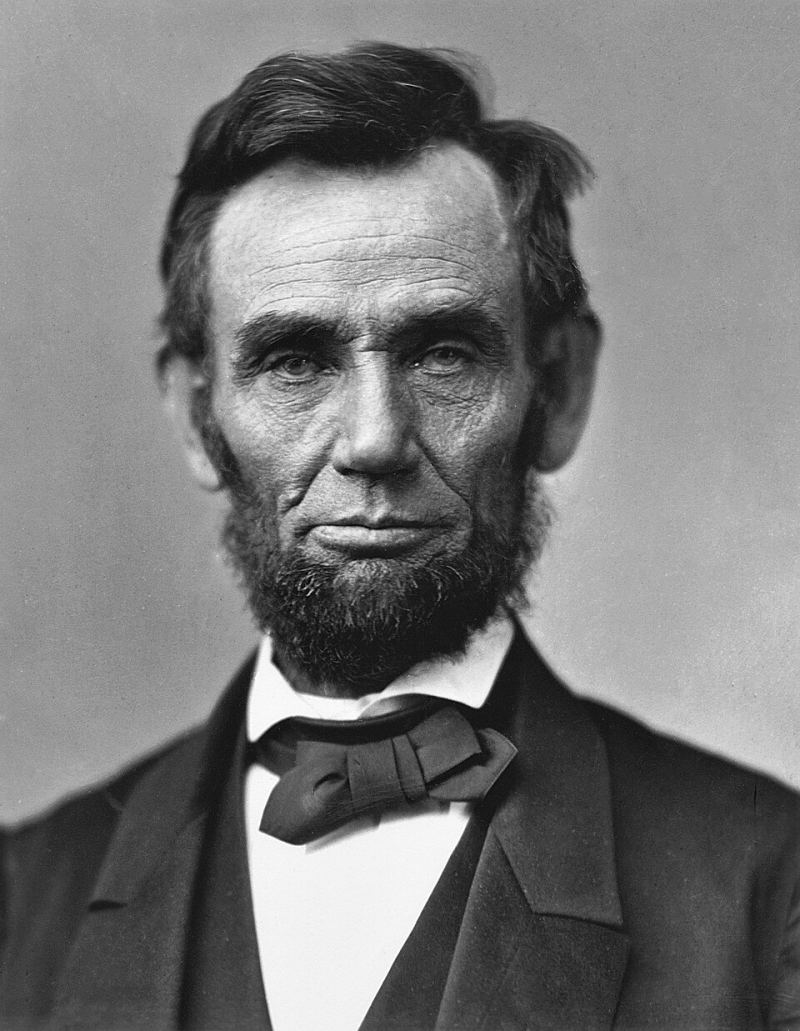
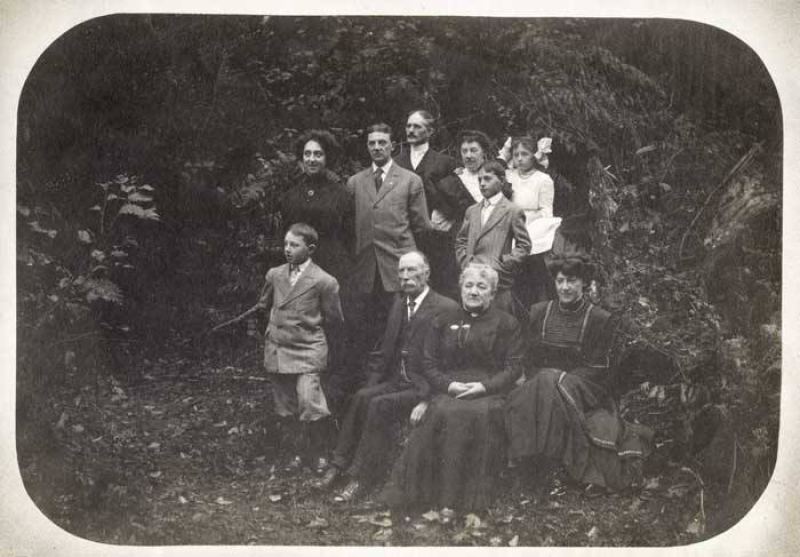
Examples
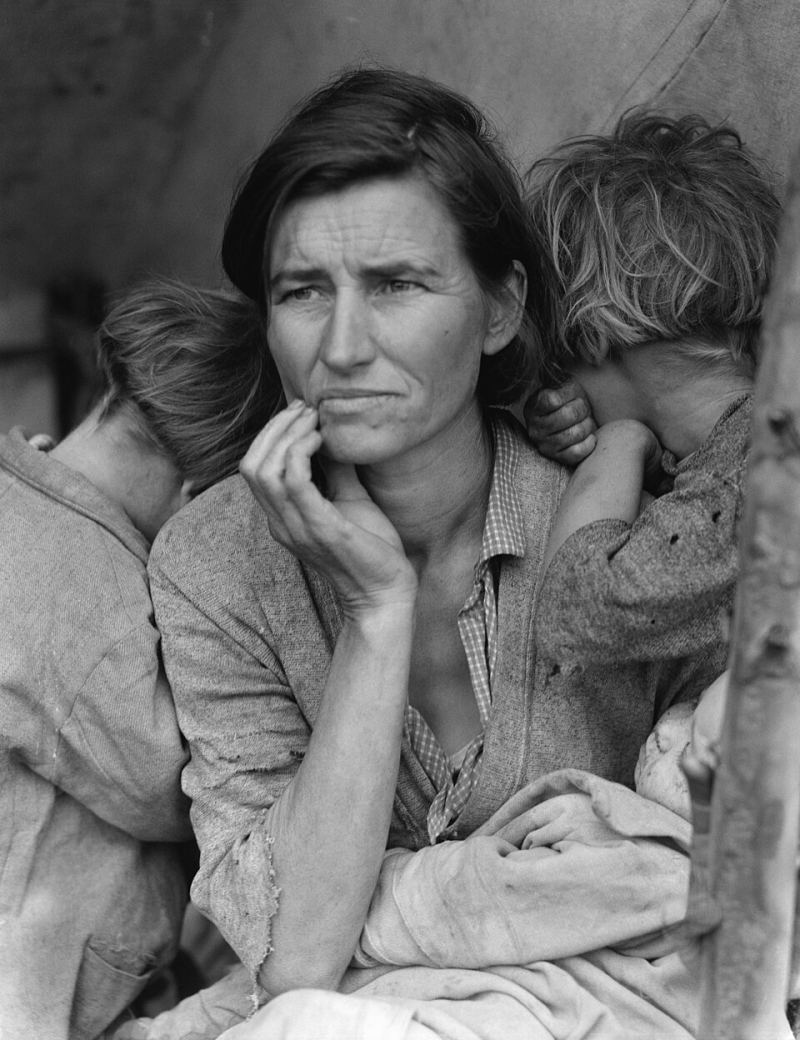
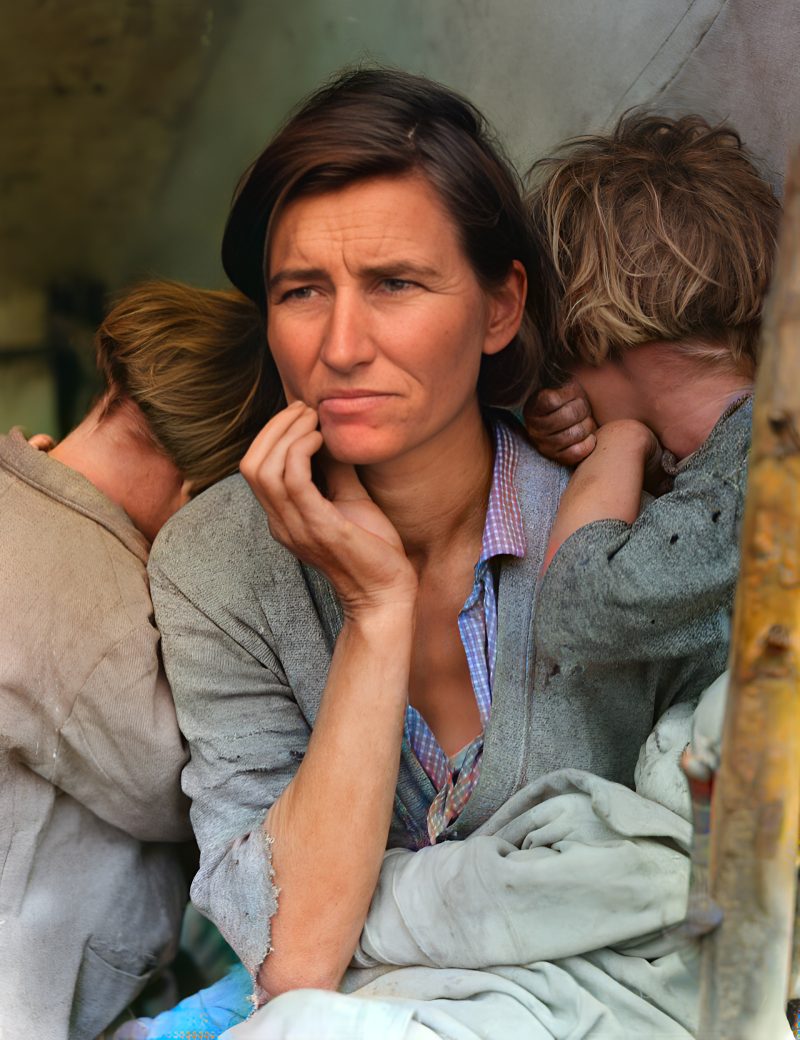
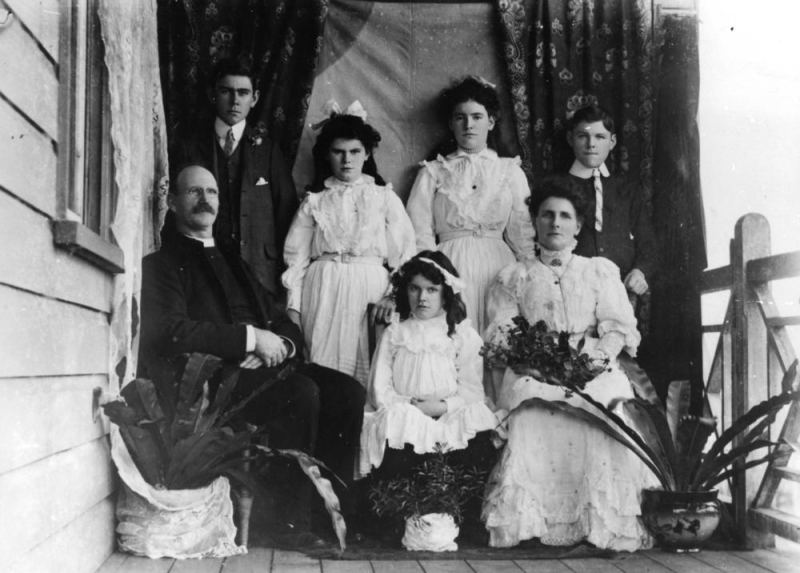
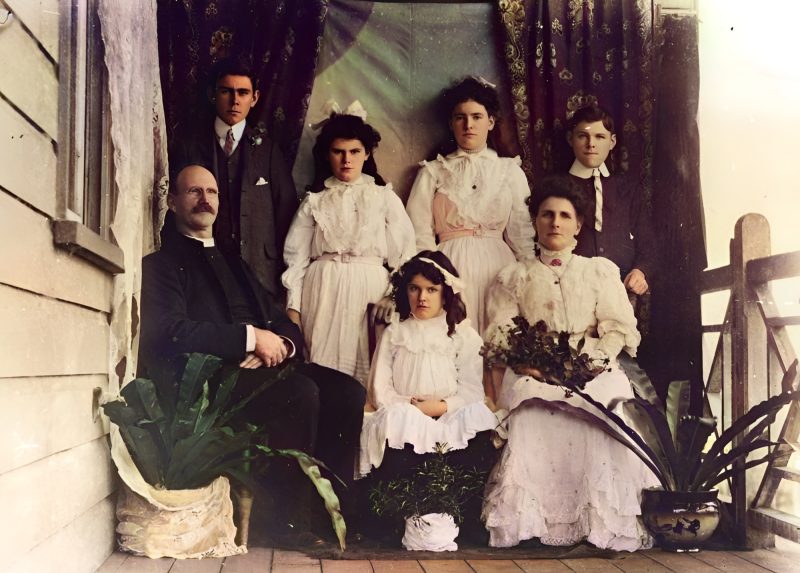
Pricing
Full resolution (2× upscaled), no watermark
Best value · $1.80 per photo
One-time payment via PayPal (card accepted, no account needed in most countries). No subscription. Not happy? Email us within 7 days for a refund.
FAQ
Can AI restore a photo that is ripped in half?
It can clean crease lines and improve intact areas. A gap with missing emulsion needs Photoshop or a human retoucher.
Should I tick scratch removal?
Yes — thin creases often behave like scratches after scanning.
When do I pay?
Only after the free preview, via PayPal for the exact unique amount on the order page.
Who do I email for heavy tears?
Use the contact email on this site with your scan for a fixed-price quote.
More answers on the full FAQ.
More guides
- Home – upload & free preview
- AI photo restoration online
- Restore old photos
- Restore torn photo · Polaroid · Childhood photo
- Military photo · Film slide · Colorize sepia
- Water-damaged · Yellowed · Blurry old photo
- Creased · Stained · Yearbook photo
- Vintage · Funeral / memorial · Colorize old family photo
- Colorize old wedding · Grandmother photo · Film negative
- Grandfather photo · Baby photo · Cracked photo
- Mother photo · Father photo · WWII photo
- Tintype photo · School photo · Pet photo
- Colorize black & white
- vs MyHeritage · vs VanceAI · vs Remini · vs Fotor · vs Photoshop · vs Topaz · vs Photomyne · vs PicWish · vs Cleanup.pictures · vs HitPaw · vs AVCLabs · vs GIMP · vs Canva