Colorize an old wedding photo
Turn black-and-white or sepia wedding prints into natural color with AI. Soft skin tones, sharper faces, free watermarked preview; PayPal only if you keep the full-resolution file.
Colorize an old wedding photo
Black-and-white or sepia wedding prints from the 1940s–1970s often sit in albums waiting for natural color. Searching colorize old wedding photo or colorize B&W wedding print usually means: soft skin tones for the couple, believable dresses and flowers, and sharper faces — without inventing guests who were never in the frame.
Upload a flat scan or a well-lit phone photo of the print (fill the frame; avoid glare). Leave Color on Auto for true B&W or sepia. Tick scratch cleanup when dust lines and album emboss show up. You get a free watermarked preview first; PayPal unlocks the full-resolution file only if you keep it ($3.9 / $9 for five).
What this pipeline is good at
- B&W / sepia wedding portraits and small group ceremony shots
- Natural-looking skin, sky, and foliage color guesses
- Face sharpening + ~2× upscale for reprinting or anniversary gifts
- Light dust and hairline scratches when you tick scratch cleanup
Honest limits
- Clothing and bouquet colors are a best guess unless you tell us the real ones in the PayPal note or email.
- Pink/yellow faded color wedding prints usually need enhance (Color off), not forced colorize — see the faded wedding guide.
- Tiny faces in crowded reception shots stay soft if the scan is small; re-scan closer when you can.
- We do not invent missing people, veils, or backgrounds that were never photographed.
Privacy
Uploads and results delete after 7 days and are never used for training. Contact: [email protected].
See also
Examples
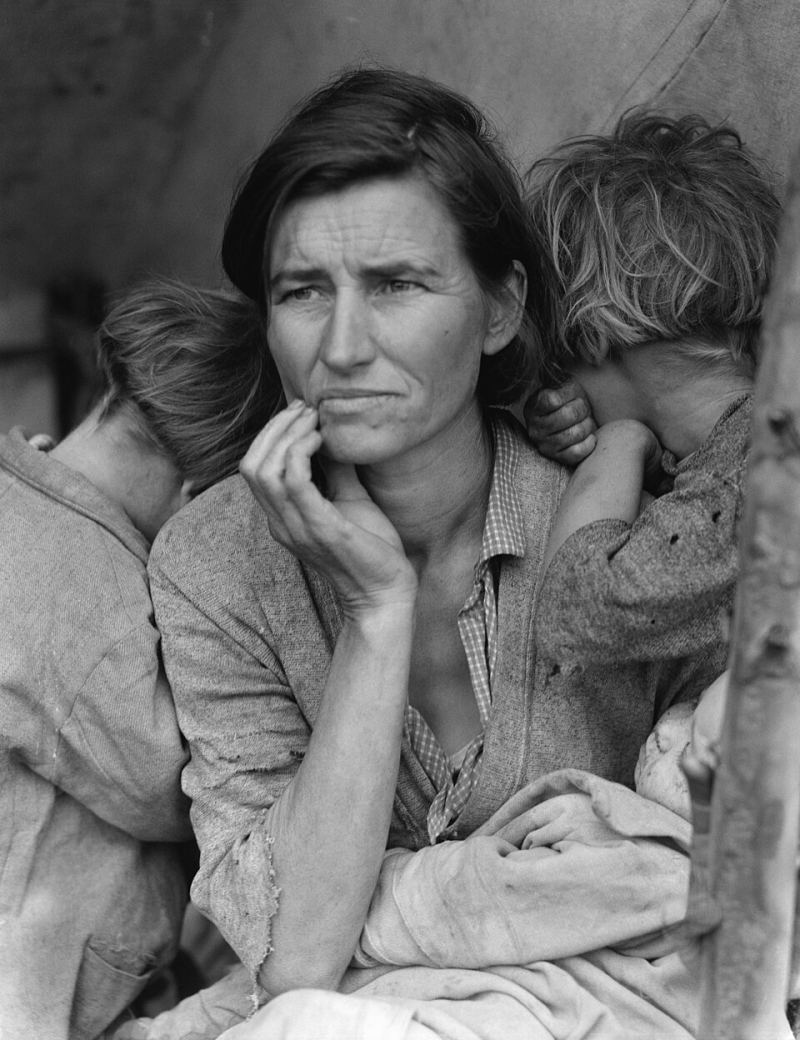
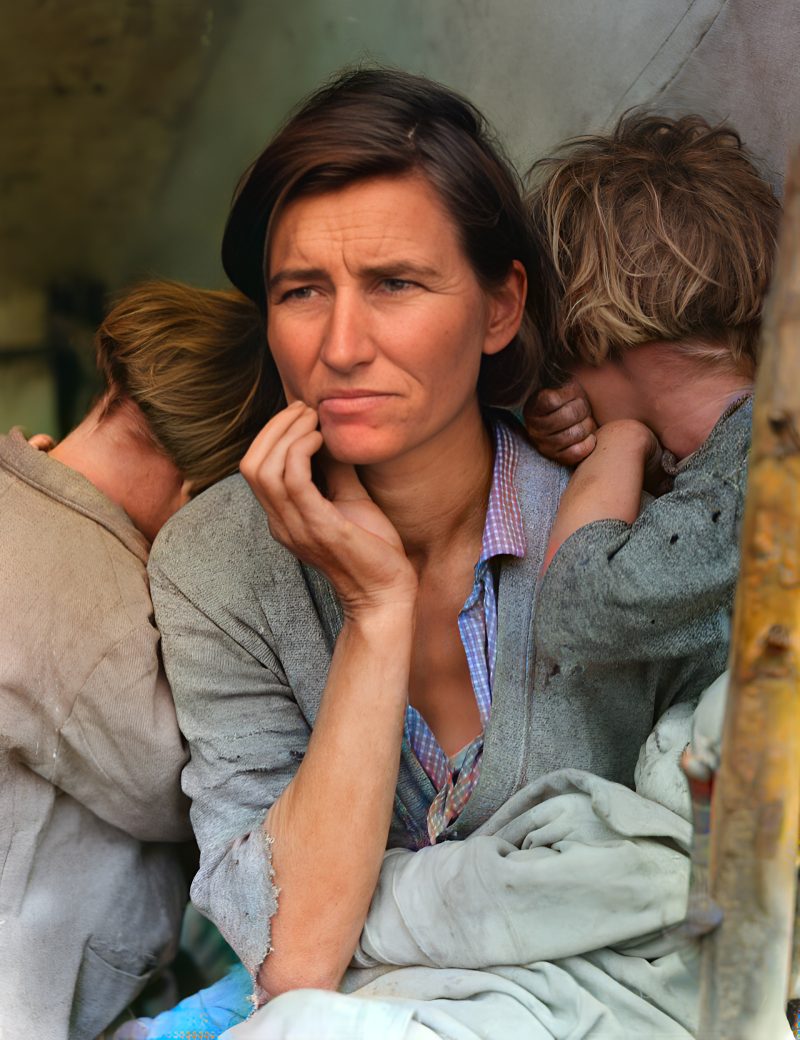
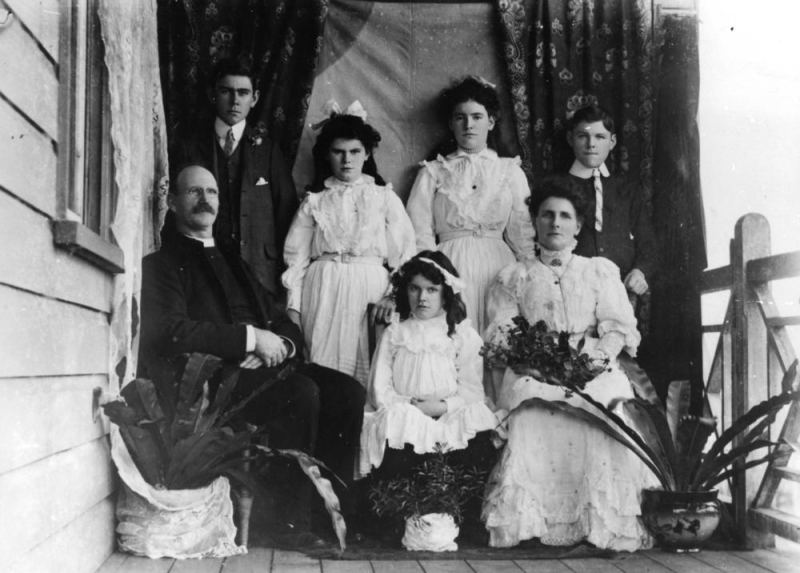
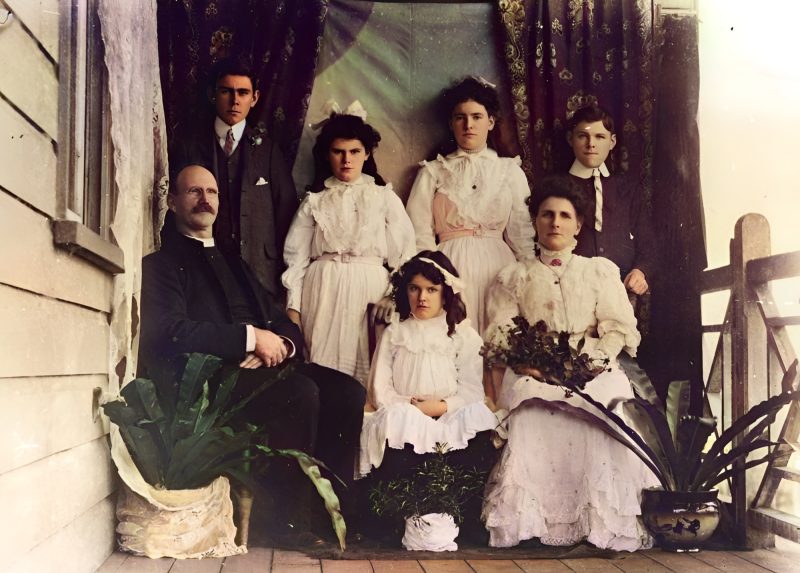
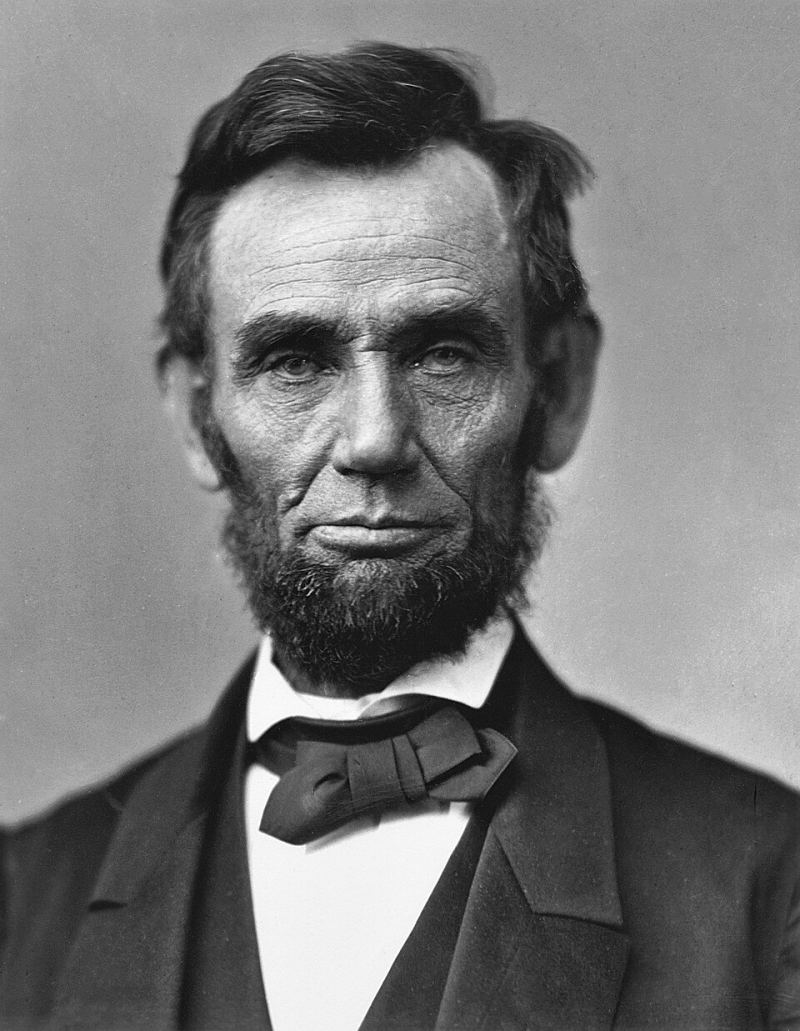
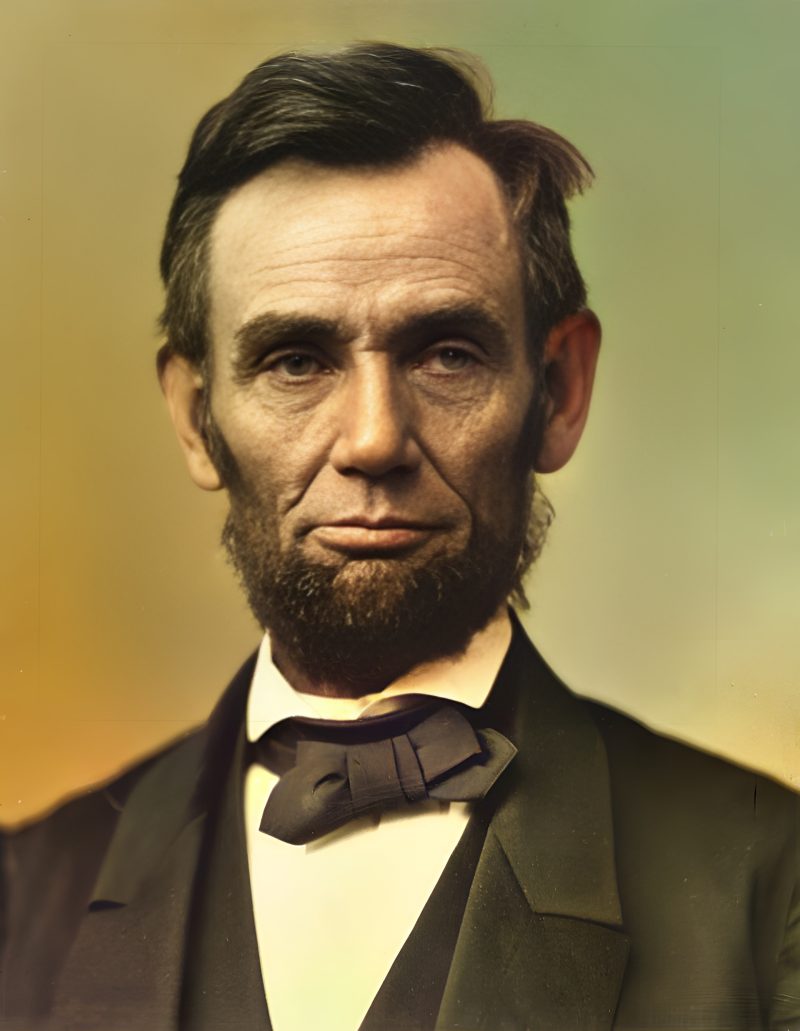
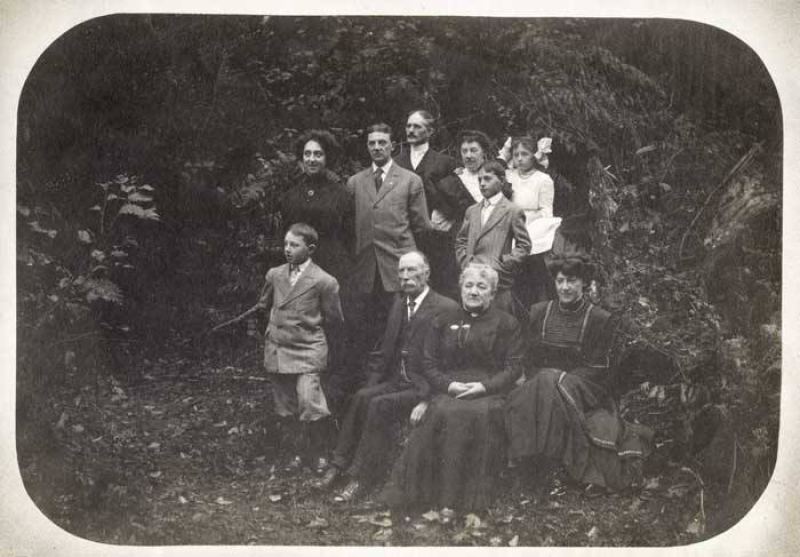
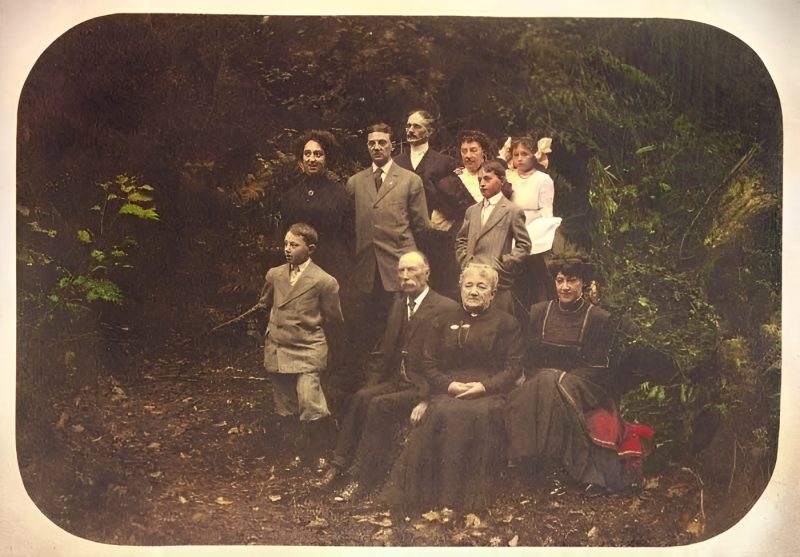
Pricing
Full resolution (2× upscaled), no watermark
Best value · $1.80 per photo
One-time payment via PayPal (card accepted, no account needed in most countries). No subscription. Not happy? Email us within 7 days for a refund.
FAQ
Are wedding dress and bouquet colors accurate?
No guarantee. Skin, sky and foliage usually look natural; clothing and flowers are a best guess unless you tell us the real colors in the PayPal note or email.
My wedding print is faded color (pink/yellow) — colorize or enhance?
Usually enhance with Color off. Use Auto colorize only for true B&W or sepia wedding prints. See also the faded wedding restore guide.
Group ceremony shots?
Supported. Tiny faces need the largest scan you have; faces under ~32px may stay soft.
When is PayPal charged?
Never before the free preview. You pay the exact unique amount only if you want the unwatermarked file.
How much?
$3.9 per photo after preview, or $9 for five.
More answers on the full FAQ.
More guides
- Home – upload & free preview
- AI photo restoration online
- Restore old photos
- Restore torn photo · Polaroid · Childhood photo
- Military photo · Film slide · Colorize sepia
- Water-damaged · Yellowed · Blurry old photo
- Creased · Stained · Yearbook photo
- Vintage · Funeral / memorial · Colorize old family photo
- Colorize old wedding · Grandmother photo · Film negative
- Grandfather photo · Baby photo · Cracked photo
- Mother photo · Father photo · WWII photo
- Tintype photo · School photo · Pet photo
- Colorize black & white
- vs MyHeritage · vs VanceAI · vs Remini · vs Fotor · vs Photoshop · vs Topaz · vs Photomyne · vs PicWish · vs Cleanup.pictures · vs HitPaw · vs AVCLabs · vs GIMP · vs Canva