Restore a digitized film slide / Kodachrome scan
Restore digitized 35mm / Kodachrome slides: recover faded dye, sharpen faces, optional dust/scratch cleanup and ~2× upscale. Free watermarked preview; PayPal only if you keep the file.
Restore a digitized film slide / Kodachrome scan
35mm slides, Kodachrome carousels, and flatbed or dedicated-slide scans bring their own problems: dust locked under the mount, soft focus from a phone “rephotograph,” cyan/magenta shift, and hotspots from uneven backlight. To restore a slide photo, start with the largest digital capture you have (TIFF or high-quality JPEG from a slide scanner beats a window-lit phone shot).
Upload above for a free watermarked AI preview. We sharpen faces, recover contrast on faded dye, optionally clean thin scratches/dust, and upscale about 2×. Pay via PayPal only if you like the preview ($3.9 per photo, $9 for five).
Slide-scan tips before you upload
- Dust first: Blow or brush the slide and scanner glass. AI can hide many specks, but fewer false scratches = cleaner faces.
- Crop the mount: White cardboard borders waste resolution; crop to the emulsion if you want a reprint.
- Color shift: Classic Kodachrome reds/yellows that went muddy usually need enhance + face restore, not forced colorize. True B&W slides can use Auto colorize.
- Phone through a lightbox: Works in a pinch — hold steady, fill the frame, avoid glare. Expect softer results than a real slide scanner.
What you get
Same honest stack as enhance faded photos and restore old photos: face-aware restore, optional scratch pass, optional colorize, ~2× upscale. Files delete after 7 days; never used for training. Questions: [email protected].
See also
Examples

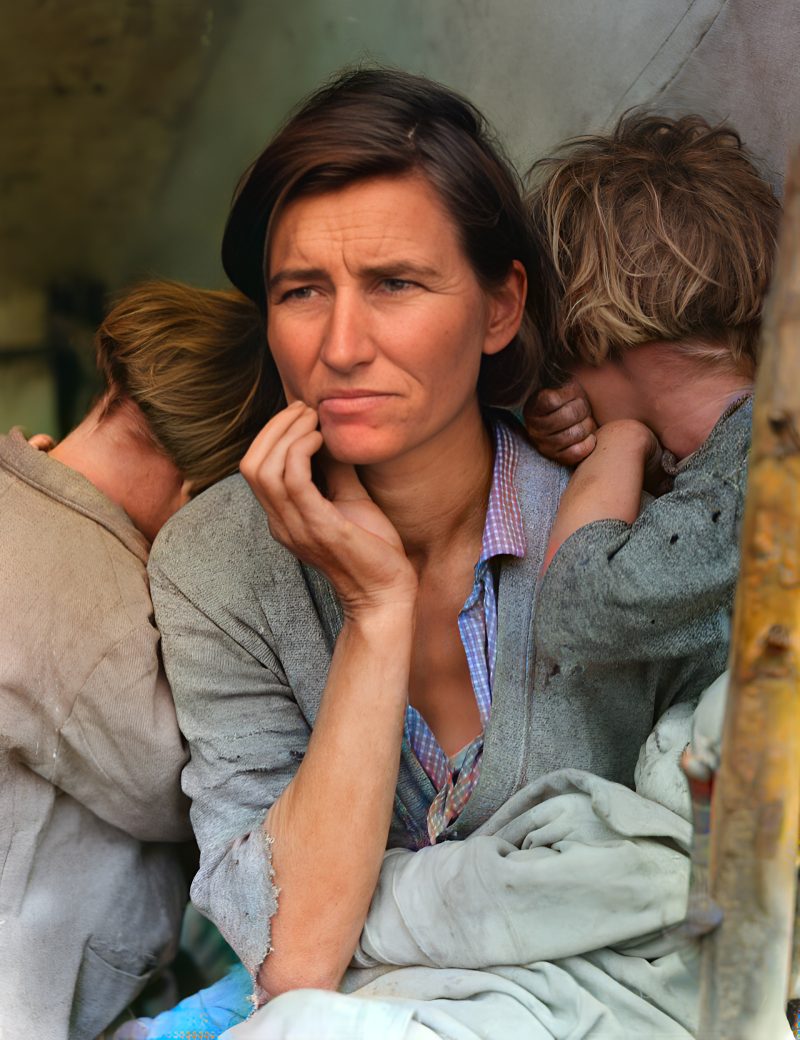
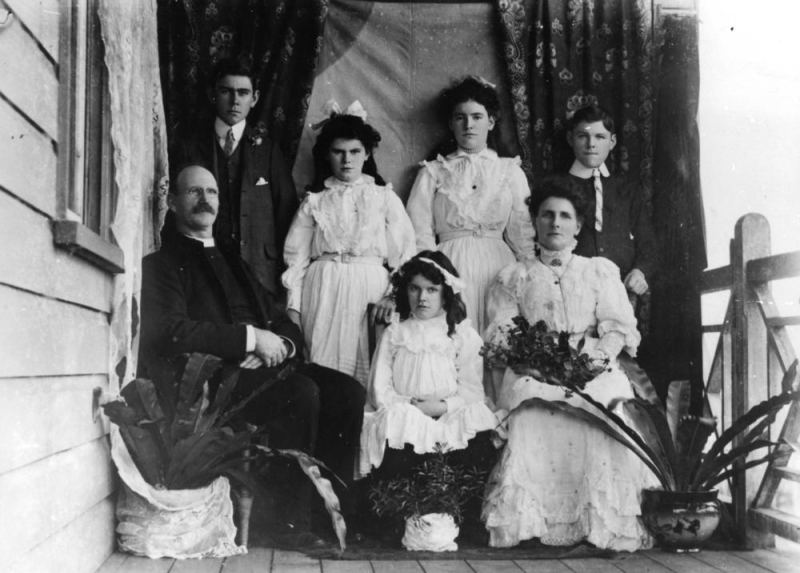
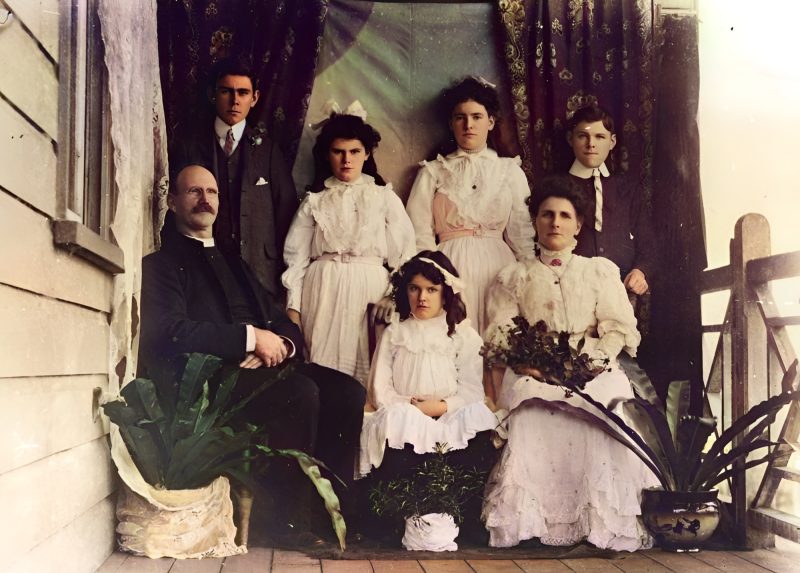
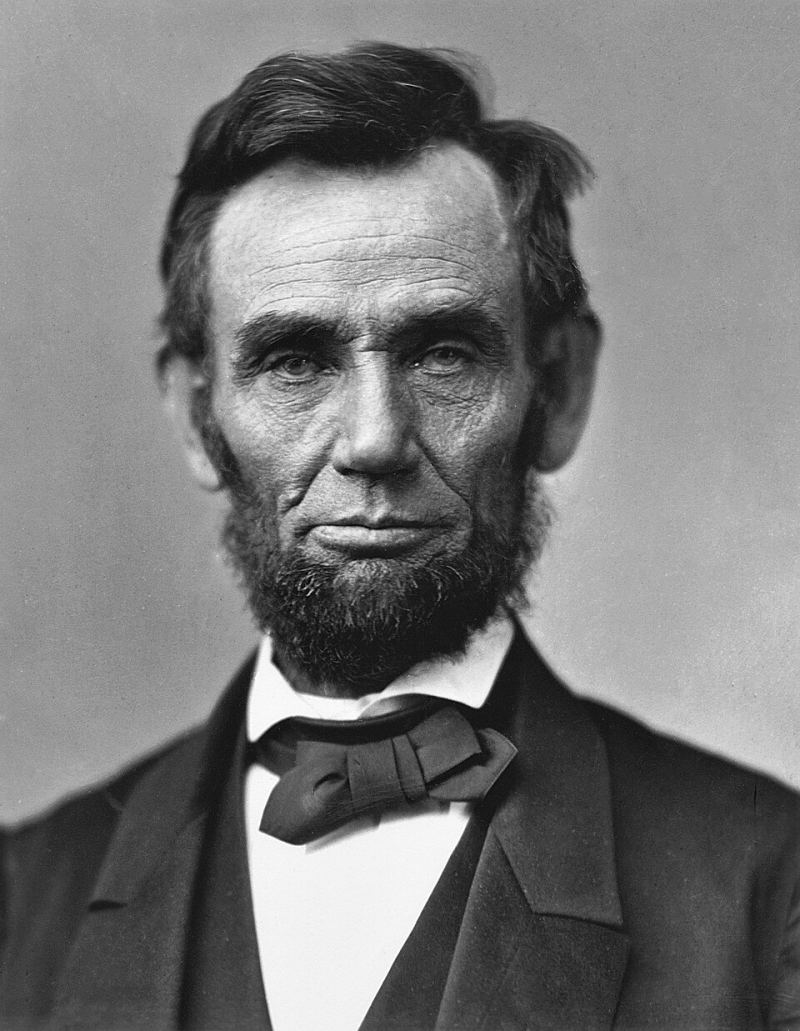
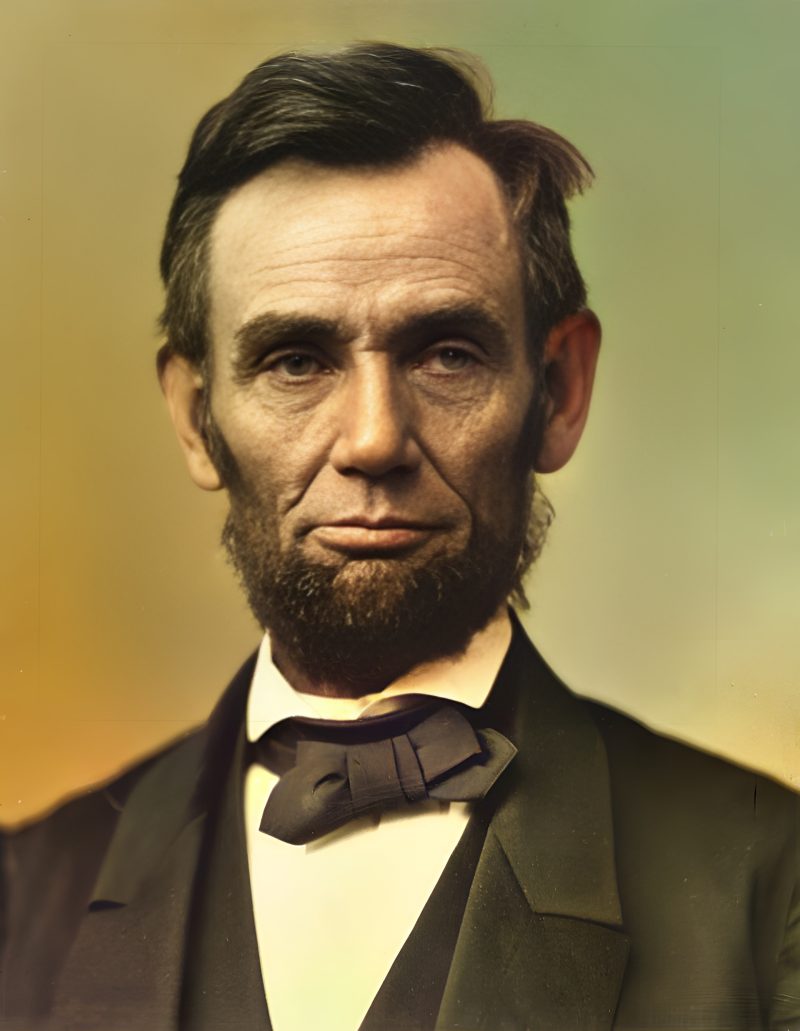
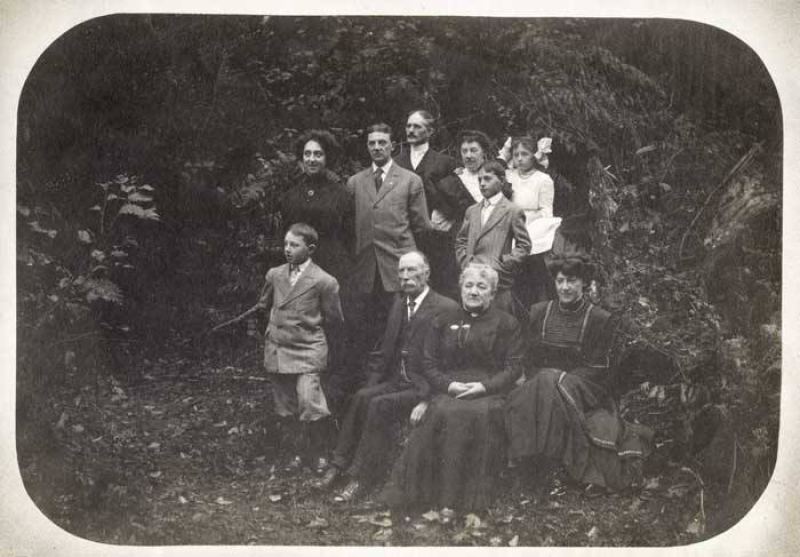
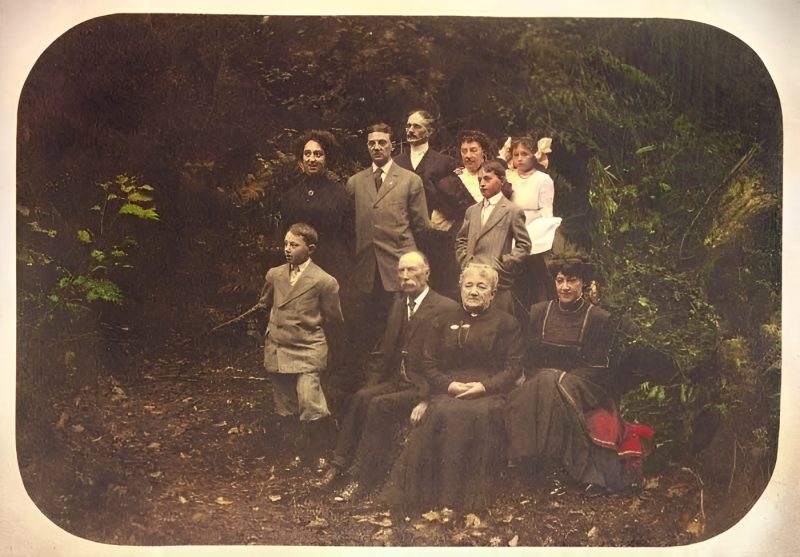
Pricing
Full resolution (2× upscaled), no watermark
Best value · $1.80 per photo
One-time payment via PayPal (card accepted, no account needed in most countries). No subscription. Not happy? Email us within 7 days for a refund.
FAQ
Phone photo of a slide on a lightbox OK?
Yes in a pinch — fill the frame, avoid glare. A real slide-scanner TIFF or high-quality JPEG still wins.
Should I crop the cardboard mount?
Usually yes. The mount wastes resolution; crop to the emulsion for a cleaner reprint.
Kodachrome color shift?
Faded or muddy dye usually needs enhance + face restore, not forced colorize. True B&W slides can use Auto colorize.
PayPal timing?
Pay after you like the free watermarked preview. Exact unique amount is on the order page.
More answers on the full FAQ.
More guides
- Home – upload & free preview
- AI photo restoration online
- Restore old photos
- Restore torn photo · Polaroid · Childhood photo
- Military photo · Film slide · Colorize sepia
- Water-damaged · Yellowed · Blurry old photo
- Creased · Stained · Yearbook photo
- Vintage · Funeral / memorial · Colorize old family photo
- Colorize old wedding · Grandmother photo · Film negative
- Grandfather photo · Baby photo · Cracked photo
- Mother photo · Father photo · WWII photo
- Tintype photo · School photo · Pet photo
- Colorize black & white
- vs MyHeritage · vs VanceAI · vs Remini · vs Fotor · vs Photoshop · vs Topaz · vs Photomyne · vs PicWish · vs Cleanup.pictures · vs HitPaw · vs AVCLabs · vs GIMP · vs Canva