Fix a blurry old photo
Sharpen soft, out-of-focus vintage portraits with AI face restore and ~2× upscale. Honest limits on severe blur. Free watermarked preview; PayPal only if you keep the file.
Fix a blurry old photo
Vintage portraits are often soft: cheap lenses, slight motion, or a small print scanned too far away. Searching fix blurry old photo or sharpen blurry vintage portrait usually means: make faces clearer for a reprint — without inventing a stranger’s face.
Upload the largest, sharpest capture you have (fill the frame; avoid double JPEG from messaging apps). Leave Color on Auto for black-and-white or sepia; leave it off if the color print only needs sharpening. Scratch cleanup is optional unless dust is obvious. You get a free watermarked preview first; PayPal unlocks the full-resolution file only if you keep it ($3.9 / $9 for five).
What “fix blurry” means here
- Face-aware restore (GFPGAN-style) to recover soft eyes and mouth detail
- ~2× upscale so a small album scan reprints cleaner
- Contrast recovery on faded soft prints — not a miracle deblur of a totally smeared shot
Honest limits (read before you pay)
- Severe motion blur or a face under ~32px may stay soft. The free preview shows the real ceiling — trust it.
- We blend restored faces with the original to keep likeness. If someone looks “off,” email within 7 days of payment for a lighter redo or refund.
- Out-of-focus backgrounds stay soft on purpose; we prioritize people, not every leaf in the yard.
Privacy
Uploads and results delete after 7 days and are never used for training. Questions: [email protected].
See also
Examples
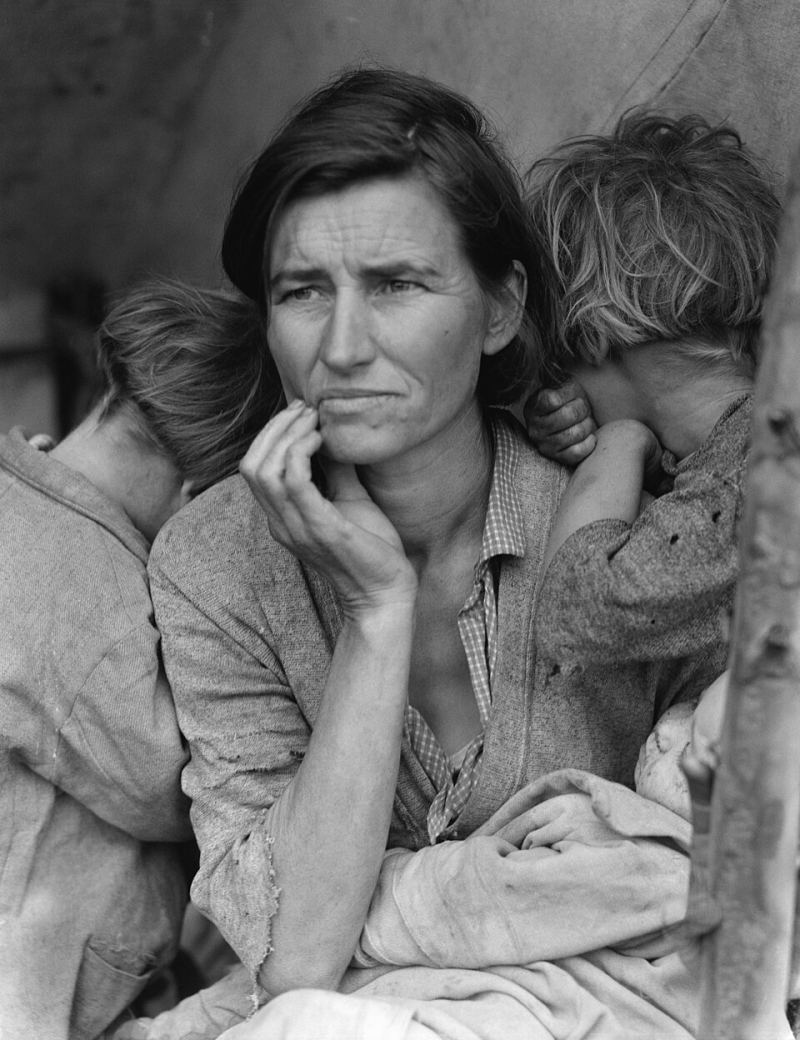
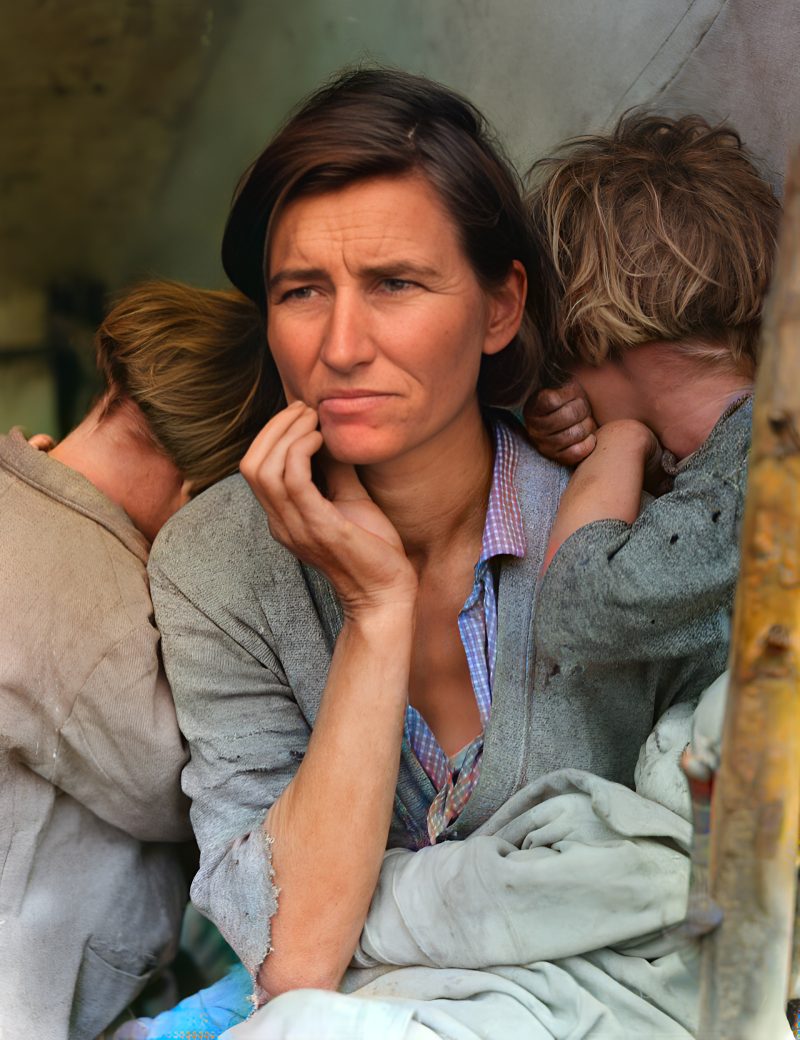
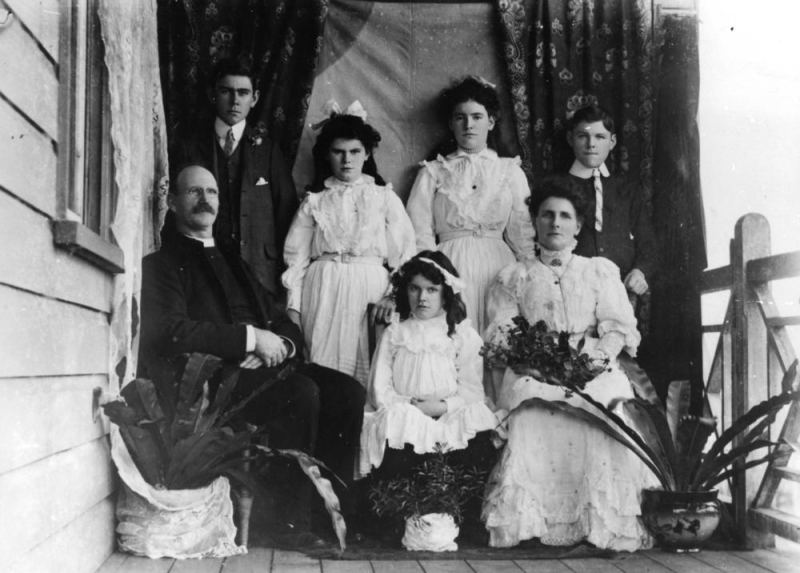
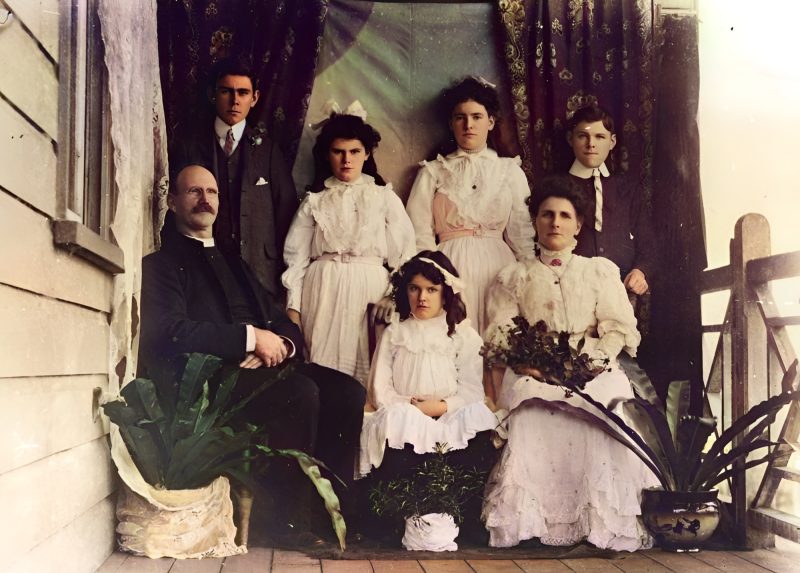
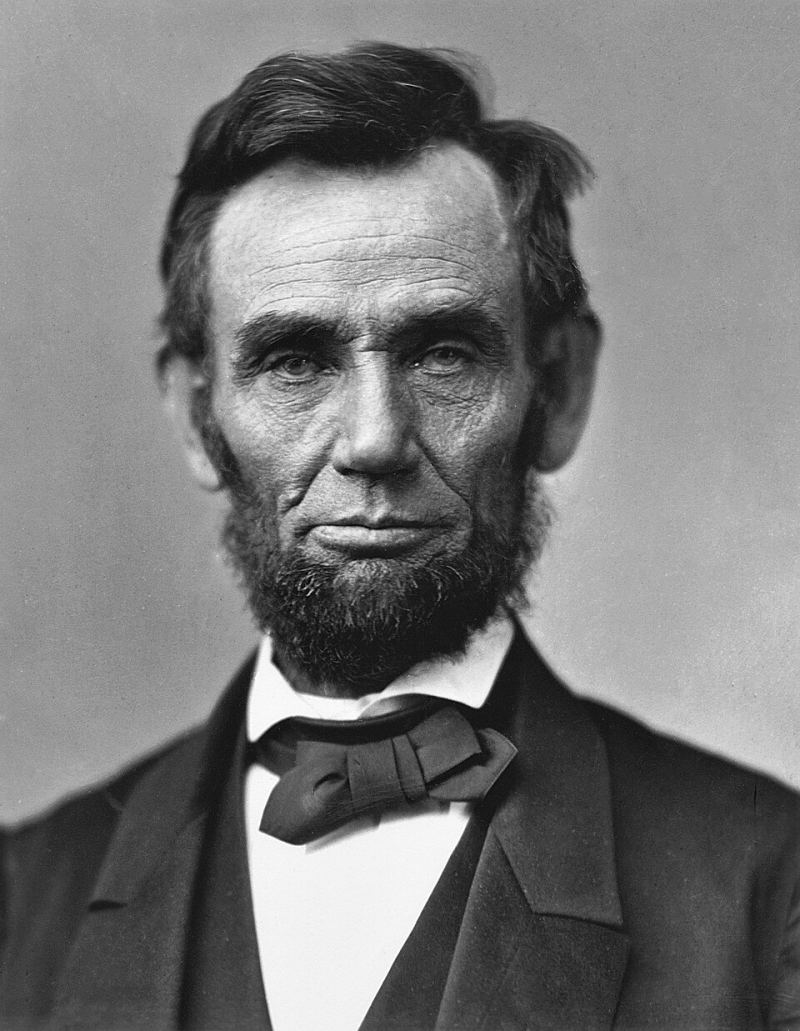
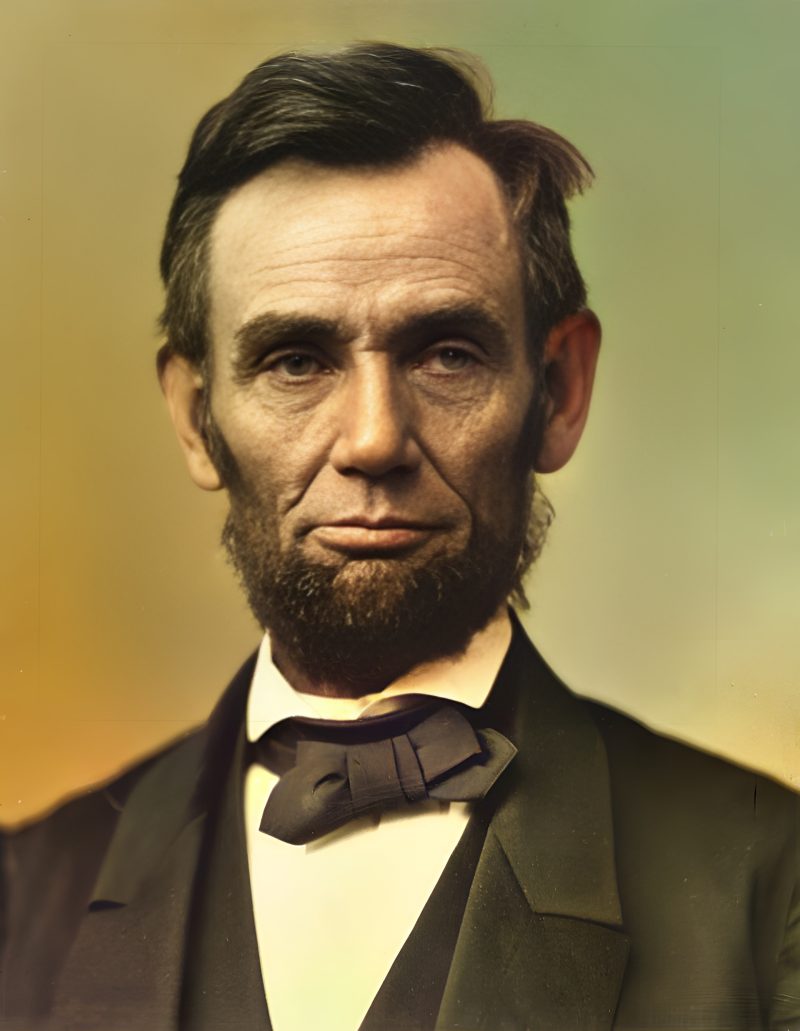
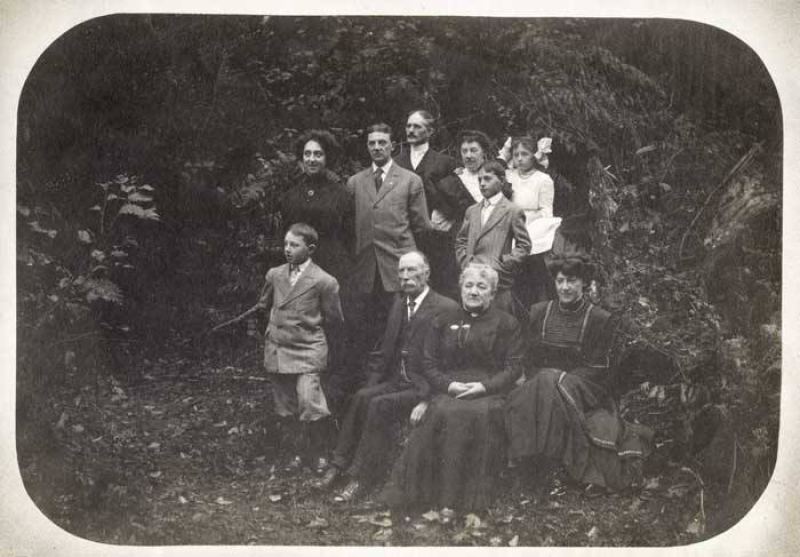
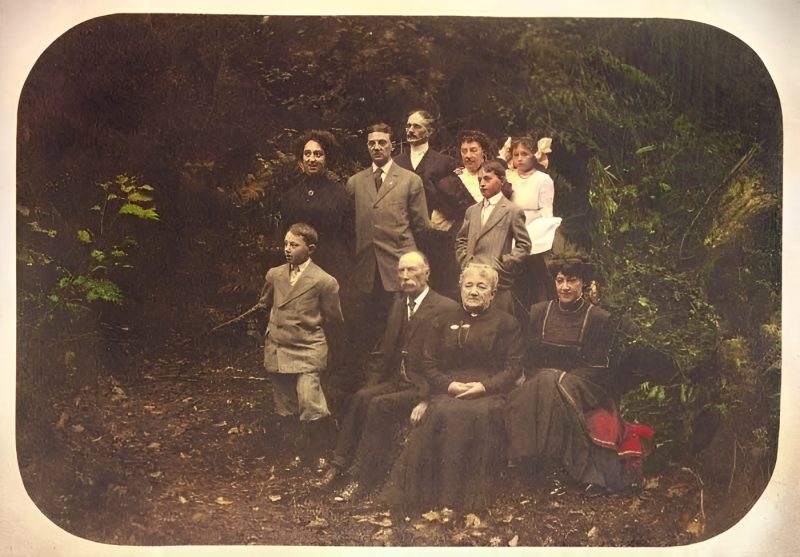
Pricing
Full resolution (2× upscaled), no watermark
Best value · $1.80 per photo
One-time payment via PayPal (card accepted, no account needed in most countries). No subscription. Not happy? Email us within 7 days for a refund.
FAQ
Can AI fix a completely smeared motion-blur photo?
Usually not. Soft vintage focus often improves; severe smear or tiny faces stay soft. The free preview shows the real ceiling.
Will relatives still look like themselves?
We blend restored faces with the original to keep likeness. If a face looks off, email within 7 days of payment for a lighter redo or refund.
How large should my upload be?
Largest scan or phone capture you have; fill the frame. Faces under ~32px may stay soft.
When is PayPal charged?
Never before the free preview. You pay the exact unique amount only if you want the unwatermarked file.
Colorize a blurry B&W portrait?
Yes — leave Color on Auto. Softness and colorize can run together.
More answers on the full FAQ.
More guides
- Home – upload & free preview
- AI photo restoration online
- Restore old photos
- Restore torn photo · Polaroid · Childhood photo
- Military photo · Film slide · Colorize sepia
- Water-damaged · Yellowed · Blurry old photo
- Creased · Stained · Yearbook photo
- Vintage · Funeral / memorial · Colorize old family photo
- Colorize old wedding · Grandmother photo · Film negative
- Grandfather photo · Baby photo · Cracked photo
- Mother photo · Father photo · WWII photo
- Tintype photo · School photo · Pet photo
- Colorize black & white
- vs MyHeritage · vs VanceAI · vs Remini · vs Fotor · vs Photoshop · vs Topaz · vs Photomyne · vs PicWish · vs Cleanup.pictures · vs HitPaw · vs AVCLabs · vs GIMP · vs Canva