Photoshop vs AI restore for old photos
Photoshop is best for torn or missing pieces. For faded, soft or lightly scratched prints, try a free AI watermarked preview first, then PayPal only if you keep the file.
Photoshop vs AI restore for old photos
Adobe Photoshop (plus skillful clone-stamp and healing work) remains the gold standard for heavy damage: torn corners, missing faces, complex stains. Many people searching “restore old photo Photoshop” actually need a faster, cheaper first pass on faded or soft prints — not a multi-hour retouch project.
This page compares workflows honestly. We are not affiliated with Adobe. Upload above for a free watermarked AI preview; pay via PayPal only if you keep the full-resolution file.
Quick workflow comparison
| Photoshop (manual / plugin) | RestoreOldPhoto | |
|---|---|---|
| Best for | Tears, missing pieces, museum-grade retouch | Fade, soft faces, light scratches, B&W colorize |
| Skill / time | Hours if you are learning | ~1 minute preview |
| Try before pay | Subscription / trial | Free watermarked preview every upload |
| Cost shape | Creative Cloud or freelancer quote | One-time PayPal ($3.9 / $9 for 5) |
| When to stop | When AI invents a face you do not trust | When the preview already fails — email us for a human quote |
Honest limits
AI will not honestly rebuild a ripped-out eye or invent a lost relative. For those jobs hire a retoucher in Photoshop. Use our tool when the print is mostly intact but faded, dusty, soft, or black-and-white. See also restore a torn photo for what AI can and cannot fix on tears.
Next step
Upload a flat scan (largest file you have). After the free preview, PayPal unlocks the clean download. More: restore old photos · vs Fotor · vs MyHeritage.
Examples
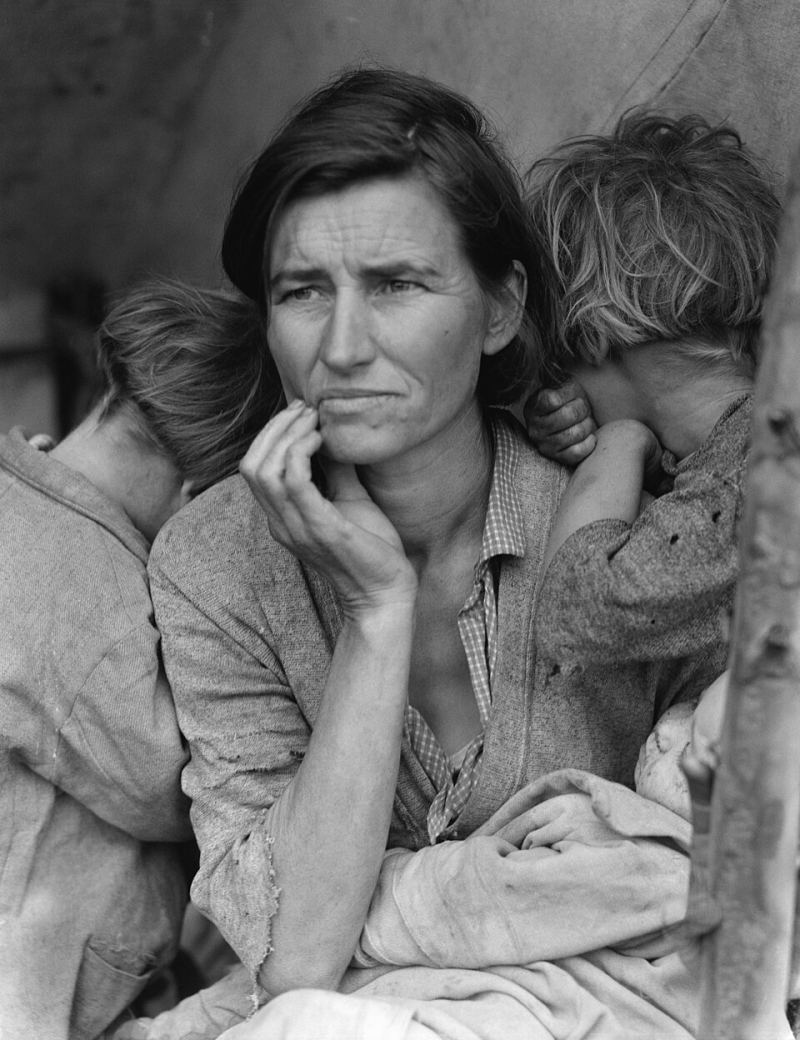
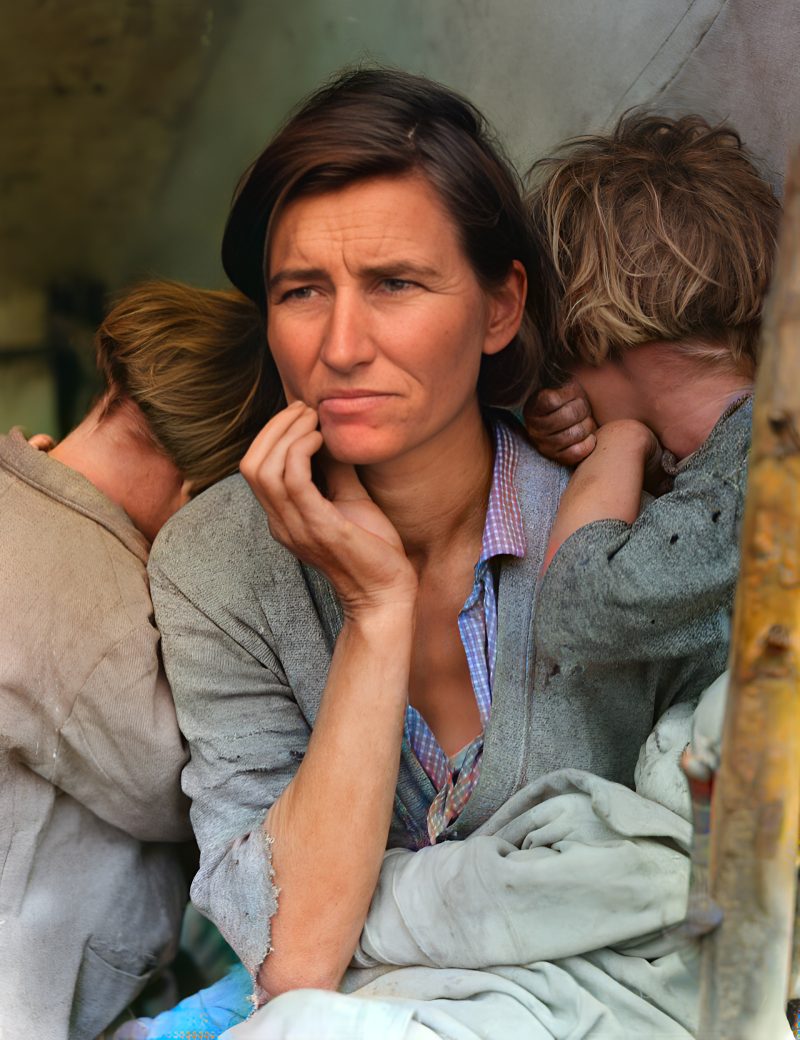
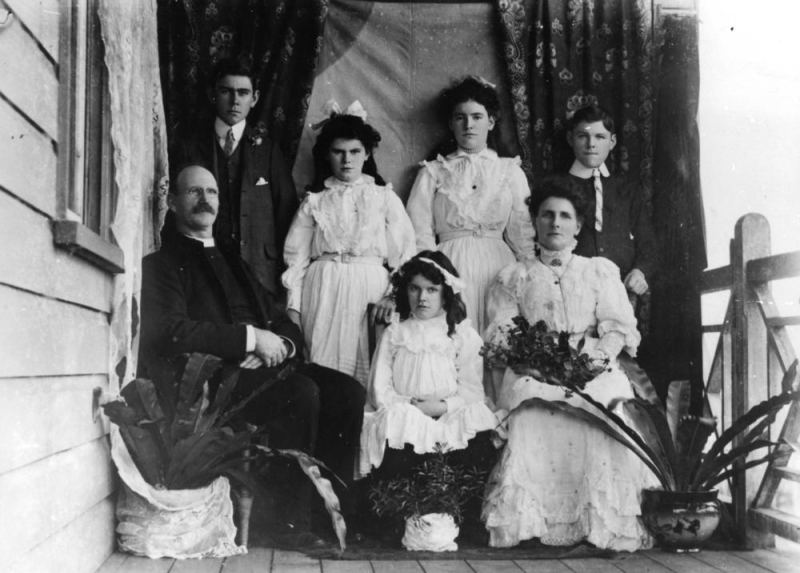
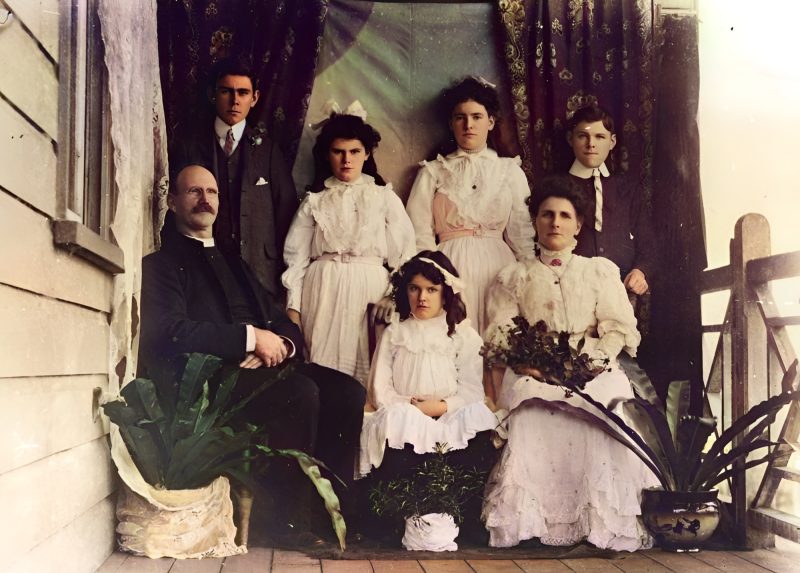
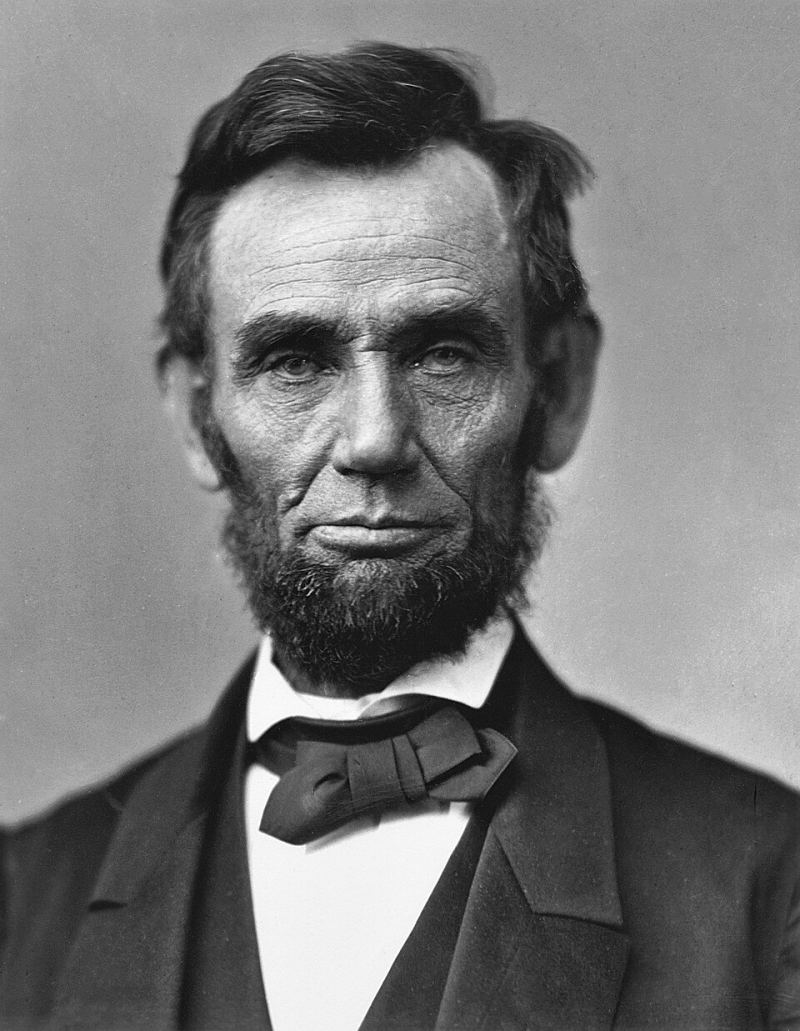
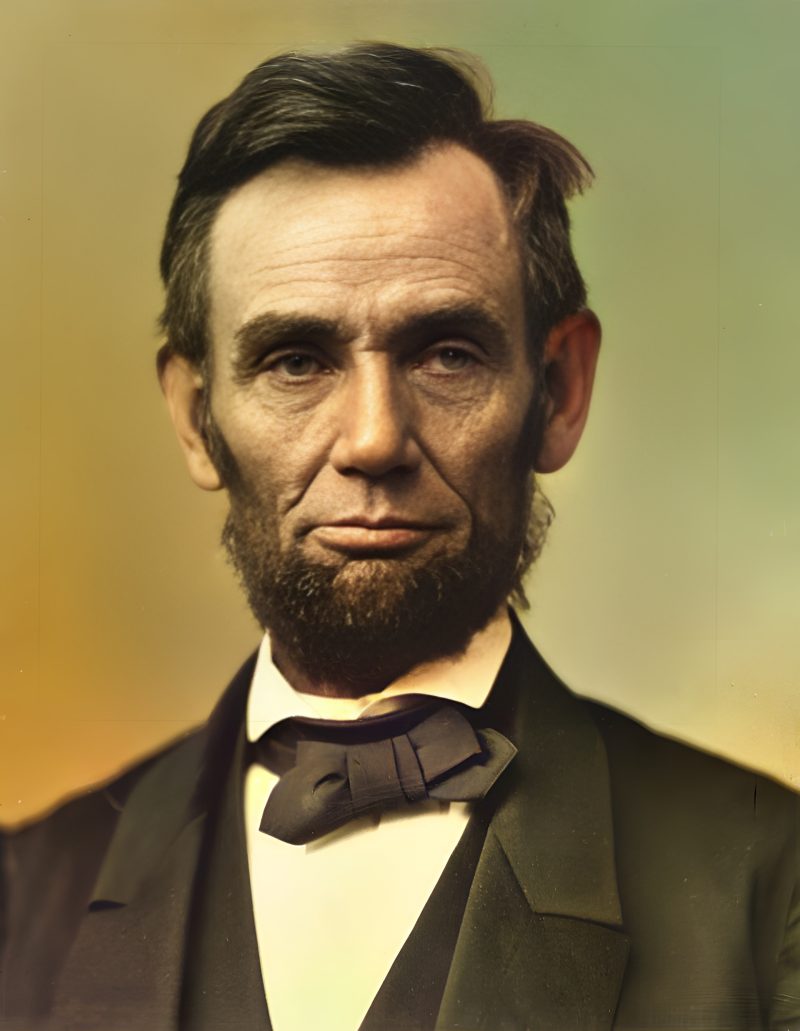
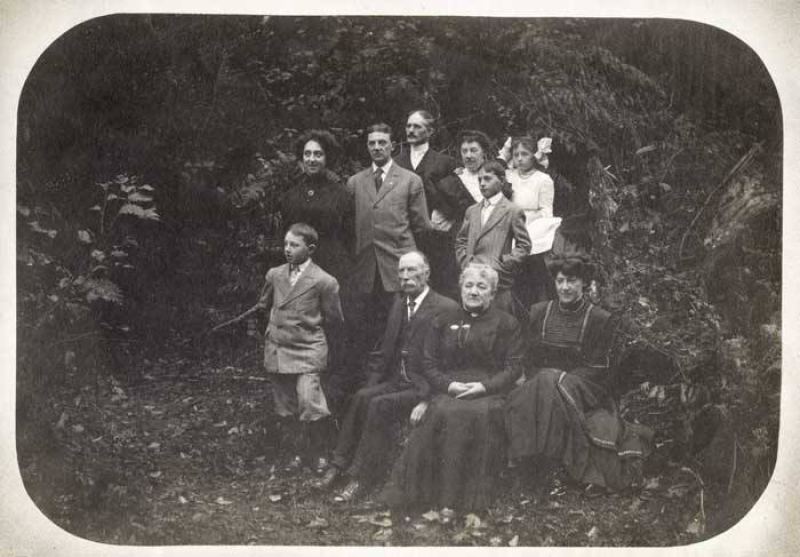
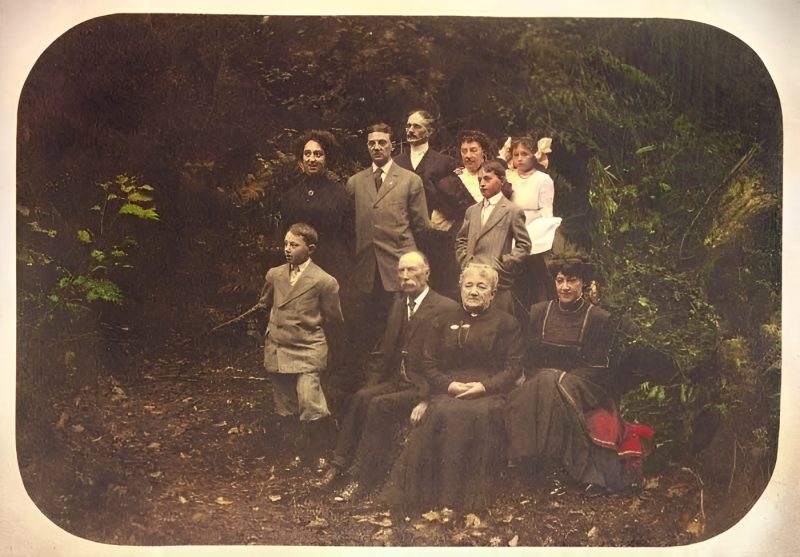
Pricing
Full resolution (2× upscaled), no watermark
Best value · $1.80 per photo
One-time payment via PayPal (card accepted, no account needed in most countries). No subscription. Not happy? Email us within 7 days for a refund.
FAQ
Should I skip Photoshop entirely?
No. Use Photoshop or a retoucher for tears, missing faces and museum-grade work. Use AI when the print is mostly intact but faded or soft.
Can AI fix a ripped corner?
Not honestly if pixels are gone. See our torn-photo guide; email us for a human quote.
Is there a free look?
Yes — watermarked preview every upload before any PayPal payment.
How much for one photo?
$3.9 after preview, or $9 for five in one order.
More answers on the full FAQ.
More guides
- Home – upload & free preview
- AI photo restoration online
- Restore old photos
- Restore torn photo · Polaroid · Childhood photo
- Military photo · Film slide · Colorize sepia
- Water-damaged · Yellowed · Blurry old photo
- Creased · Stained · Yearbook photo
- Vintage · Funeral / memorial · Colorize old family photo
- Colorize old wedding · Grandmother photo · Film negative
- Grandfather photo · Baby photo · Cracked photo
- Mother photo · Father photo · WWII photo
- Tintype photo · School photo · Pet photo
- Colorize black & white
- vs MyHeritage · vs VanceAI · vs Remini · vs Fotor · vs Photoshop · vs Topaz · vs Photomyne · vs PicWish · vs Cleanup.pictures · vs HitPaw · vs AVCLabs · vs GIMP · vs Canva