Fix a scratched or dusty old photo
Scanned an old print full of scratches, dust and specks? Our AI detects thin scratches and spots, fills them in, sharpens faces and upscales. Free preview, then PayPal if you keep it.
Remove scratches, dust and spots from old photos
Tick “Remove scratches, dust & spots” when you upload. Our pipeline finds thin bright or dark lines and specks that don't follow real edges in the picture, fills them from the surrounding texture, then sharpens faces and upscales the photo.
What kind of damage it fixes
- Fine white scratches and hairlines from scanning or handling
- Dust, lint and small spots
- Light creases and grain
Deep cracks, big tears and missing pieces need manual retouching — email [email protected] with the photo for a fixed-price quote.
Before you scan
Gently blow dust off the print and the scanner glass first — it removes half of the "scratches" for free.
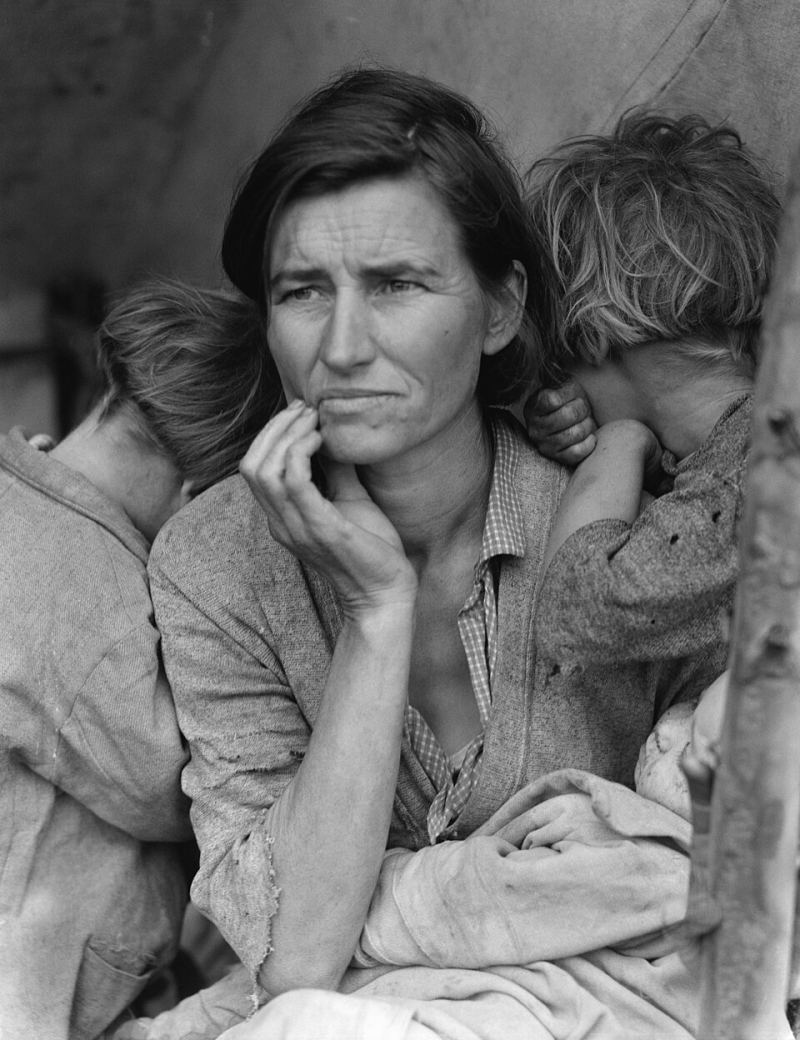
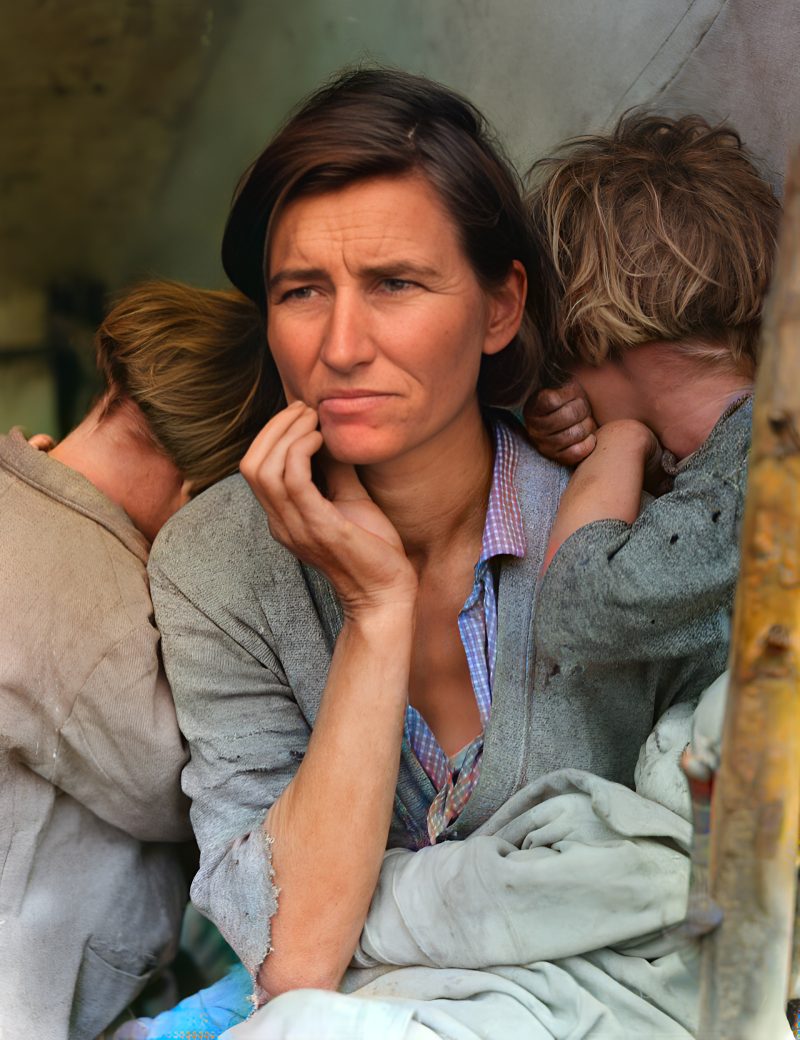
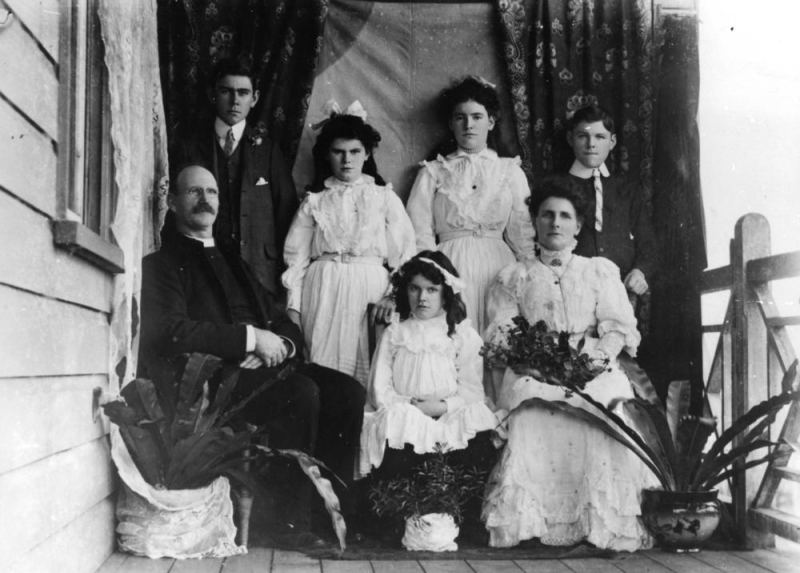
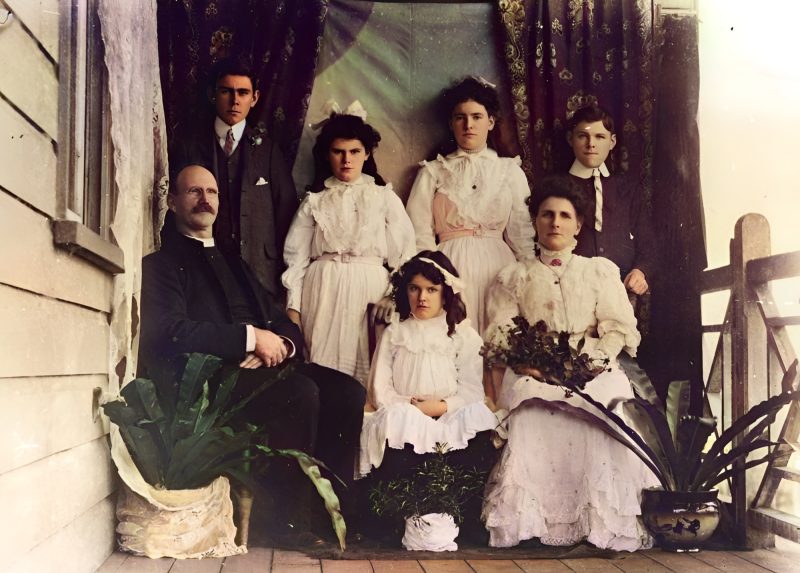
Examples
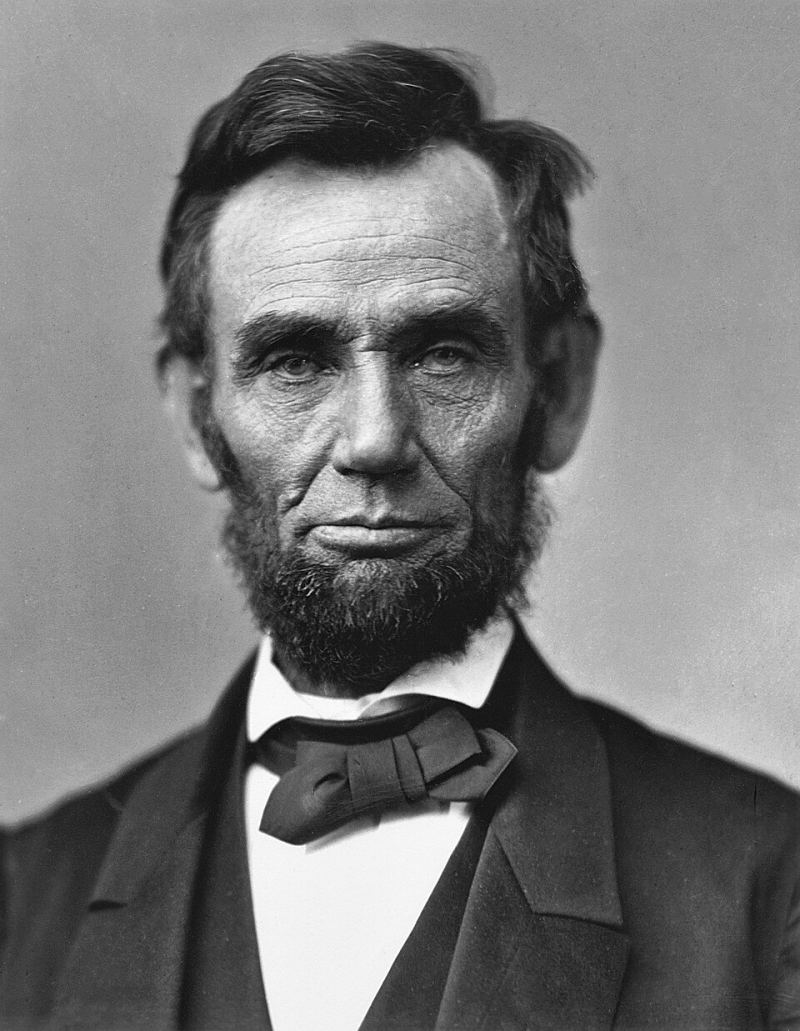
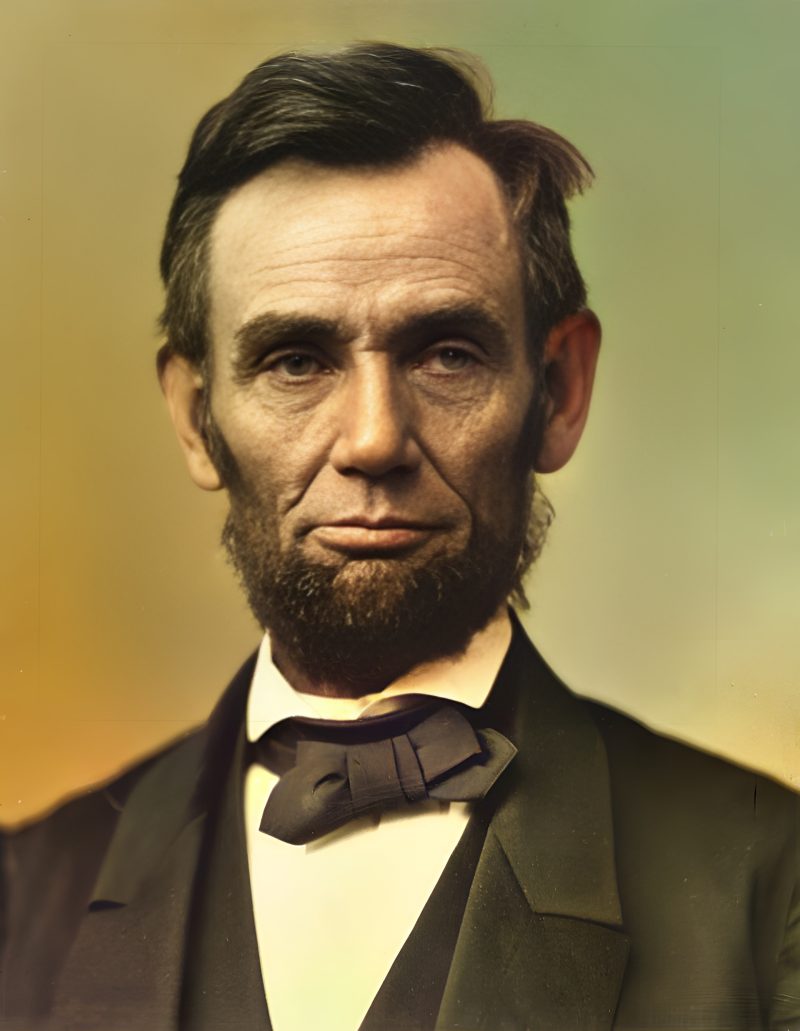
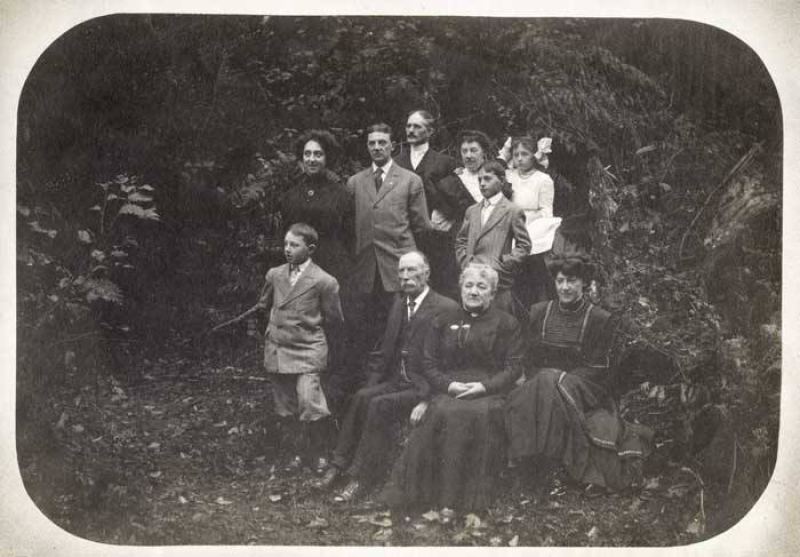
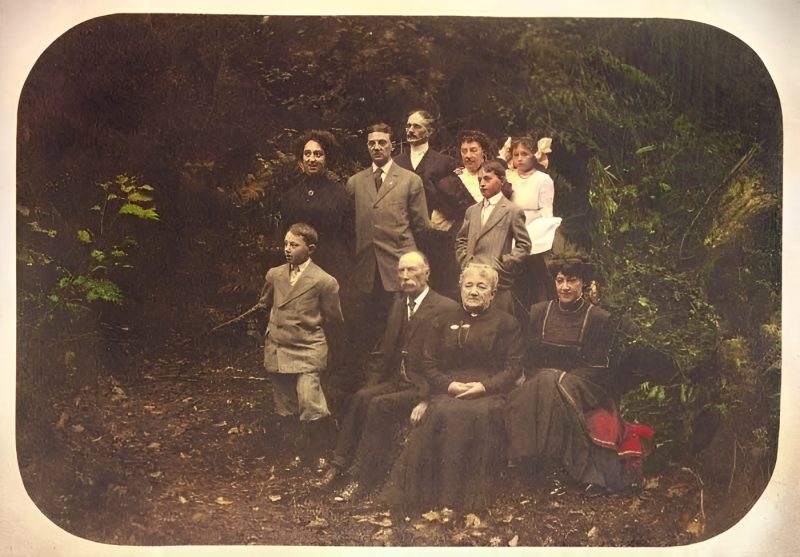
Pricing
Full resolution (2× upscaled), no watermark
Best value · $1.80 per photo
One-time payment via PayPal (card accepted, no account needed in most countries). No subscription. Not happy? Email us within 7 days for a refund.
FAQ
Do I need to tick a special option?
Yes — tick “Remove scratches, dust & spots” on upload so the scratch stage runs before face restore and upscale.
What damage does it miss?
Wide cracks, big tears and missing pieces need manual retouching. Email us for a fixed-price quote.
How do I pay after the preview?
Pay the exact PayPal amount on your order page. We match by unique cents and email the download link.
More answers on the full FAQ.
More guides
- Home – upload & free preview
- AI photo restoration online
- Restore old photos
- Restore torn photo · Polaroid · Childhood photo
- Military photo · Film slide · Colorize sepia
- Water-damaged · Yellowed · Blurry old photo
- Creased · Stained · Yearbook photo
- Vintage · Funeral / memorial · Colorize old family photo
- Colorize old wedding · Grandmother photo · Film negative
- Grandfather photo · Baby photo · Cracked photo
- Mother photo · Father photo · WWII photo
- Tintype photo · School photo · Pet photo
- Colorize black & white
- vs MyHeritage · vs VanceAI · vs Remini · vs Fotor · vs Photoshop · vs Topaz · vs Photomyne · vs PicWish · vs Cleanup.pictures · vs HitPaw · vs AVCLabs · vs GIMP · vs Canva