Colorize a black and white photo online
Turn black & white or sepia photos into natural color with AI. Free watermarked preview in about a minute, then pay via PayPal only if you want the full-resolution file.
Colorize black and white photos online with AI
Searching for a way to colorize a black and white photo without installing desktop software? Upload a scan or phone photo of the print above. Our colorizer (open-source DDColor by default, with DeOldify as a lighter option) looks at the whole scene — faces, sky, trees, fabric, wood — and predicts natural colors while keeping the original brightness detail. Sepia and faded brown photos are treated as black-and-white and colorized too. Faces are sharpened and the whole image is upscaled about 2×.
You always get a free watermarked preview first. If you like it, pay the exact amount on the order page with PayPal (debit/credit card works in most countries) to unlock the full-resolution, unwatermarked file. One photo is $3.9; up to five in one order is $9. No subscription.
Step by step
- Digitize the print (flatbed 300–600 dpi, or daylight phone capture without flash glare).
- Upload above and leave Color: Auto (or force On for a tinted print you still want in full color).
- Wait about a minute for the free preview — check skin tones and overall mood.
- Pay via PayPal only if you want to keep the result; we email the download link after confirmation.
Are AI colors accurate?
Colors are a realistic prediction, not a historical record: skin tones, skies and plants usually look natural, while clothes, cars and painted walls are a best guess. If you know the real color of something important, tell us in the PayPal note or email [email protected] and we will adjust it by hand when practical.
Related guides
- Colorize old portrait photos — skin-tone focused.
- Restore faded wedding photos — when the print still has weak color.
- AI photo restoration online — full restore stack overview.
- MyHeritage alternative if you only need colorize/restore, not a genealogy suite.
Examples
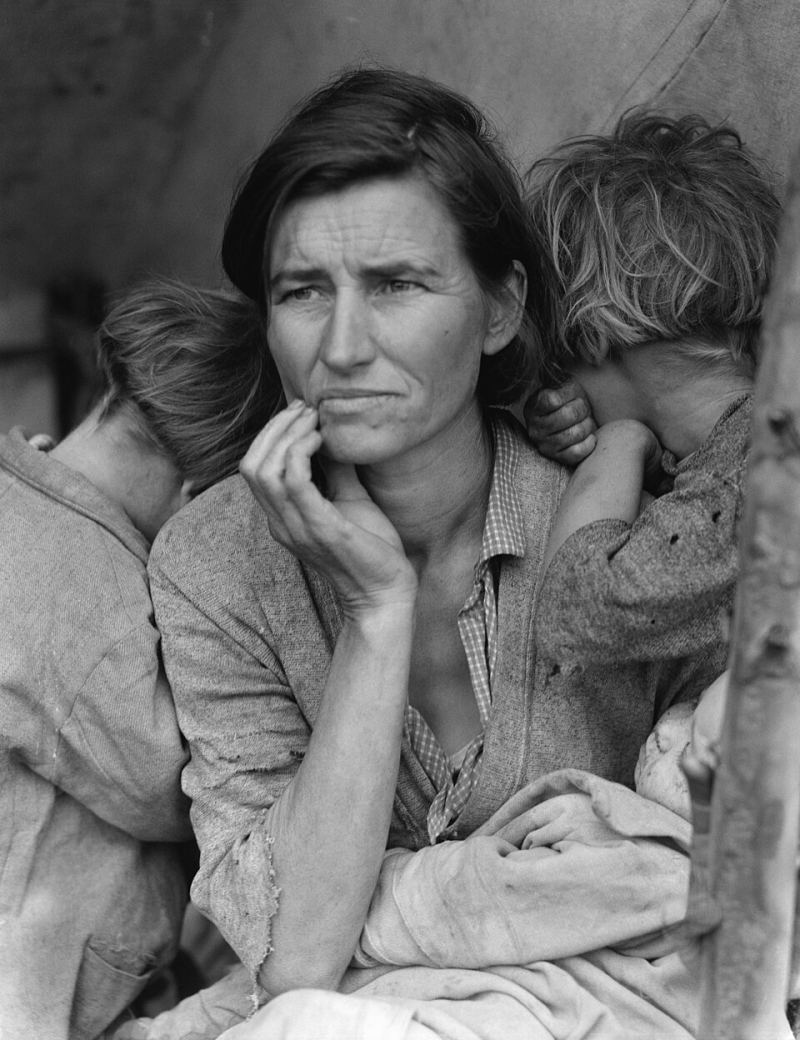
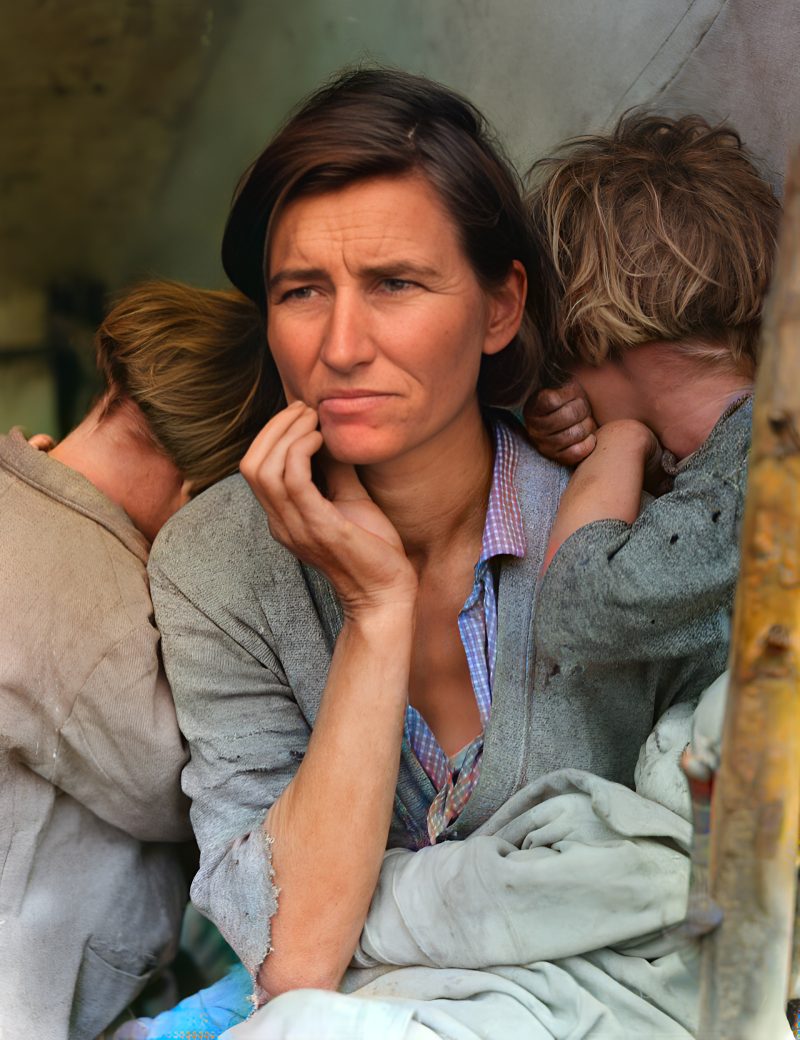
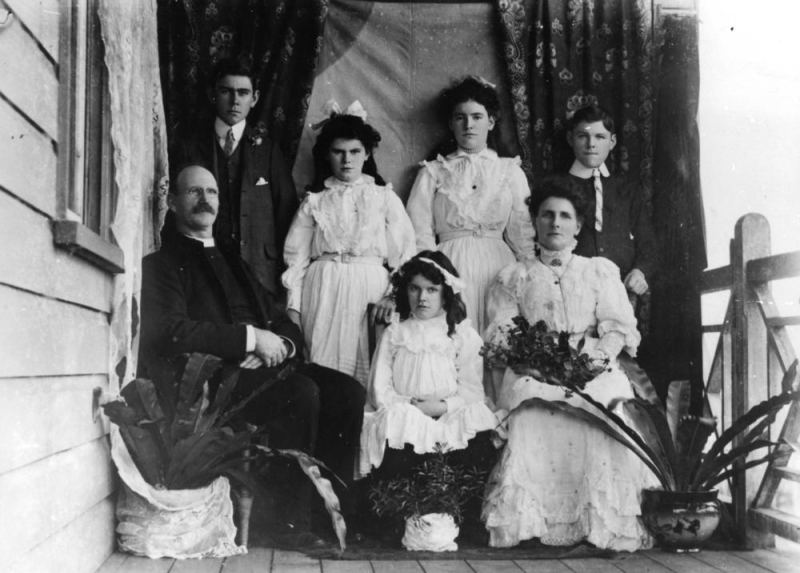
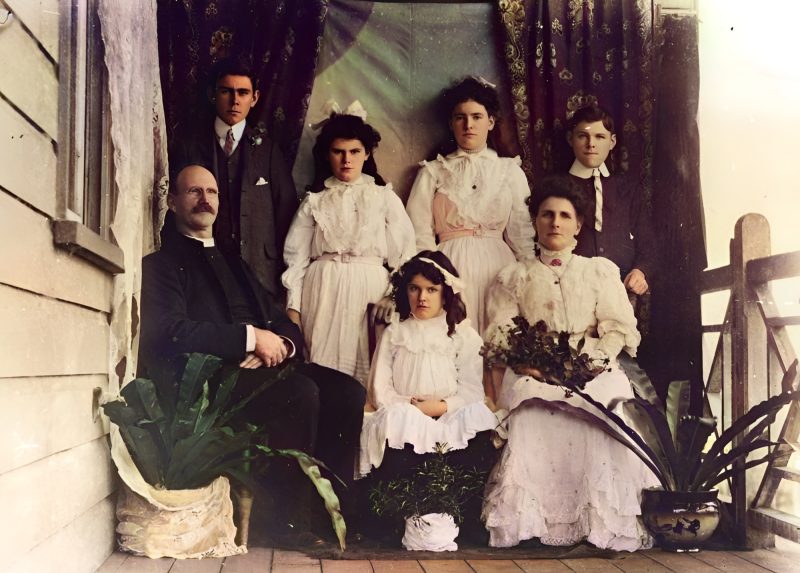
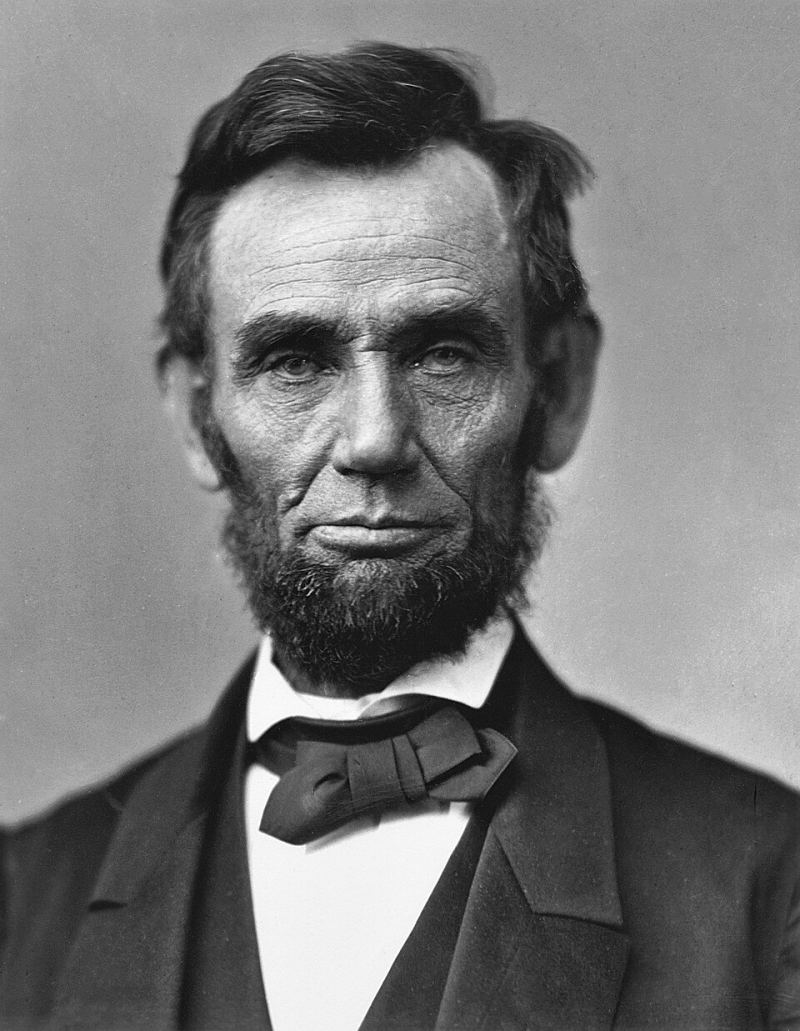
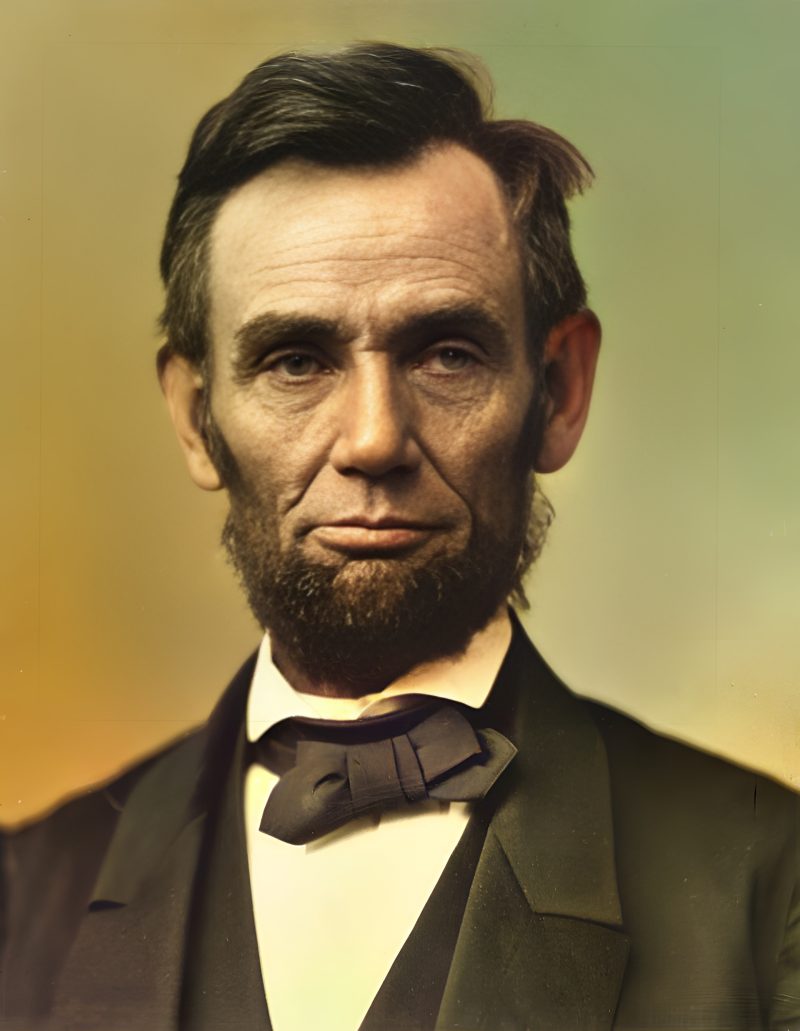
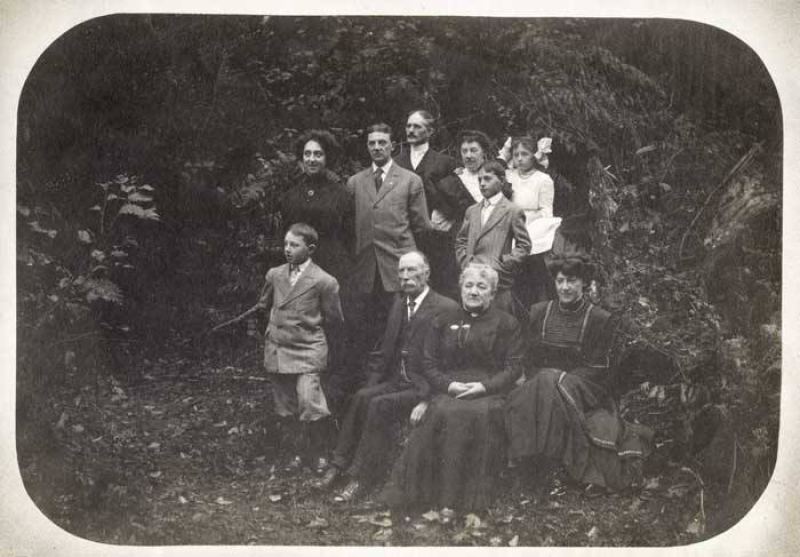
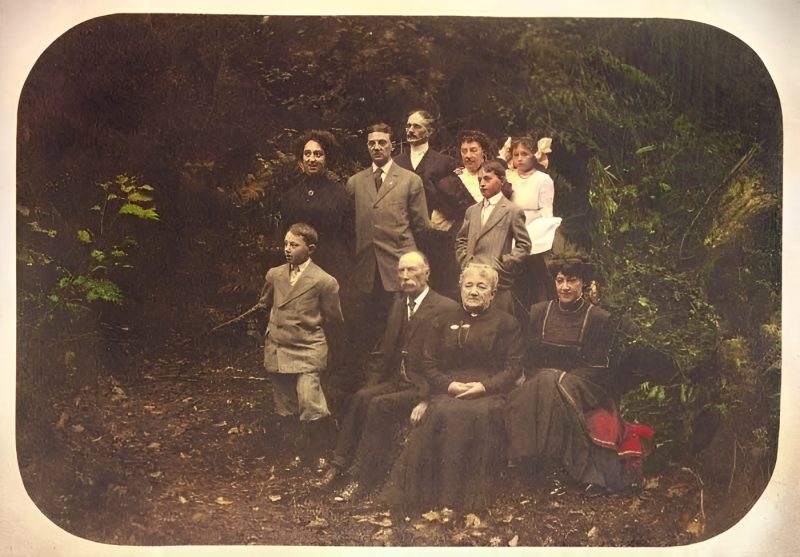
Pricing
Full resolution (2× upscaled), no watermark
Best value · $1.80 per photo
One-time payment via PayPal (card accepted, no account needed in most countries). No subscription. Not happy? Email us within 7 days for a refund.
FAQ
Are AI colors historically accurate?
No. Colors are a realistic prediction. Skin, sky and foliage usually look natural; clothing colors are a best guess unless you tell us the real ones.
Does sepia count as black and white?
Yes. Sepia and brown-toned prints are treated as monochrome and colorized the same way.
When do I pay with PayPal?
Only after you see the free watermarked preview. Pay the exact amount on the order page; we release the unwatermarked file after confirmation.
Can I colorize several photos at once?
Yes — upload up to five in one order. One photo is $3.9; five together are $9.
More answers on the full FAQ.
More guides
- Home – upload & free preview
- AI photo restoration online
- Restore old photos
- Restore torn photo · Polaroid · Childhood photo
- Military photo · Film slide · Colorize sepia
- Water-damaged · Yellowed · Blurry old photo
- Creased · Stained · Yearbook photo
- Vintage · Funeral / memorial · Colorize old family photo
- Colorize old wedding · Grandmother photo · Film negative
- Grandfather photo · Baby photo · Cracked photo
- Mother photo · Father photo · WWII photo
- Tintype photo · School photo · Pet photo
- Colorize black & white
- vs MyHeritage · vs VanceAI · vs Remini · vs Fotor · vs Photoshop · vs Topaz · vs Photomyne · vs PicWish · vs Cleanup.pictures · vs HitPaw · vs AVCLabs · vs GIMP · vs Canva