Colorize an old family photo
Turn black-and-white or sepia family album prints into natural color with AI. Free watermarked preview; pay via PayPal only if you want the full-resolution file.
Colorize an old family photo
Black-and-white and sepia family album prints can look natural in color when skin, sky, and foliage are handled carefully. Searching colorize old family photo or add color to family album print usually means: a realistic color prediction plus sharper faces — judged on a free preview before any payment.
Upload a flat scan or phone photo of the print. Leave Color on Auto (or force color on) for true B&W / sepia. If the print already has weak real color (pink/yellow fade), turn Color off and use enhance instead — see our faded guides. Tick scratch cleanup when dust lines show. You get a free watermarked preview first; PayPal unlocks the full-resolution file only if you keep it ($3.9 / $9 for five).
What this pipeline is good at
- B&W and sepia family portraits and small group shots
- Natural-looking skin tones with face restore + ~2× upscale
- Optional scratch / dust cleanup before colorize
Honest limits
- Colors are a realistic prediction, not a historical certificate. Clothing dyes and painted backdrops are best guesses unless you tell us known colors.
- Crowded family reunions with tiny faces need the largest scan you have.
- Already-color prints that turned yellow usually need enhance, not forced colorize.
Privacy
Uploads and results delete after 7 days and are never used for training. Contact: [email protected].
See also
Examples
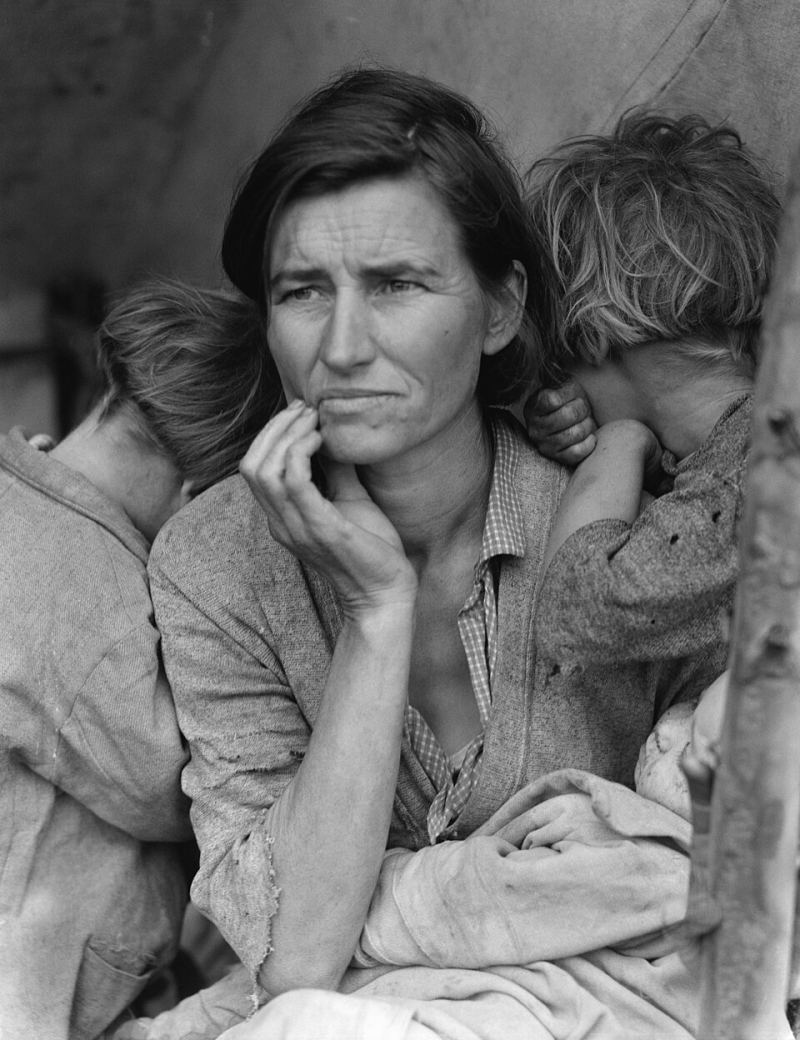
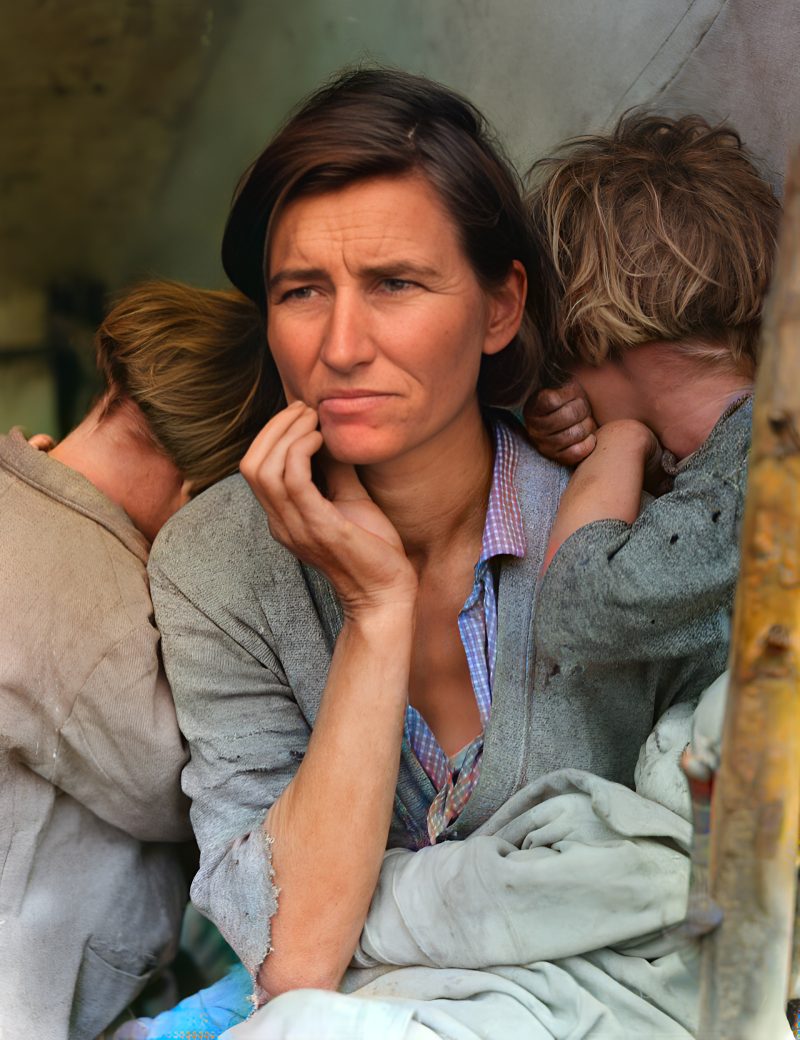
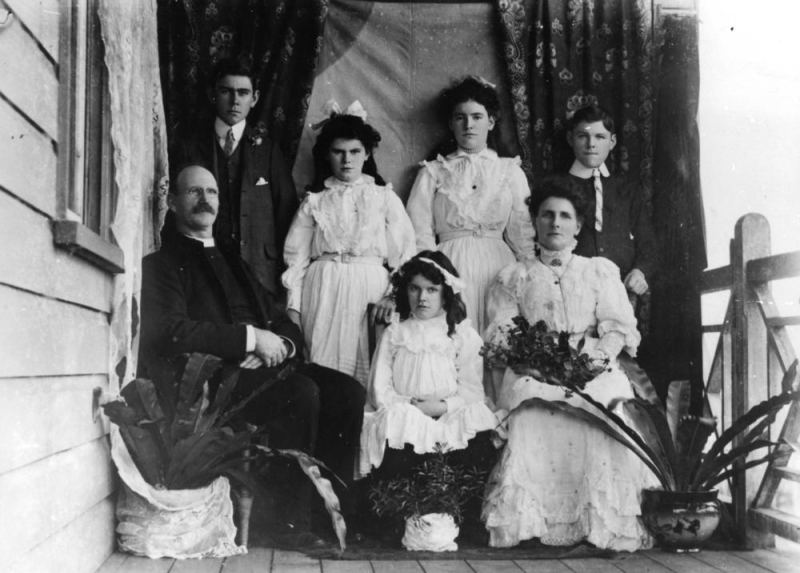
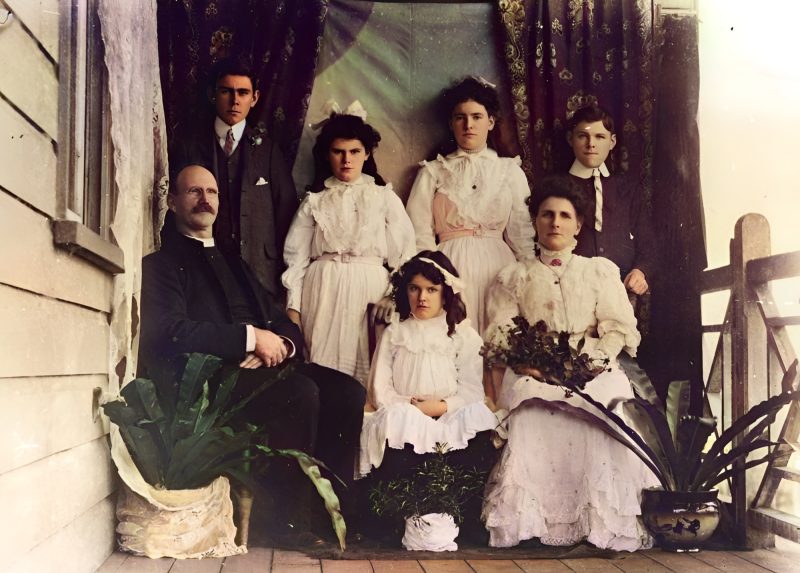
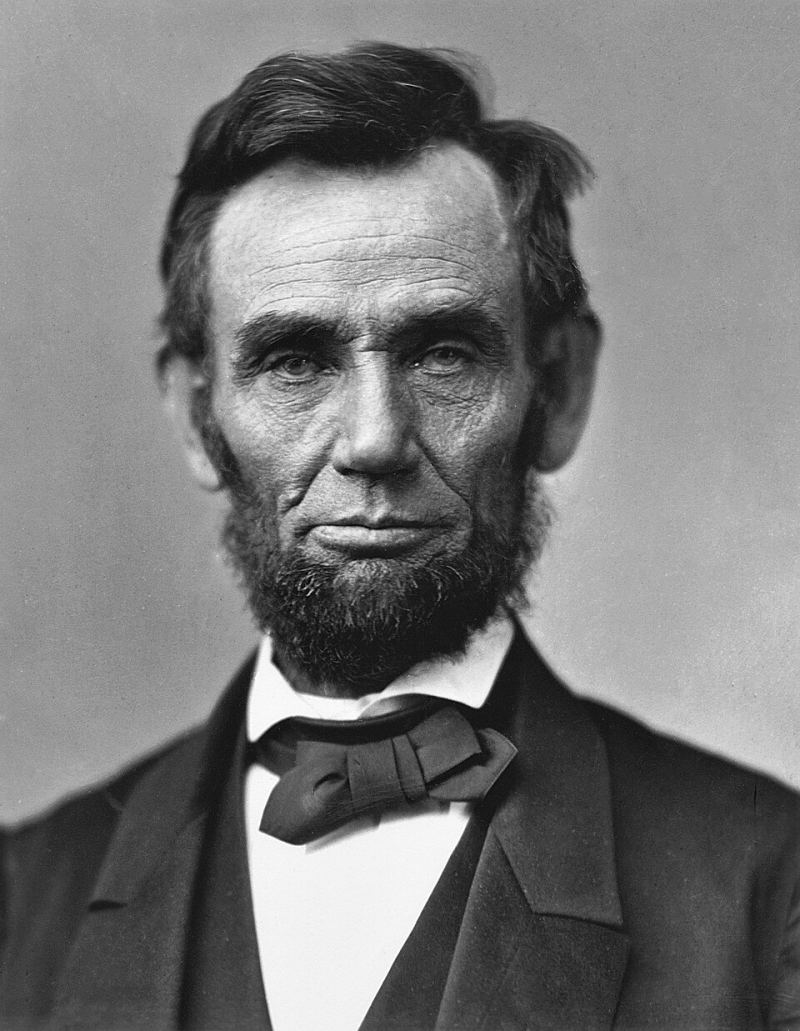
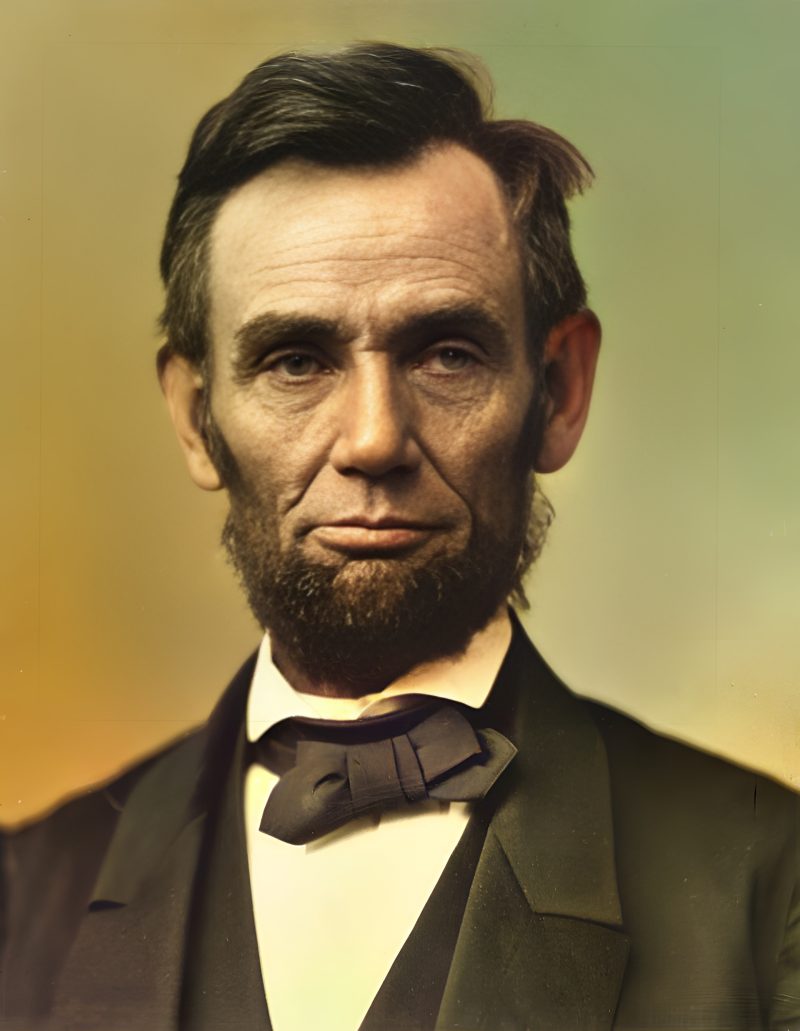
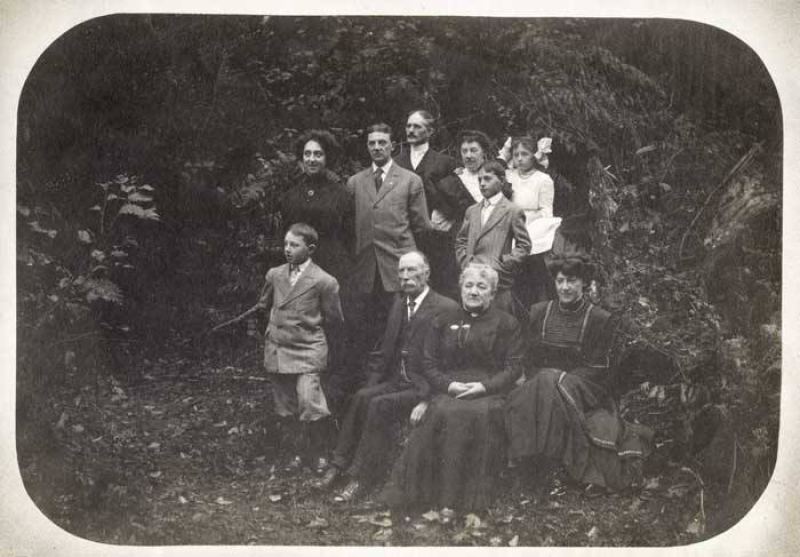
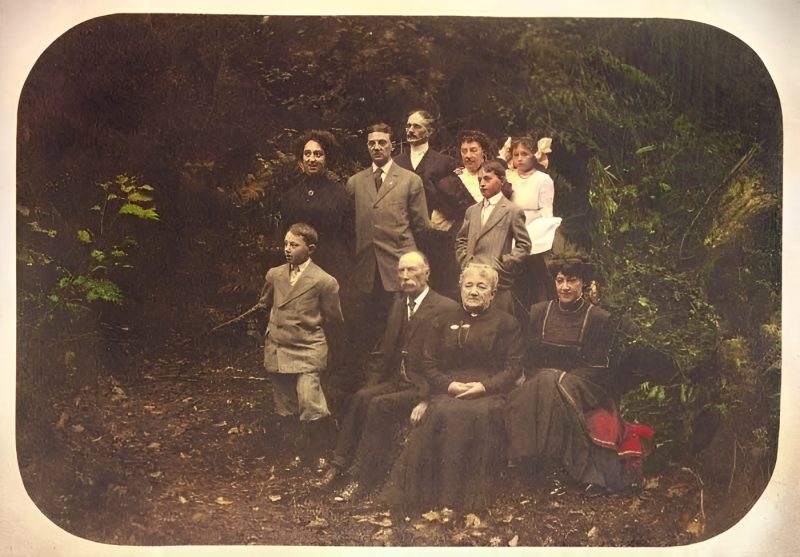
Pricing
Full resolution (2× upscaled), no watermark
Best value · $1.80 per photo
One-time payment via PayPal (card accepted, no account needed in most countries). No subscription. Not happy? Email us within 7 days for a refund.
FAQ
Are AI colors historically accurate?
No. Colors are a realistic prediction. Skin, sky and foliage usually look natural; clothing colors are a best guess unless you tell us the real ones.
Enhance or colorize for a yellowed color family print?
Usually enhance (Color off) if real color remains. Use Auto colorize only for true B&W or sepia.
Group family shots?
Supported. Tiny faces need the largest scan you have; faces under ~32px may stay soft.
When is PayPal charged?
Never before the free preview. You pay the exact unique amount only if you want the unwatermarked file.
Can I colorize several family prints?
Yes — up to five per order. One photo is $3.9; five together are $9.
More answers on the full FAQ.
More guides
- Home – upload & free preview
- AI photo restoration online
- Restore old photos
- Restore torn photo · Polaroid · Childhood photo
- Military photo · Film slide · Colorize sepia
- Water-damaged · Yellowed · Blurry old photo
- Creased · Stained · Yearbook photo
- Vintage · Funeral / memorial · Colorize old family photo
- Colorize old wedding · Grandmother photo · Film negative
- Grandfather photo · Baby photo · Cracked photo
- Mother photo · Father photo · WWII photo
- Tintype photo · School photo · Pet photo
- Colorize black & white
- vs MyHeritage · vs VanceAI · vs Remini · vs Fotor · vs Photoshop · vs Topaz · vs Photomyne · vs PicWish · vs Cleanup.pictures · vs HitPaw · vs AVCLabs · vs GIMP · vs Canva