Restore a faded wedding photo
Bring back contrast and faces on faded wedding prints from the 1950s–1980s. Free AI preview, then pay via PayPal for a full-resolution file ready to reprint or gift.
Restore faded wedding photos from mid-century albums
Wedding prints from the 1950s–1980s often survive in one copy: a soft studio portrait, a cake-cutting snapshot, or a group shot that lived near a window for decades. Color bleaches toward pink or yellow; contrast collapses; faces go pale. Restoring a faded wedding photo means recovering readable faces and usable contrast so you can reprint, frame, or share the day again — without pretending the AI knows the exact original dress dye.
Upload your scan or careful phone photo above. Our stack sharpens faces, reduces grain, optionally cleans light scratches, can colorize if the print has gone fully monochrome, and upscales about 2×. You get a free watermarked preview; unlock the full file with PayPal only if the preview is good enough to keep ($3.9 one photo / $9 for five).
Typical wedding-print fade patterns
- Drugstore color prints with orange skin and lost blues in sky or dress details.
- Low-contrast black-and-white church or registry office portraits.
- Sepia studio photos couples want gently colorized for a modern album.
- Group reception shots where only the couple’s faces matter — upload the largest file so faces stay above ~32px.
Digitizing tips for wedding prints
- Do not peel a stuck print off the album page; capture it in place first.
- Flatbed 300–600 dpi, or daylight phone capture parallel to the print, no flash.
- Skip phone “auto enhance” — it clips the faint tones we need.
- Crop album borders but keep shoulders and bouquet edges.
Related pages
- Enhance faded photos — general fade guide.
- Colorize old portraits — B&W wedding headshots.
- Damaged family photo — mixed album damage.
- MyHeritage alternative — if you only need the print, not a tree.
Questions about a specific ceremony photo? [email protected].
Examples
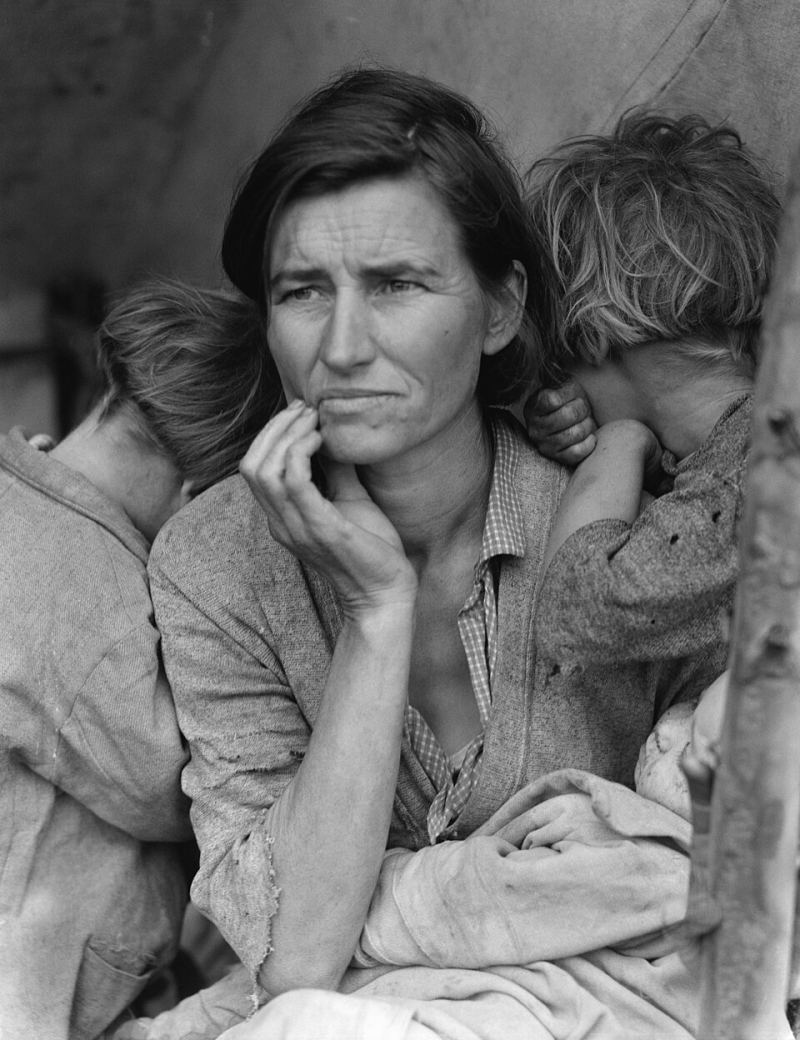
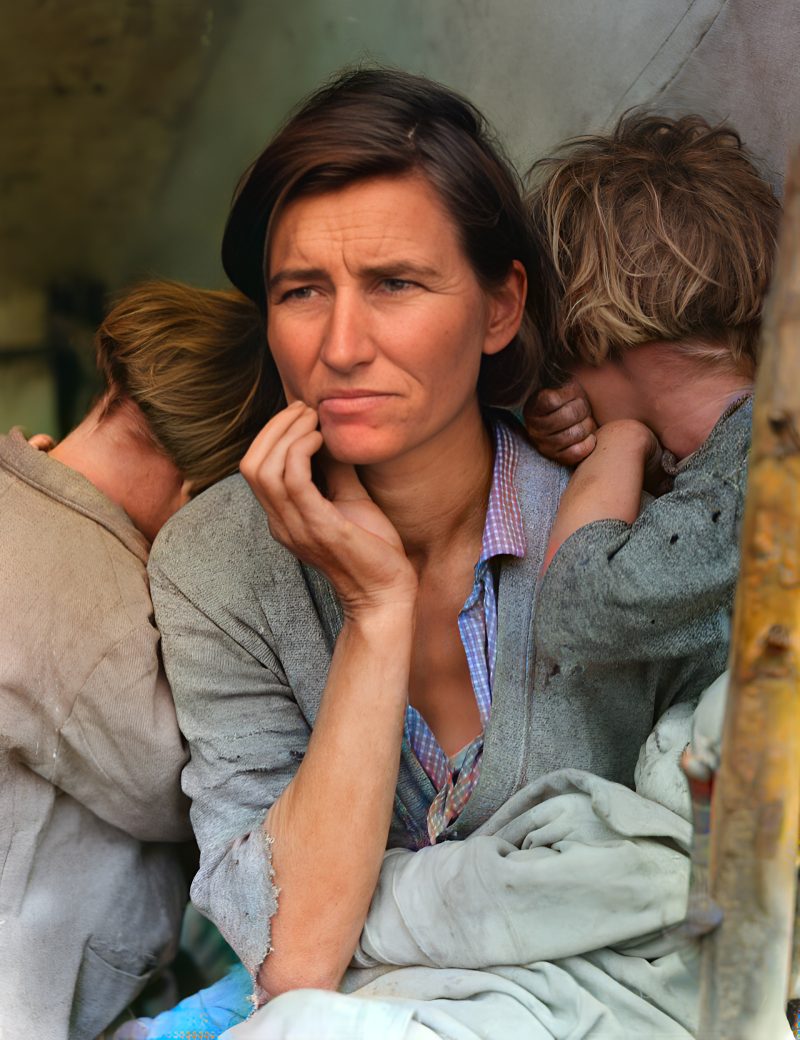
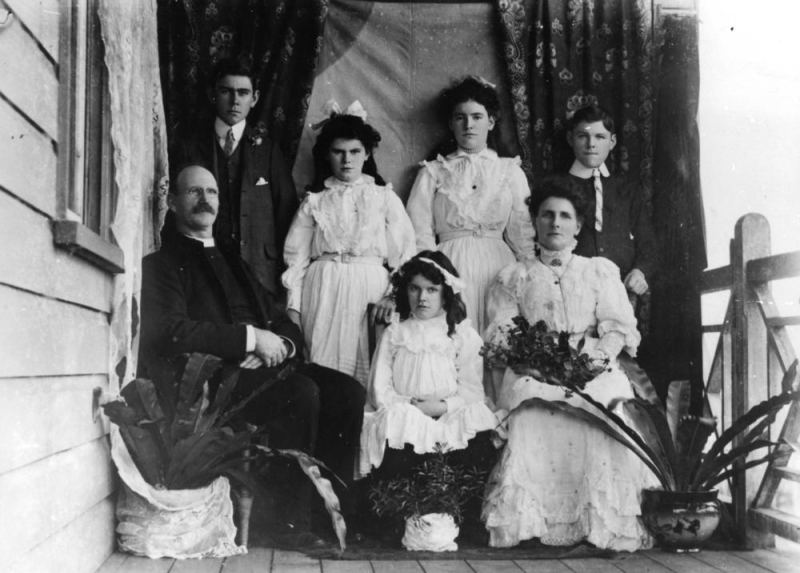
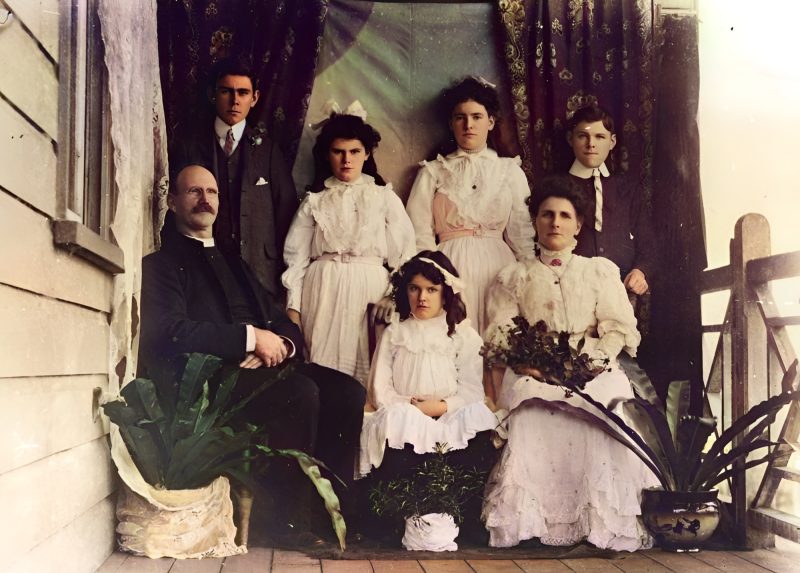
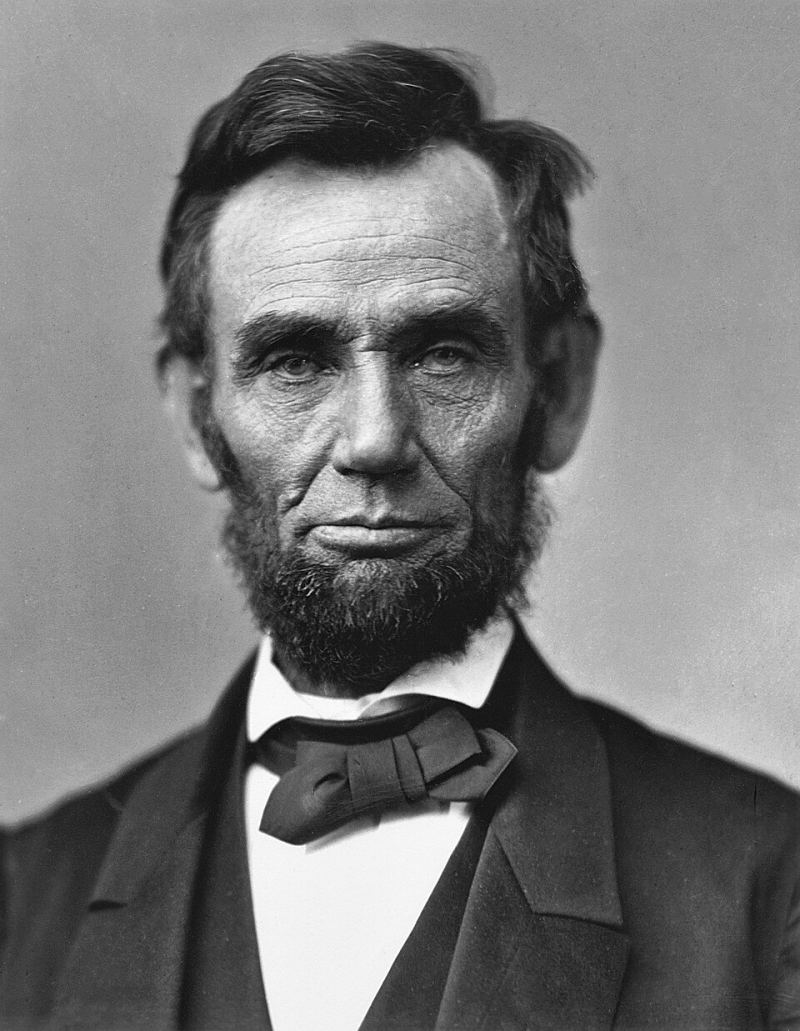
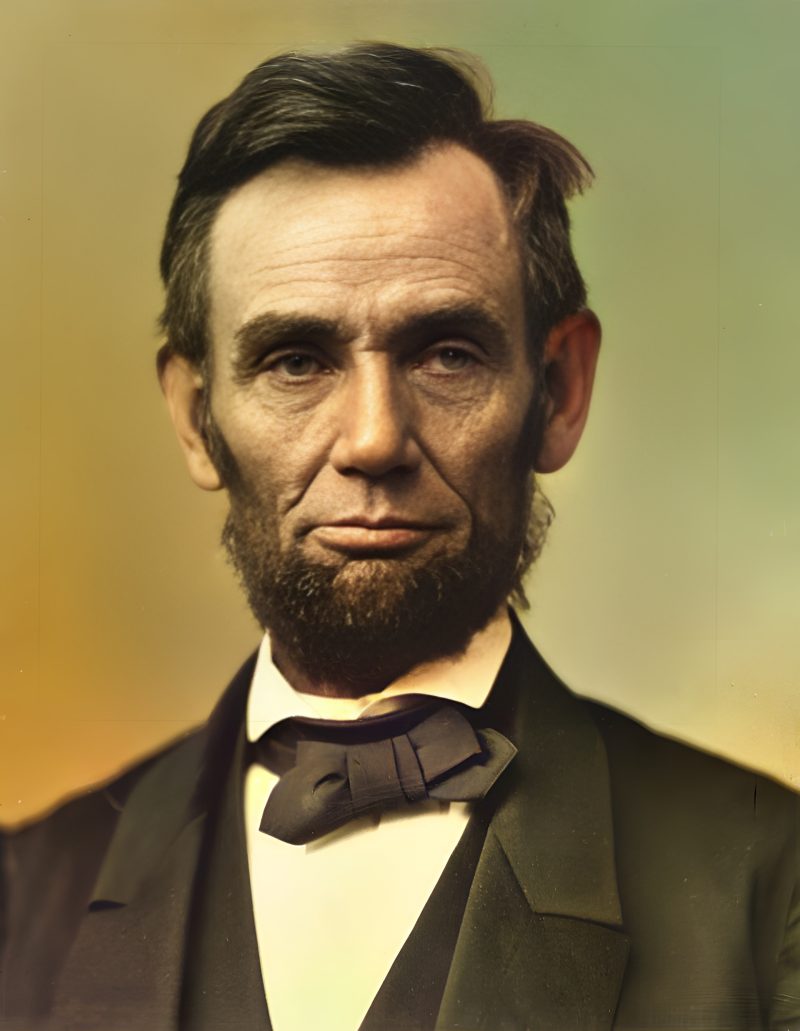
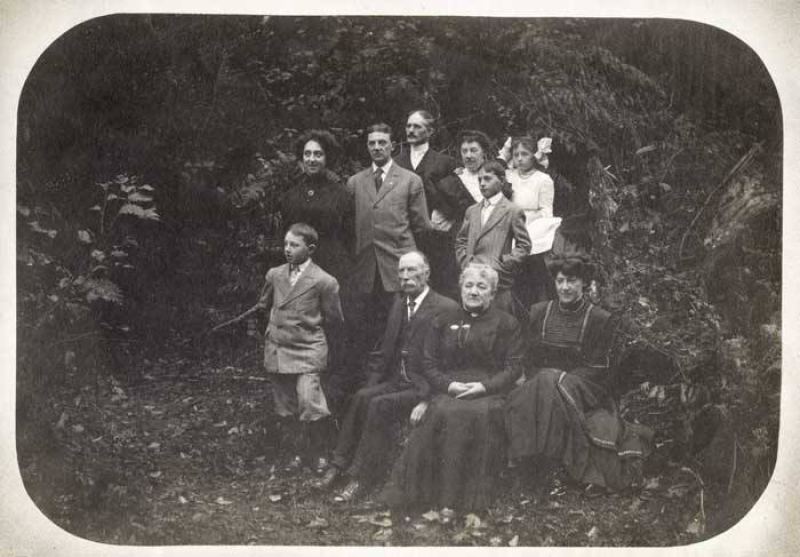
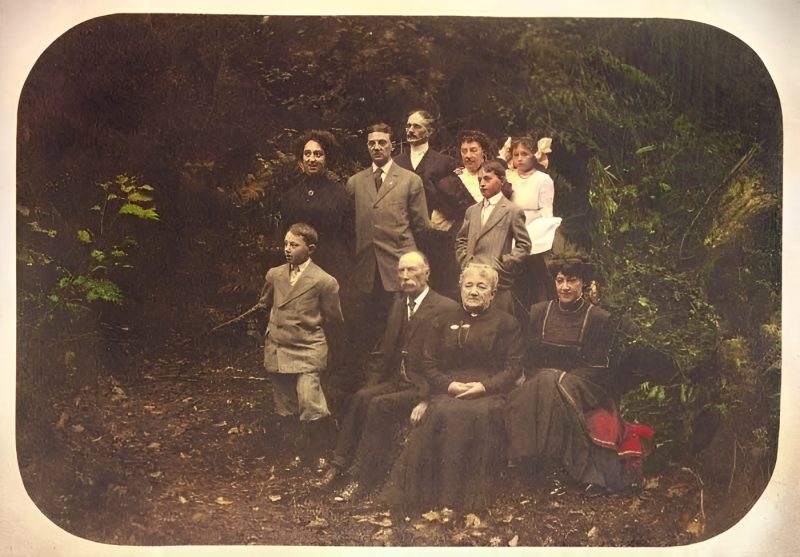
Pricing
Full resolution (2× upscaled), no watermark
Best value · $1.80 per photo
One-time payment via PayPal (card accepted, no account needed in most countries). No subscription. Not happy? Email us within 7 days for a refund.
FAQ
Does this work on color wedding prints that turned pink/yellow?
Yes — that bleach pattern is exactly what enhancement + face restore targets.
Can you colorize a black-and-white wedding portrait?
Yes — leave Color on Auto. See also our portrait colorize guide.
Is there a free look before PayPal?
Always. Preview is watermarked; you pay only if you want the clean full-res file.
Group wedding shots?
Supported. Faces under ~32px may stay soft; upload the largest scan you have.
How much?
$3.9 per photo after preview, or $9 for five in one order.
More answers on the full FAQ.
More guides
- Home – upload & free preview
- AI photo restoration online
- Restore old photos
- Restore torn photo · Polaroid · Childhood photo
- Military photo · Film slide · Colorize sepia
- Water-damaged · Yellowed · Blurry old photo
- Creased · Stained · Yearbook photo
- Vintage · Funeral / memorial · Colorize old family photo
- Colorize old wedding · Grandmother photo · Film negative
- Grandfather photo · Baby photo · Cracked photo
- Mother photo · Father photo · WWII photo
- Tintype photo · School photo · Pet photo
- Colorize black & white
- vs MyHeritage · vs VanceAI · vs Remini · vs Fotor · vs Photoshop · vs Topaz · vs Photomyne · vs PicWish · vs Cleanup.pictures · vs HitPaw · vs AVCLabs · vs GIMP · vs Canva