Colorize a sepia photo
Turn sepia and brown-toned prints into natural color with AI. Free watermarked preview in about a minute; pay via PayPal only if you want the full-resolution file.
Colorize a sepia photo
Sepia and brown-toned prints are monochrome with a warm cast — not “almost color.” Searching colorize sepia photo usually means: a cabinet card, studio portrait, or postcard that looks antique brown, and you want natural skin, sky, and foliage instead of chocolate grayscale. Leave Color on Auto (or force color on) when you upload.
You always get a free watermarked preview first. Pay the exact unique PayPal amount on the order page only if you want the full-resolution, unwatermarked file ($3.9 / $9 for five).
Sepia vs black-and-white vs faded color
- Sepia / brown tone: Treat as monochrome → colorize. That is this page’s job.
- True B&W silver print: Same colorize path — see also colorize black and white.
- Faded color that still has weak hues: Prefer enhance, not colorize — see enhance faded photos.
What AI colors can and cannot claim
Colors are a realistic prediction, not a museum certificate. Skin, sky, and plants usually look natural; clothing, painted backdrops, and uniforms are a best guess. If you know a true color (“her dress was ivory,” “the barn was red”), put it in the PayPal note or email [email protected] and we will nudge those areas when practical.
Portrait tip
Studio sepia portraits benefit from the same face-aware restore as our old portrait colorize guide. Soft faces get sharpened and blended so relatives still look familiar.
See also
Examples
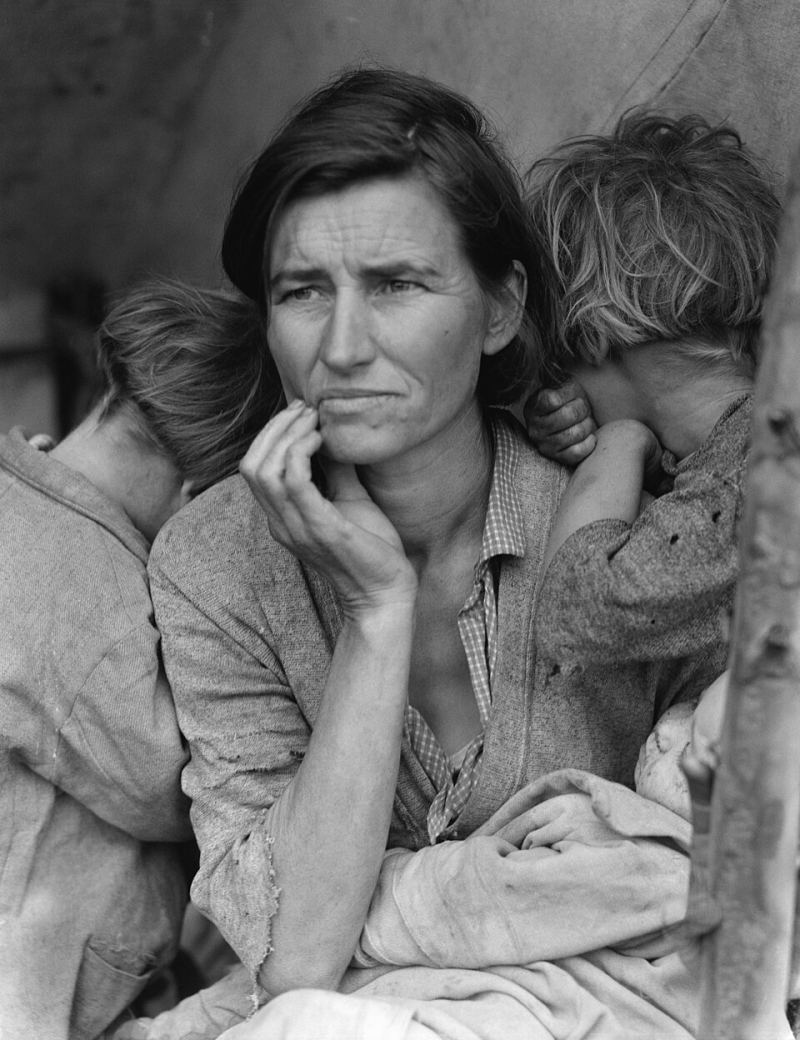
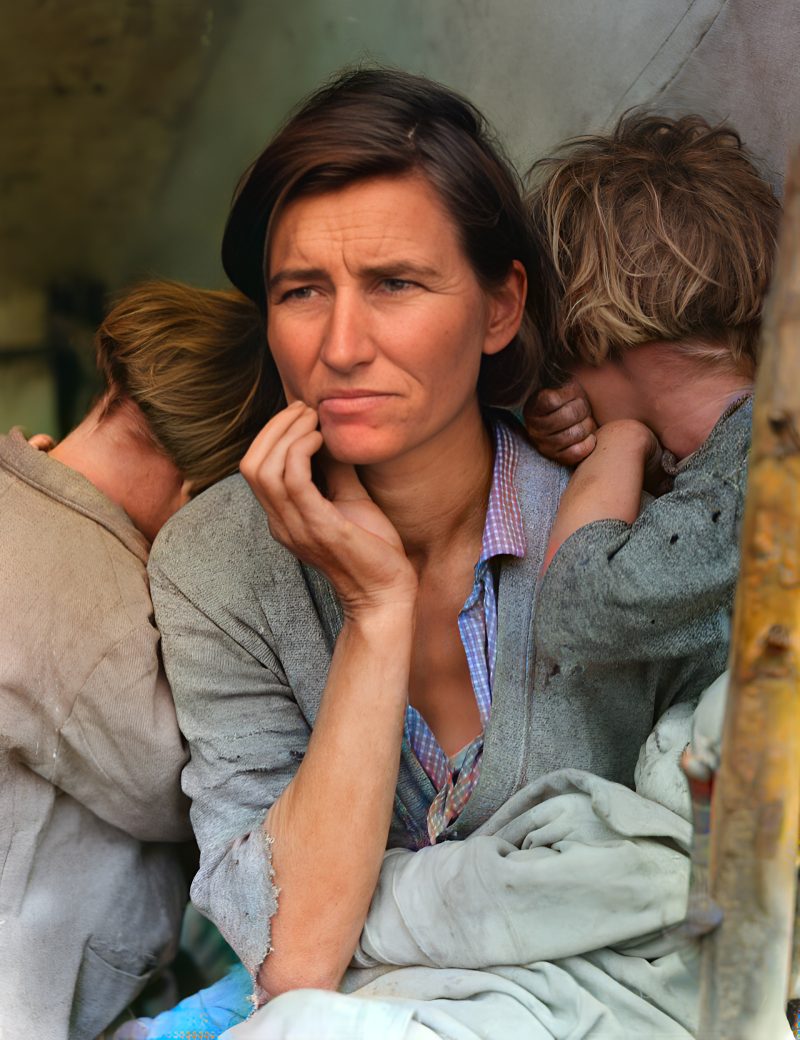
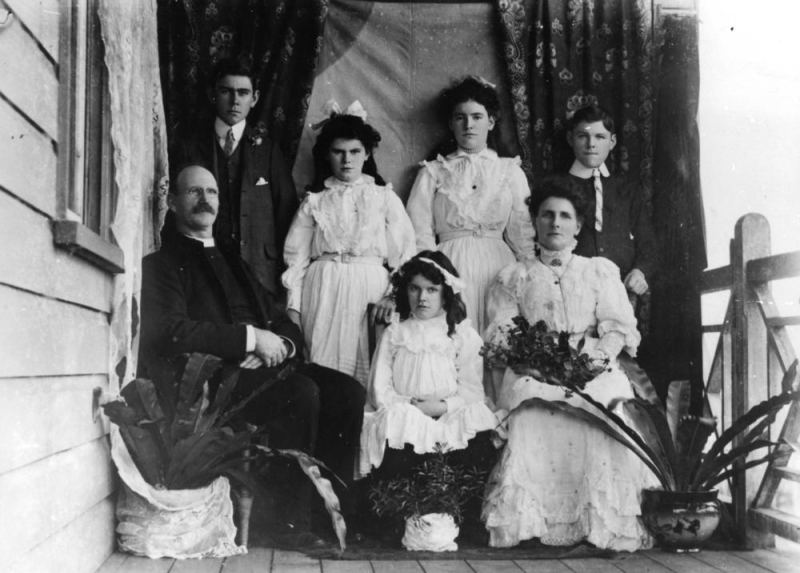
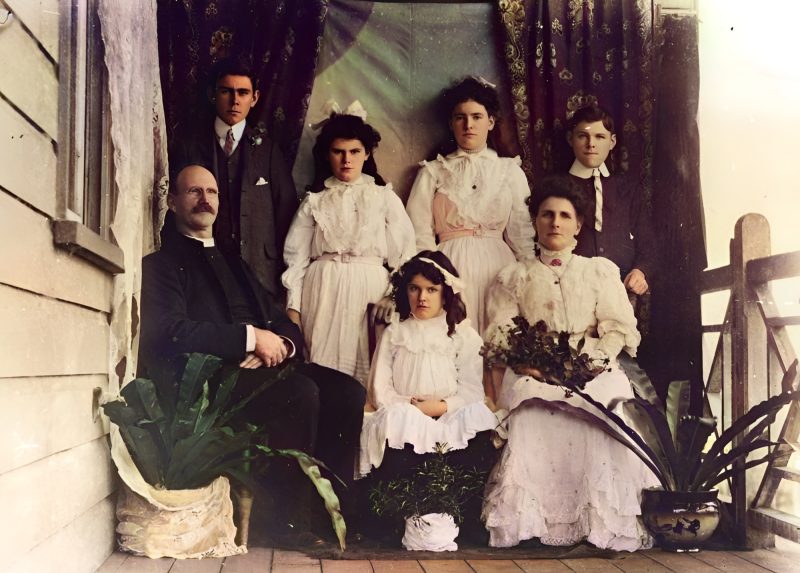
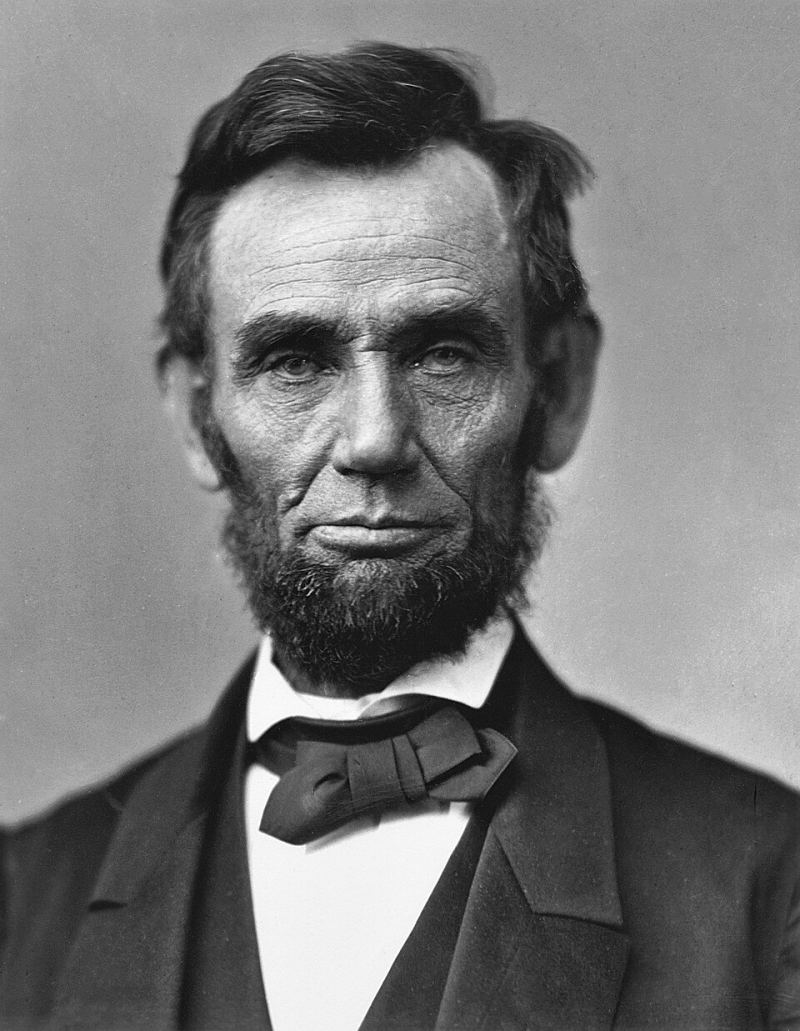
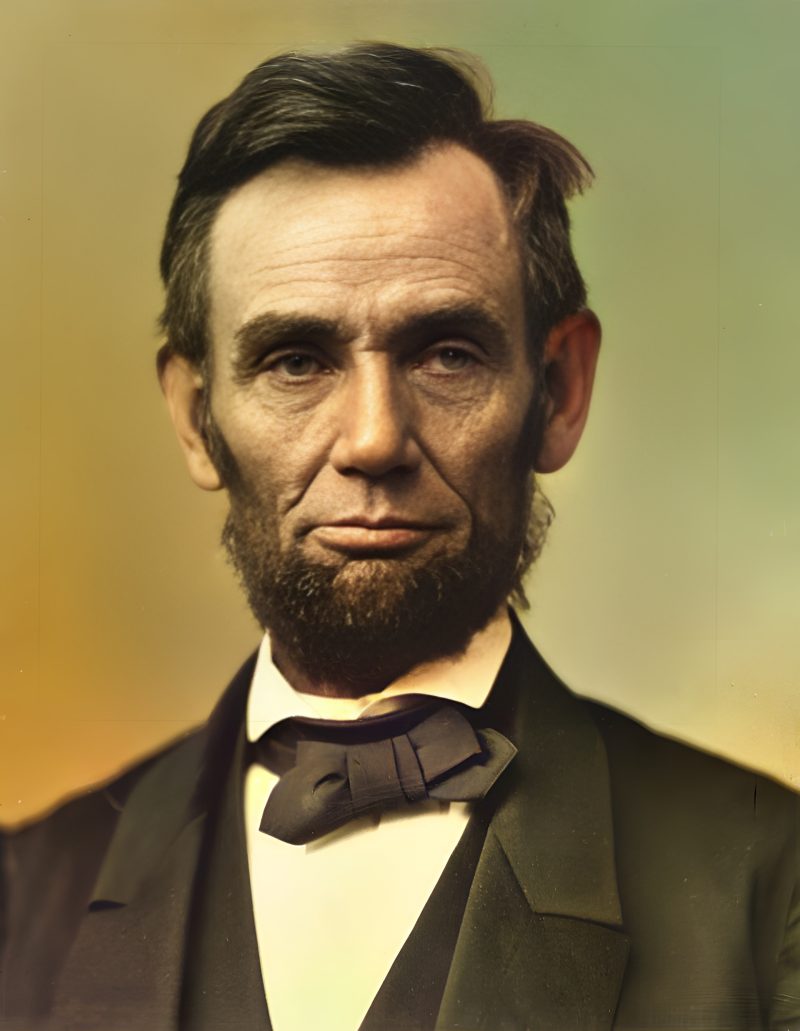
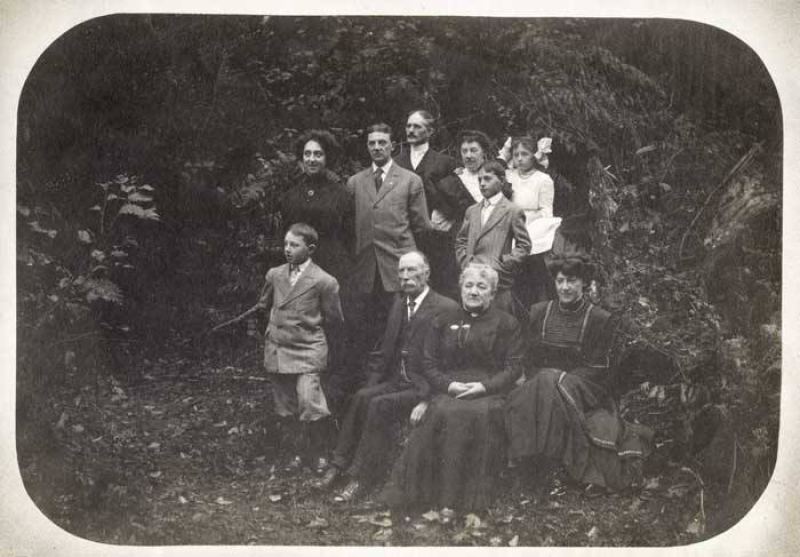
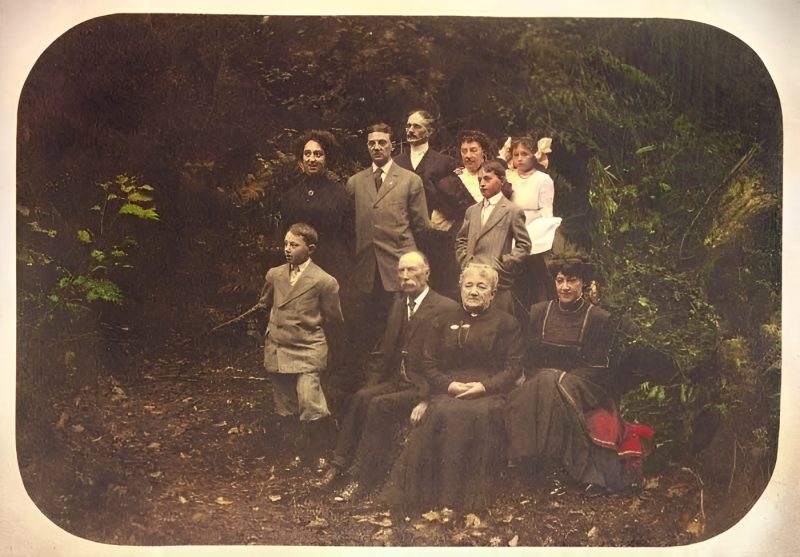
Pricing
Full resolution (2× upscaled), no watermark
Best value · $1.80 per photo
One-time payment via PayPal (card accepted, no account needed in most countries). No subscription. Not happy? Email us within 7 days for a refund.
FAQ
Is sepia the same as black and white?
Both are monochrome for our colorize path. Sepia has a warm brown cast; we still treat it as a candidate for colorization.
Should I enhance instead?
If the print still has weak real color (pink/yellow fade), use enhance. Use colorize for true sepia or B&W.
Are colors historically accurate?
No. They are a realistic prediction. Skin and sky usually look natural; clothing colors are a best guess unless you tell us the real ones.
When is PayPal charged?
Never before the free preview. You pay the exact unique amount only if you want the unwatermarked file.
Can I colorize several sepia prints?
Yes — up to five per order. One photo is $3.9; five together are $9.
More answers on the full FAQ.
More guides
- Home – upload & free preview
- AI photo restoration online
- Restore old photos
- Restore torn photo · Polaroid · Childhood photo
- Military photo · Film slide · Colorize sepia
- Water-damaged · Yellowed · Blurry old photo
- Creased · Stained · Yearbook photo
- Vintage · Funeral / memorial · Colorize old family photo
- Colorize old wedding · Grandmother photo · Film negative
- Grandfather photo · Baby photo · Cracked photo
- Mother photo · Father photo · WWII photo
- Tintype photo · School photo · Pet photo
- Colorize black & white
- vs MyHeritage · vs VanceAI · vs Remini · vs Fotor · vs Photoshop · vs Topaz · vs Photomyne · vs PicWish · vs Cleanup.pictures · vs HitPaw · vs AVCLabs · vs GIMP · vs Canva