Fotor photo enhancer alternative for old prints
Comparing Fotor-style AI enhance with a heritage photo restore: free watermarked preview, then one-time PayPal if you keep the full-resolution file. Built for faded family scans.
Fotor photo enhancer alternative for old prints
Fotor is a popular all-in-one editor with AI enhance tools aimed at social posts, product shots and everyday photos. If your job is different — restoring a scanned family print, fixing soft faces from the 1960s, or colorizing a black-and-white portrait — a heritage-focused restore with free watermarked preview → PayPal unlock is often a cleaner path than learning another full editor.
Independent comparison. We are not affiliated with Fotor. Upload your scan above to judge quality on your photo before paying.
When Fotor-style editors win
- You already edit many modern photos (collages, backgrounds, batch social crops).
- You want a general design suite, not a one-off restore checkout.
- You prefer in-app credits you already bought.
When a pay-after-preview restore wins
- One or a few old album prints — faded, soft faces, light scratches.
- You want to see the result first, then pay once via PayPal ($3.9 / $9 for five).
- No subscription: files delete after 7 days; not used for training.
Pipeline difference in one line
Our stack prioritizes face restore (GFPGAN), optional scratch cleanup, optional colorize, and ~2× upscale — the same path as AI photo restoration online. General enhancers often optimize for modern sharpness; heritage prints need face-aware restore plus careful blending so relatives still look like themselves.
Try it
Use the upload form at the top. Also compare vs MyHeritage, vs VanceAI, vs Remini, and vs Photoshop restore.
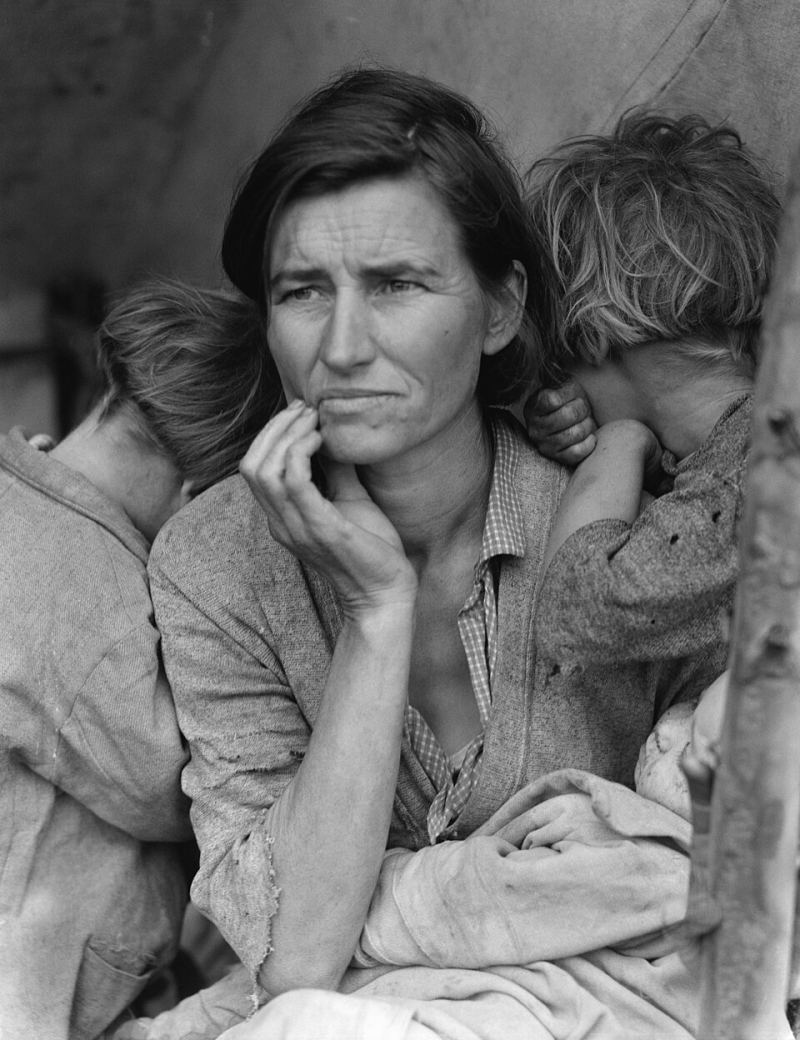
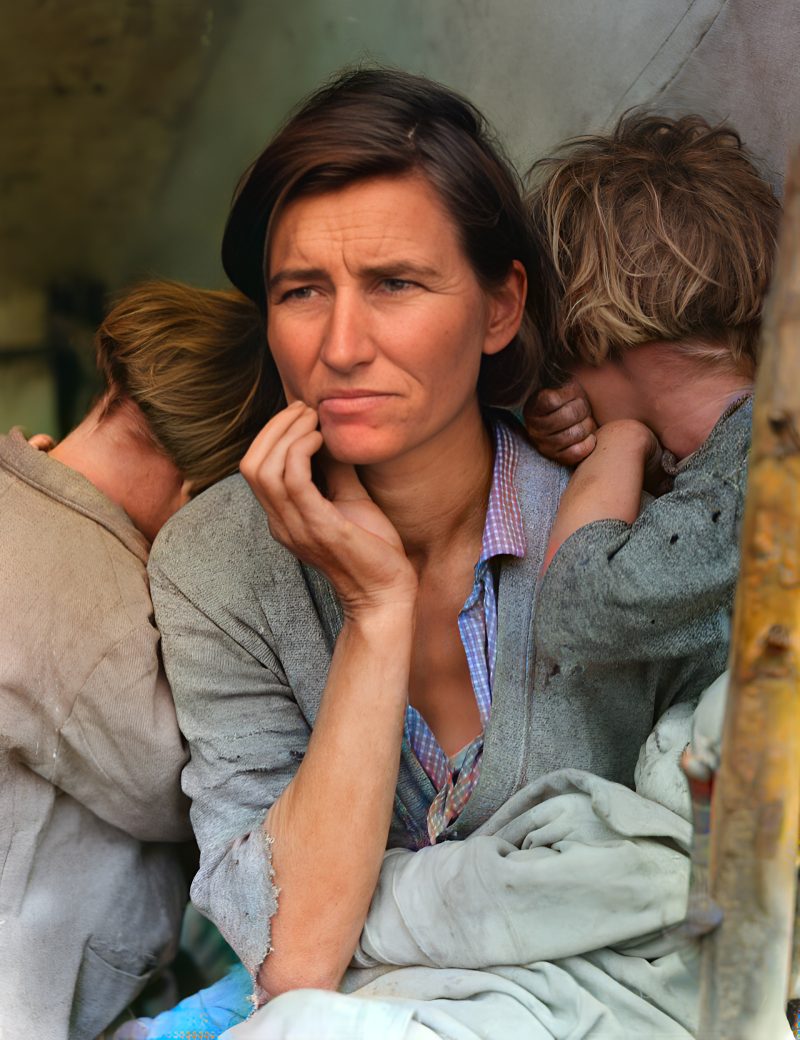
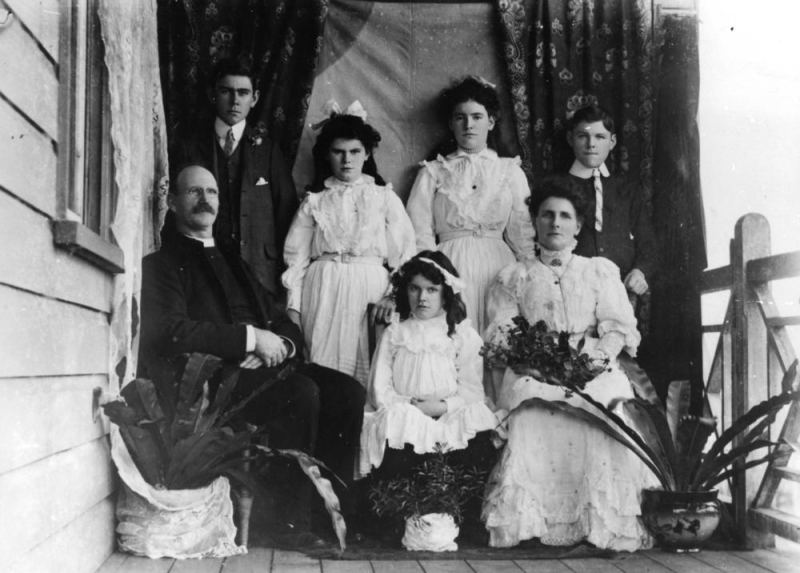
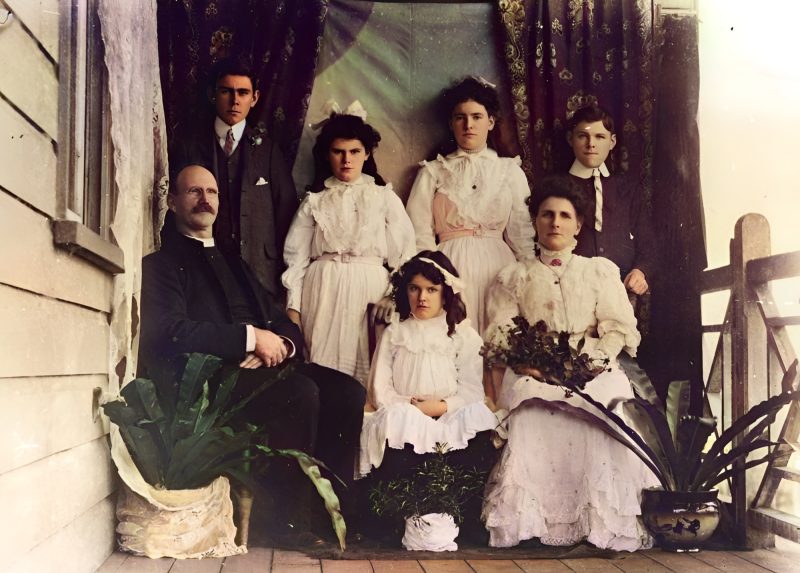
Examples
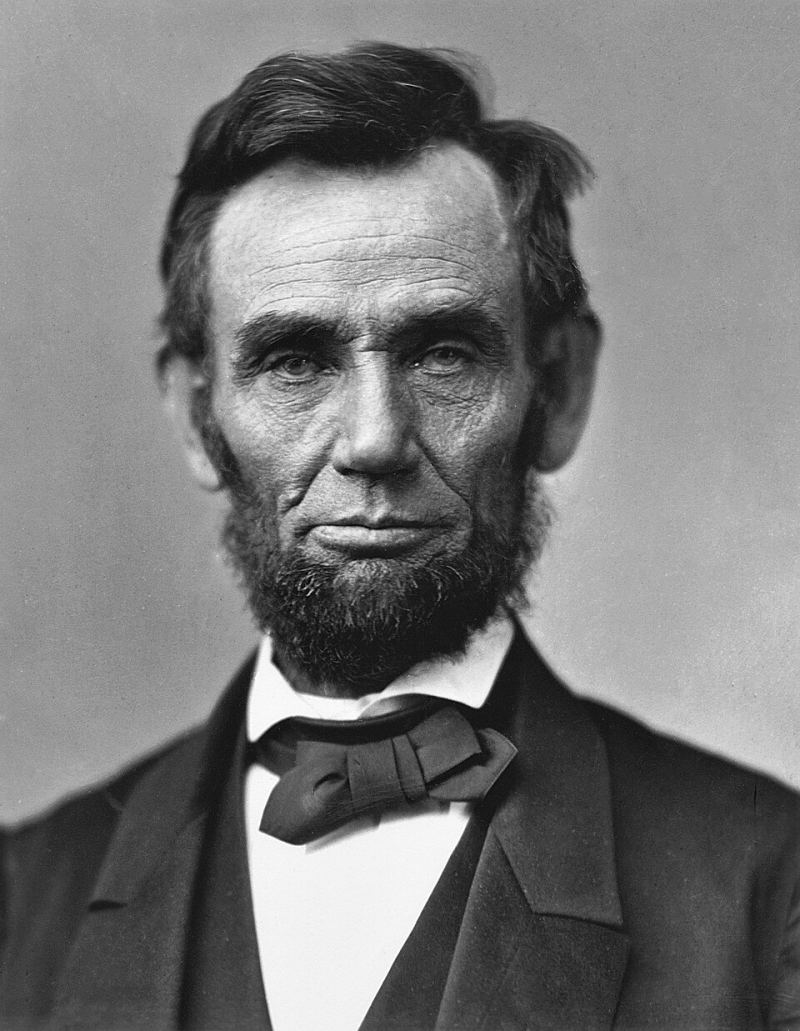
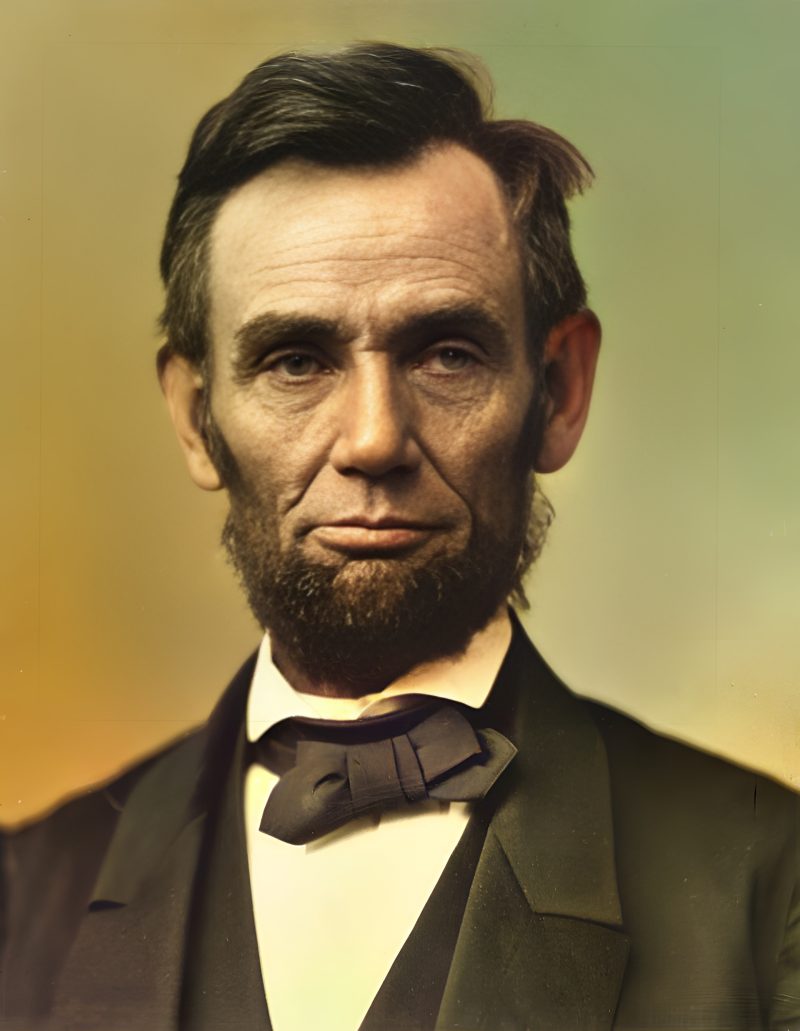
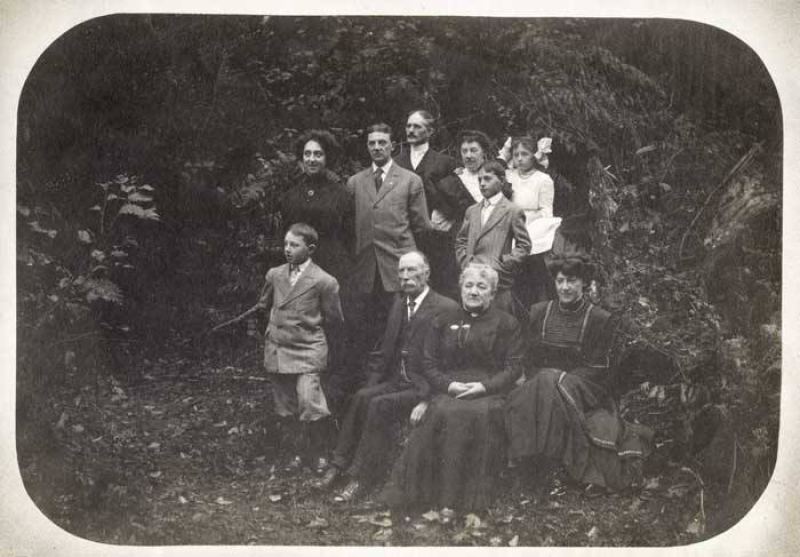
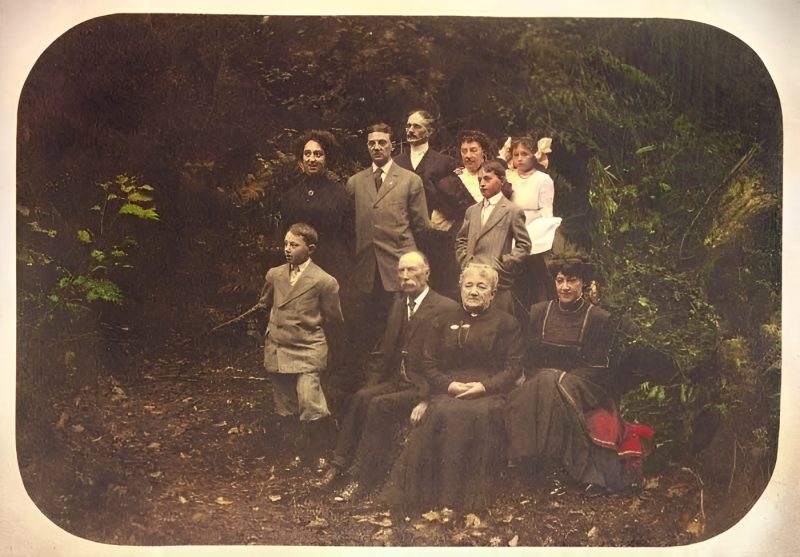
Pricing
Full resolution (2× upscaled), no watermark
Best value · $1.80 per photo
One-time payment via PayPal (card accepted, no account needed in most countries). No subscription. Not happy? Email us within 7 days for a refund.
FAQ
Is this affiliated with Fotor?
No. Independent tool. We compare workflows so you can pick a general editor vs a one-off restore checkout.
Why not just use an all-in-one editor?
Editors shine for modern social photos. Old album prints often need face-aware restore, optional scratch cleanup and colorize with a try-before-pay step.
How do I pay?
Only after the free watermarked preview. Pay the exact unique PayPal amount on the order page to unlock the download.
Subscription?
No. One-time PayPal per order; files delete after a week.
More answers on the full FAQ.
More guides
- Home – upload & free preview
- AI photo restoration online
- Restore old photos
- Restore torn photo · Polaroid · Childhood photo
- Military photo · Film slide · Colorize sepia
- Water-damaged · Yellowed · Blurry old photo
- Creased · Stained · Yearbook photo
- Vintage · Funeral / memorial · Colorize old family photo
- Colorize old wedding · Grandmother photo · Film negative
- Grandfather photo · Baby photo · Cracked photo
- Mother photo · Father photo · WWII photo
- Tintype photo · School photo · Pet photo
- Colorize black & white
- vs MyHeritage · vs VanceAI · vs Remini · vs Fotor · vs Photoshop · vs Topaz · vs Photomyne · vs PicWish · vs Cleanup.pictures · vs HitPaw · vs AVCLabs · vs GIMP · vs Canva