Restore damaged family photos
Repair faded, soft or dusty family album prints with AI. Free watermarked preview, then pay via PayPal only if you want the full-resolution file for sharing and reprinting.
Restore damaged family photos and keep your heritage alive
Family albums are usually the first place people look when a relative passes away, a house is sold, or a grandchild asks “what did great-grandma look like?” The prints that answer those questions are often the most fragile ones: yellowed 1970s color, soft 1950s black-and-white, polaroids stuck to album pages, or a single cracked portrait that everyone has been afraid to touch. Restoring damaged family photos is not about making them look brand-new for Instagram — it is about making faces readable again so the story can be shared, printed, and passed on.
This page is for that exact job. Upload a scan or a careful phone photo of the print, leave the options on Auto, and our AI will sharpen faces, reduce grain and dust, optionally colorize black-and-white or sepia frames, and upscale the result about 2×. You get a free watermarked preview first; you only pay if the preview is good enough to keep. For a single photo that is $3.9; five photos together are $9.
What “damaged family photo” usually means
Most family-album damage falls into a few patterns:
- Faded color — pink/yellow skin, washed skies, collapsed contrast (common on 1960s–1980s drugstore prints).
- Soft or blurry faces — wallet prints, soft snapshots, or low-resolution phone photos of the original.
- Scratches, dust and album marks — white hairlines, lint, plastic-sleeve texture on the scan.
- Sepia or black-and-white — studio portraits people often want gently colorized.
- Heavy physical damage — tears, water stains, missing pieces. AI helps what is still visible; large gaps need a human retoucher.
If the photo is mostly faded, soft, dusty, or black-and-white, upload above. If a large piece of a face is gone, email [email protected] with the scan for an honest fixed-price quote.
How to digitize a family print without making it worse
- Do not peel a stuck print off the album page unless you know how. Photograph or scan it in place first; a clean capture of a stuck print is better than a torn original.
- Prefer a flatbed scanner at 300–600 dpi. Lay the print flat, close the lid gently, and save as JPEG or TIFF — not a screenshot of the scanner preview.
- Phone capture works in a pinch. Place the print on a dark, non-reflective surface in daylight (no flash). Hold the phone parallel to the print, fill the frame, and tap to focus on a face.
- Crop the album border, keep the whole photo. Leave a little margin so faces near the edge are not cut off.
- Upload the largest file you have. Our pipeline upscales about 2×; starting from a tiny thumbnail leaves little for the models to reconstruct.
What our family-photo pipeline does
After you upload, each photo goes through the same open-source stack we use on the homepage: face restoration (GFPGAN) to rebuild eyes, skin and hair detail; optional scratch/dust cleanup when you tick that box; optional AI colorization for black-and-white or sepia; and a Real-ESRGAN (or faster SPAN) upscale. The free preview is watermarked and slightly smaller so you can judge quality before paying. Full-resolution, unwatermarked files are released after payment and kept on the server for 7 days, then deleted.
Related guides on this site
Depending on what is wrong with your album print, these focused pages may help:
- Restore old photos online — general restoration overview and scanning tips.
- Enhance faded photos — for washed-out color and low contrast.
- Colorize old portrait photos — when the main subject is a face in black-and-white or sepia.
- Colorize black and white photos — scene-wide colorization notes.
- Fix scratched photos — dust, hairlines and scanner spots.
Ready when you are: use the upload form at the top of this page, or go back to the homepage and start a free preview. Questions before you upload? Write to [email protected].
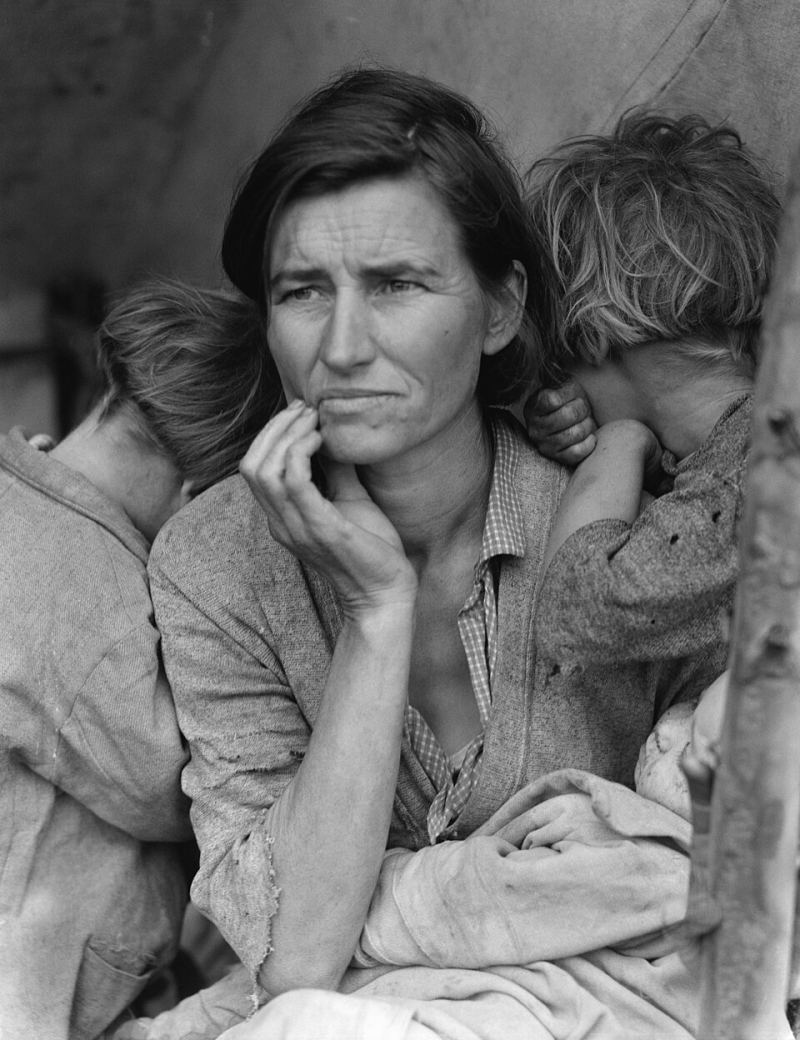
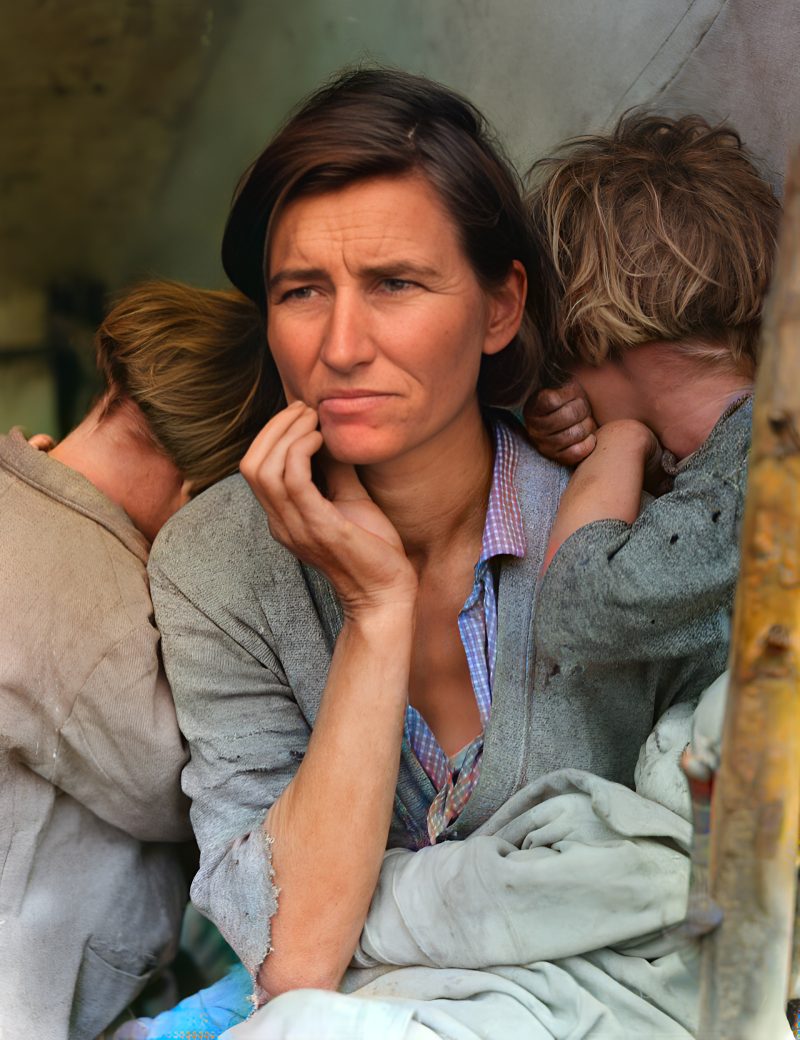
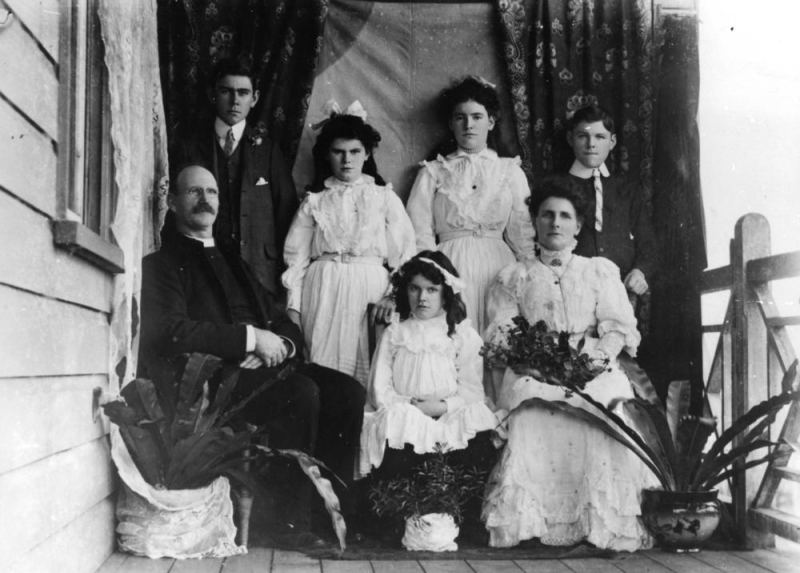
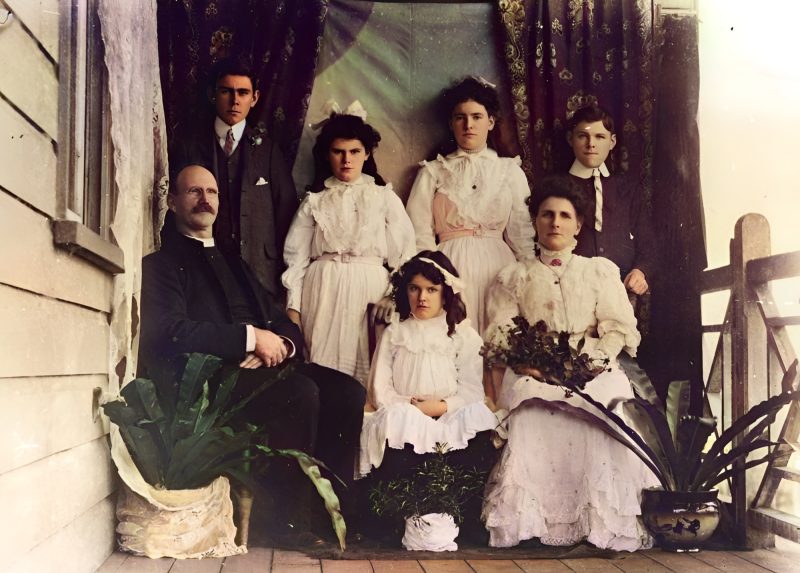
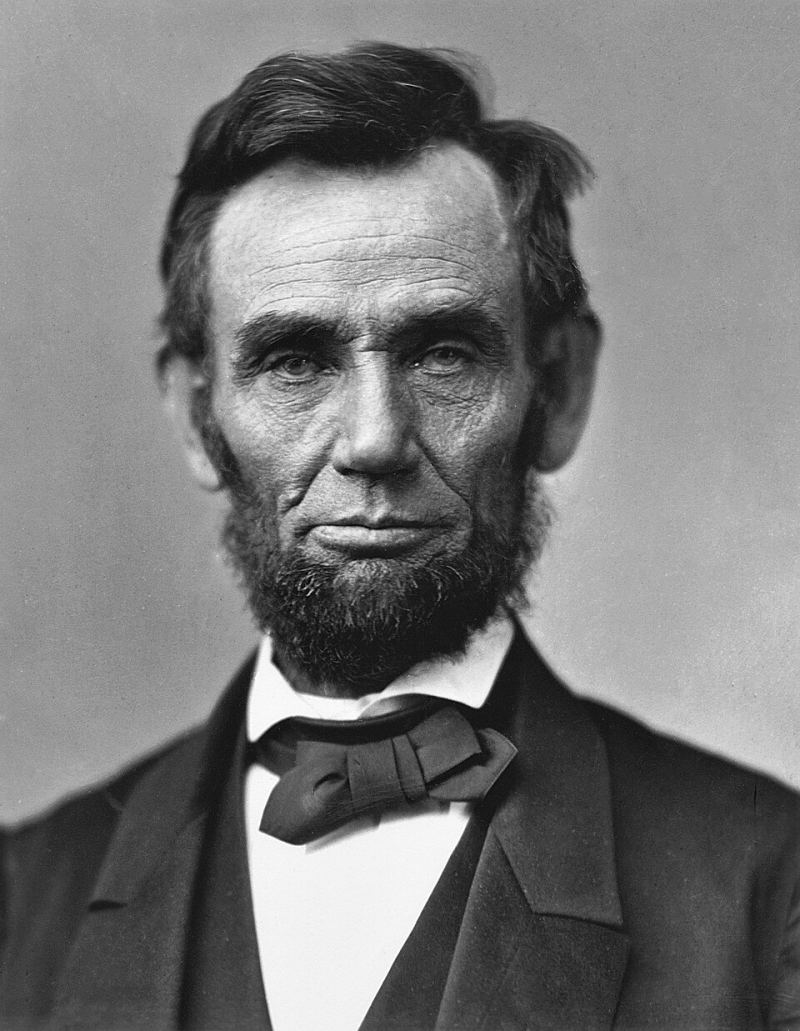
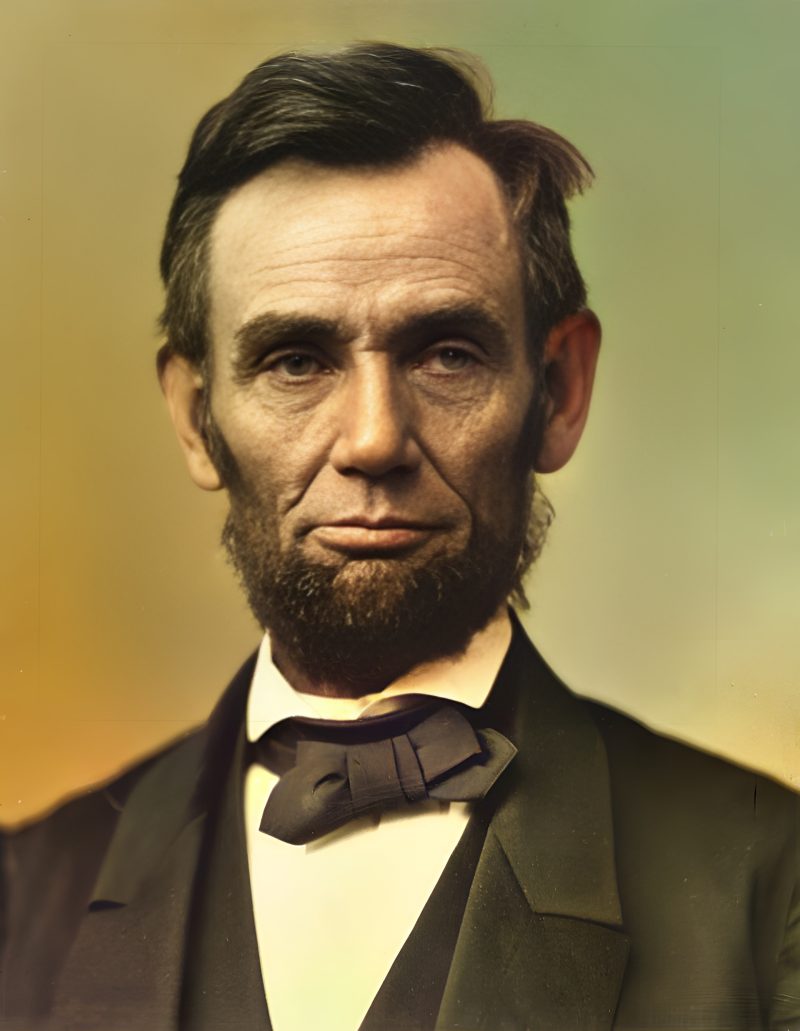
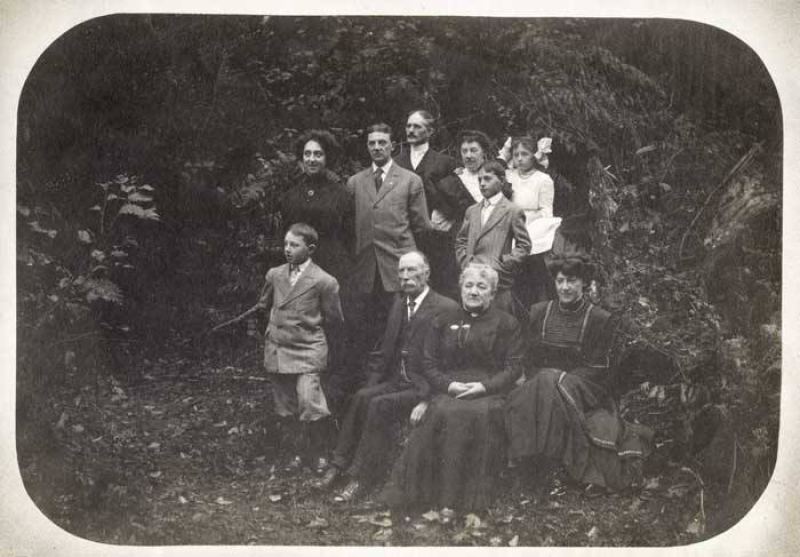
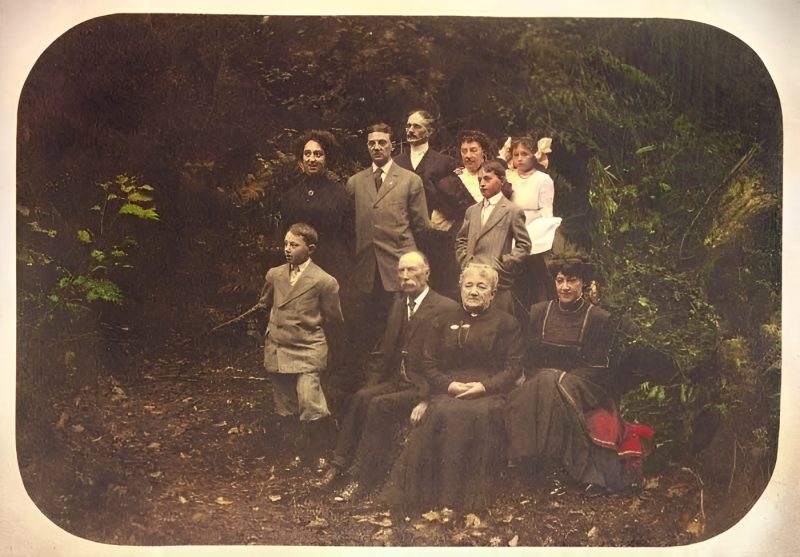
Examples
Pricing
Full resolution (2× upscaled), no watermark
Best value · $1.80 per photo
One-time payment via PayPal (card accepted, no account needed in most countries). No subscription. Not happy? Email us within 7 days for a refund.
FAQ
Can I restore a whole album?
Upload up to five photos per order ($9). For larger batches, email us.
Do you keep family photos?
No. Files are deleted after 7 days and never used for training.
How does PayPal checkout work?
After the free preview, pay the exact amount shown. We match PayPal receipts by unique cents, then release downloads.
More answers on the full FAQ.
More guides
- Home – upload & free preview
- AI photo restoration online
- Restore old photos
- Restore torn photo · Polaroid · Childhood photo
- Military photo · Film slide · Colorize sepia
- Water-damaged · Yellowed · Blurry old photo
- Creased · Stained · Yearbook photo
- Vintage · Funeral / memorial · Colorize old family photo
- Colorize old wedding · Grandmother photo · Film negative
- Grandfather photo · Baby photo · Cracked photo
- Mother photo · Father photo · WWII photo
- Tintype photo · School photo · Pet photo
- Colorize black & white
- vs MyHeritage · vs VanceAI · vs Remini · vs Fotor · vs Photoshop · vs Topaz · vs Photomyne · vs PicWish · vs Cleanup.pictures · vs HitPaw · vs AVCLabs · vs GIMP · vs Canva